
Instructor-Led Training
Virtual Instructor-Led Training Built for Distributed Teams
SimpliTrain connects your virtual instructor-led training directly to Zoom, Microsoft Teams, and Adobe Connect, tools your learners already use every day. Run live, structured vILT sessions for teams across locations without adding a new tool, a new workflow, or a new learning curve.

Connect Your vILT Classes to Zoom, Teams, or Adobe
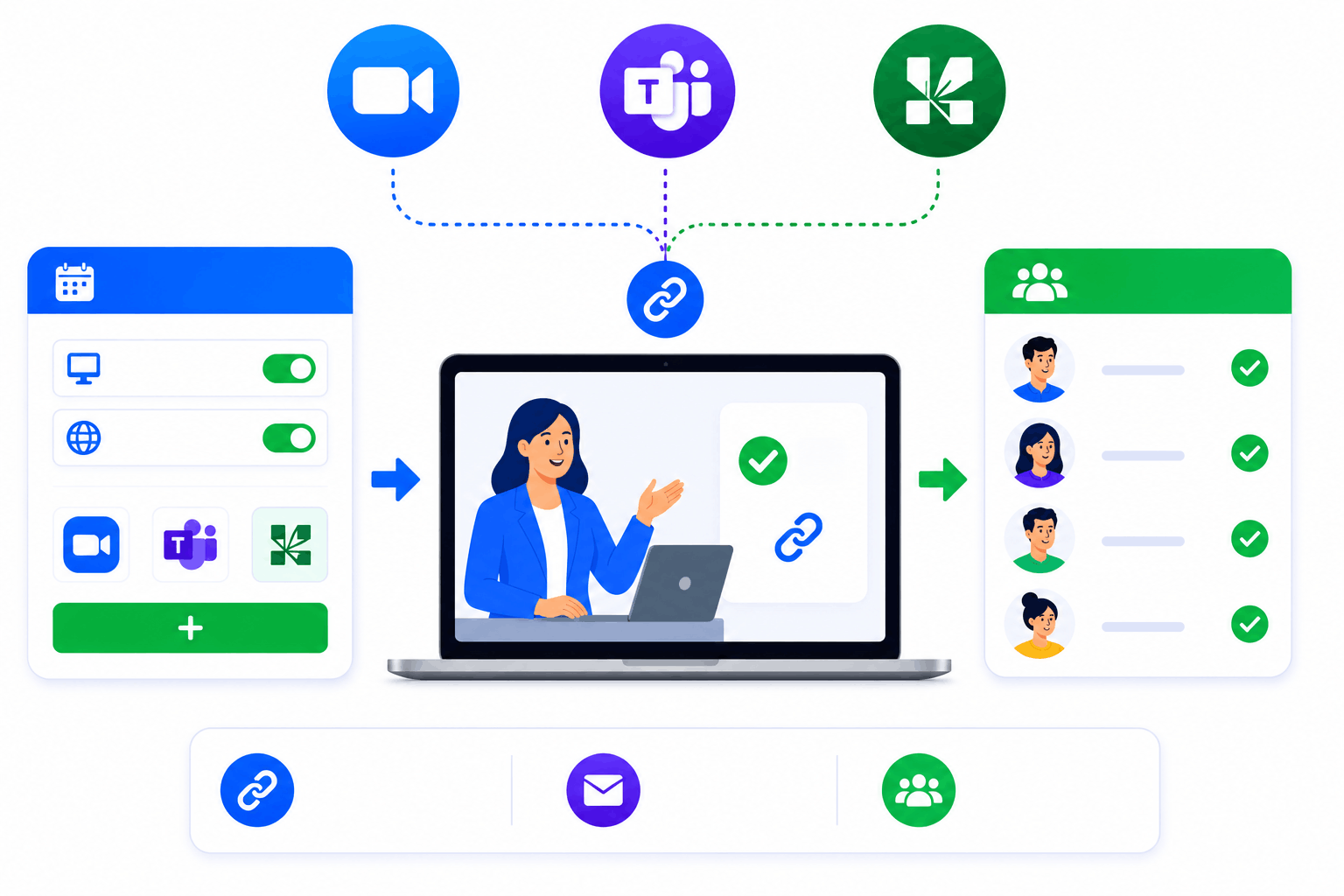
SimpliTrain natively supports Microsoft Teams, Zoom, and Adobe Connect for virtual instructor-led training delivery. You create the class in SimpliTrain, set the delivery mode to virtual, and select your conferencing platform, the join link is generated and distributed automatically to enrolled learners.
No manual copy-paste, no separate calendar invites sent from outside the platform. Every learner gets access through the same enrollment flow you already use for instructor-led classes.
- Zoom integration
- Microsoft Teams integration
- Adobe Connect integration
One Enrollment Flow for Physical and Virtual Classes
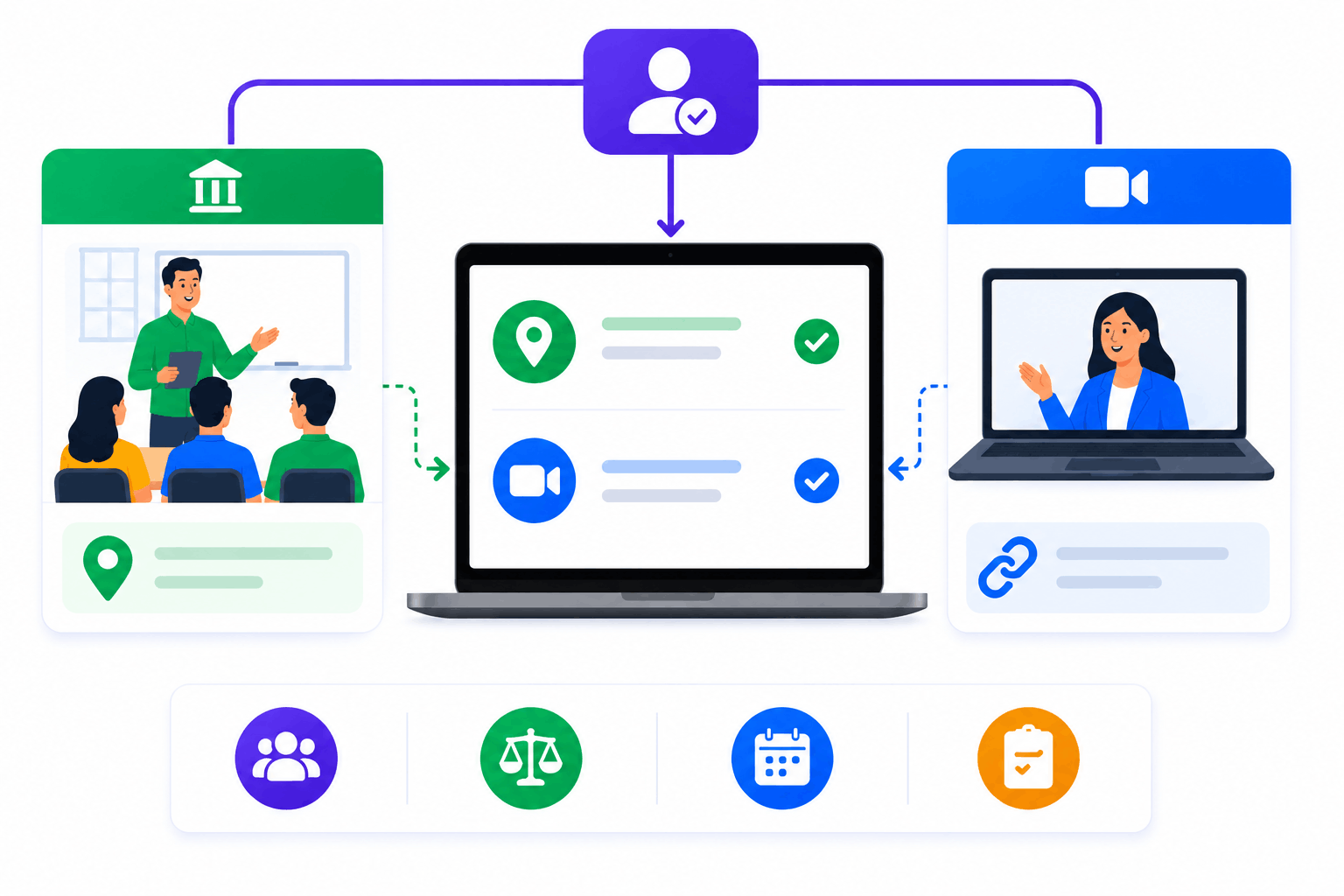
SimpliTrain uses the same enrollment process for virtual classrooms as it does for in-person sessions. When you switch a class to virtual delivery, the learner experience on their end changes by exactly one thing — the join link replaces the venue address.
Attendance tracking, instructor assignment, session scheduling, and post-class surveys all work identically. For L&D teams managing both formats, this removes the operational split that typically requires two separate tools.
- Unified enrollment flow
- Virtual and physical parity
- Same attendance process
Run a Session for Mumbai and Manchester at the Same Time
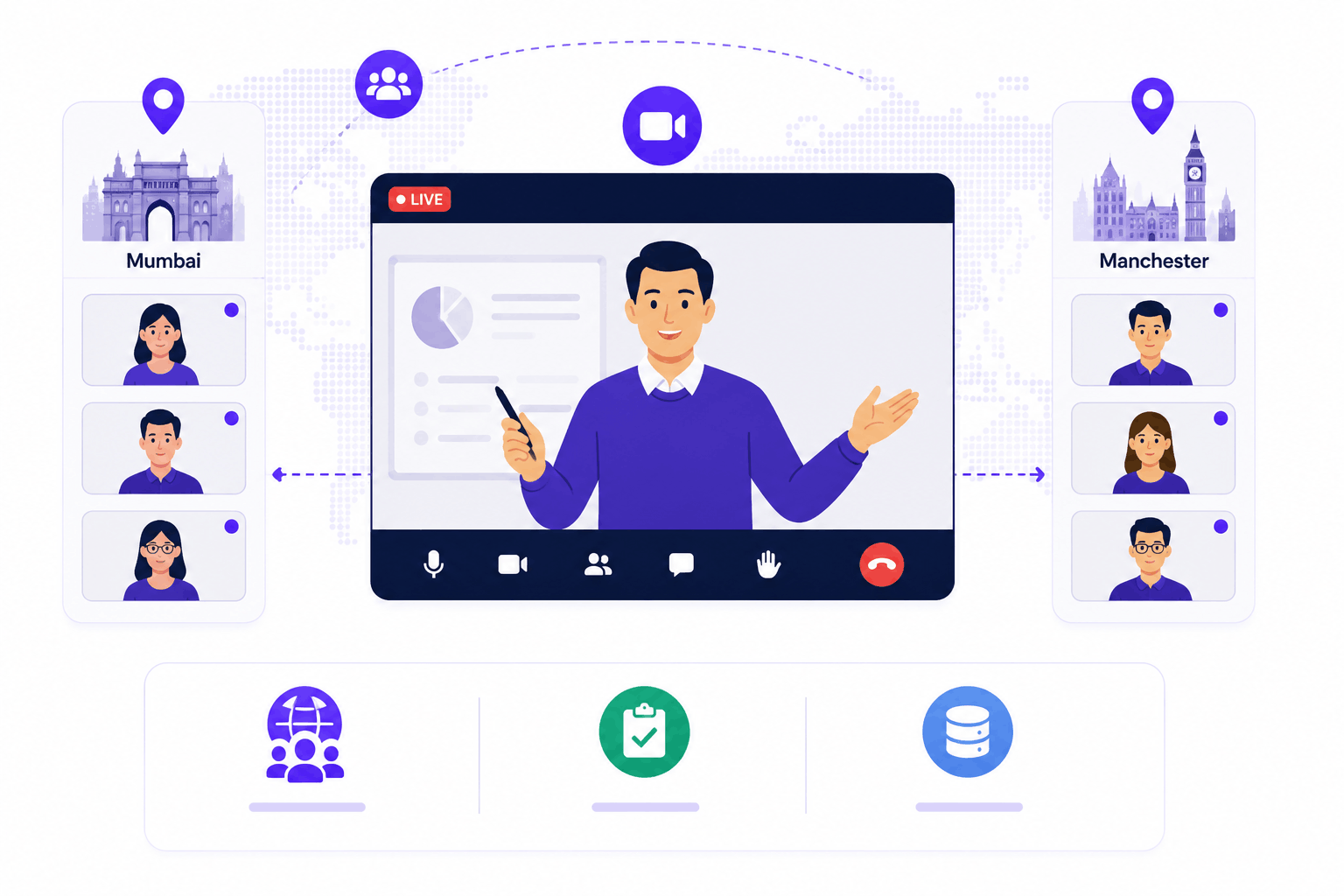
Virtual instructor-led training in SimpliTrain has no geographic boundary built into the class structure. You enroll learners from any location into the same class, and each one receives the same join link and session schedule. Attendance is recorded by the instructor within SimpliTrain, not inside the video platform separately, keeping your records in one place.
- Cross-location enrollment
- Instructor-led attendance capture
- Centralized session records
Access SimpliTrain Training Directly Inside Teams (Coming Soon)
SimpliTrain’s Microsoft Teams app integration is in active development and near completion. Once live, your learners will access their SimpliTrain training directly from within the Teams interface, no tab-switching, no separate login.
For Microsoft-first organizations, this is the kind of integration that removes the last friction point between your tools and your training.
- Native Teams app
- In-app training access
- Zero context switching

Keep the Conversation Going Between vILT Sessions
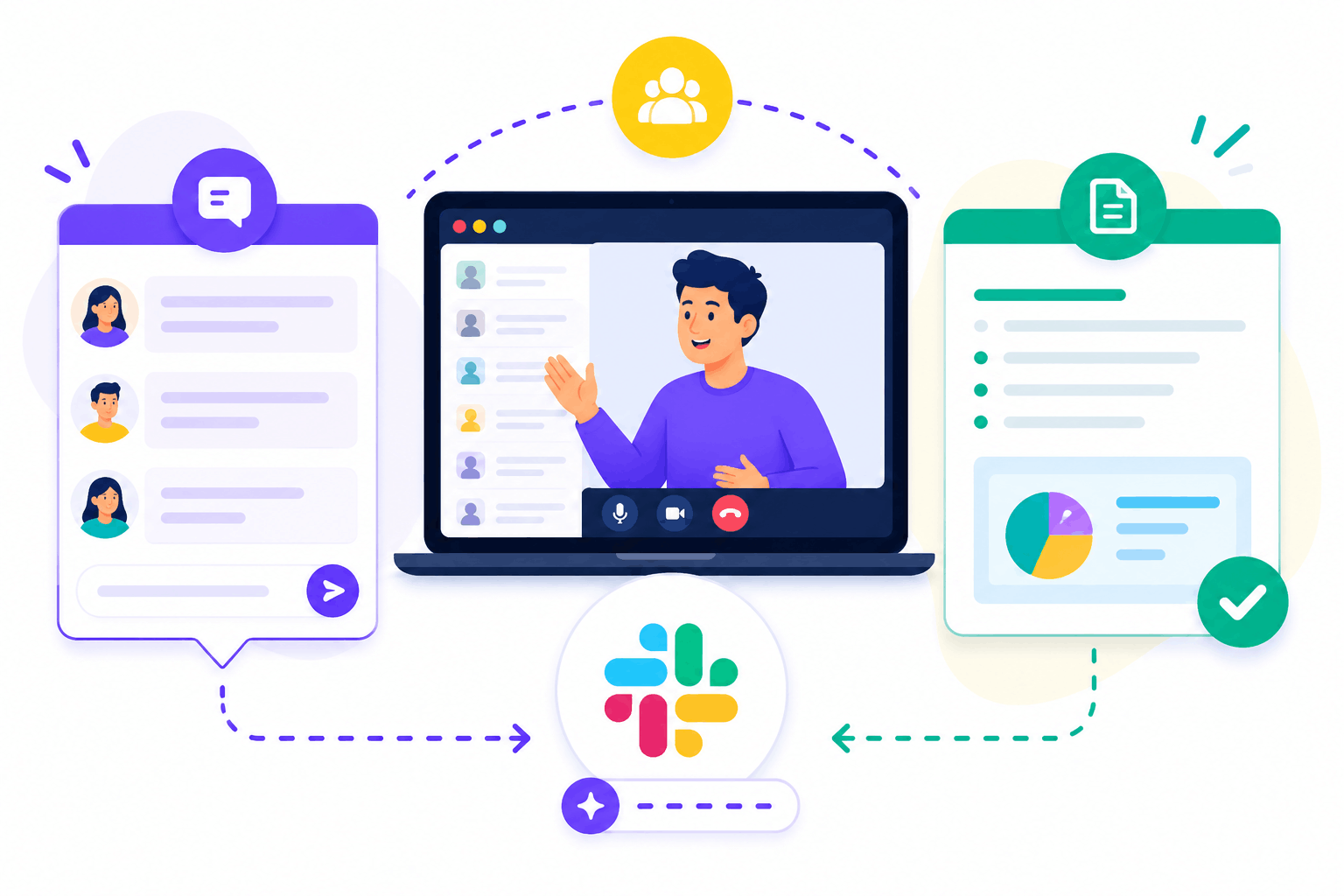
Instructor-led online courses work best when learners stay engaged between live sessions, not just during them. SimpliTrain includes a class-level discussion board that stays active before the first session, across every session, and after the last one ends. Slack integration is also in development, which will extend async engagement into the channels your team already monitors. Instructors can add and share in-class notes directly with enrolled learners after each session, so the key points from the live room don’t disappear when the call ends.
- Class discussion board
- Shareable instructor notes
- Slack integration (coming soon)
Run Your First vILT Session in
SimpliTrain Today!
Frequently Asked Questions
1. How do I set up a virtual instructor-led training class in SimpliTrain?
Start by creating a course, then create a class on top of it and set the delivery mode to virtual. Select your conferencing platform, Zoom, Teams, or Adobe Connect, and SimpliTrain generates the join link automatically. Enrolled learners receive it without any manual steps on your end.
2. Which video conferencing platforms does SimpliTrain support for vILT?
SimpliTrain currently supports Microsoft Teams, Zoom, and Adobe Connect for virtual instructor-led training delivery. All three work within the same class creation and enrollment workflow, so you choose the platform without changing any other part of the setup.
3. Does SimpliTrain integrate directly with Microsoft Teams or Zoom?
Yes, SimpliTrain integrates with both. Join links are generated automatically inside the platform. A native Microsoft Teams app integration is also in active development, which will allow learners to access SimpliTrain training directly from within the Teams interface.
4. How does attendance work for virtual classes?
Attendance for virtual instructor-led classes is recorded by the instructor directly inside SimpliTrain, the same way it works for physical sessions. You mark attendance within the platform, so records stay centralized and don’t need to be exported from the video conferencing tool separately.
5. Is vILT included in all SimpliTrain plans?
SimpliTrain uses flat-rate pricing based on admin users, not per learner. Virtual classroom features are part of the platform, you’re not paying per session or per virtual class. Visit simplitrain.com/pricing for the full plan breakdown.
6. What does the learner experience look like for a virtual class?
Learners see their enrolled virtual classes in their SimpliTrain dashboard, with the session schedule and join link visible. They access the class discussion board, receive instructor notes after each session, and complete any post-session assessments, all without leaving the platform.
7. Is learner and session data secure for virtual classes on SimpliTrain?
All enrollment data, attendance records, and class notes for virtual instructor-led training sessions are stored within SimpliTrain’s platform with role-based access controls. Contact the SimpliTrain team for information on specific compliance certifications and data handling policies relevant to your region or industry.
