
Mobile Learner Experience
A Mobile Learner Experience Built for Your Team
SimpliTrain gives learners a dedicated mobile interface that is completely separate from the admin view and purpose-built for how people actually learn. From enrolled courses and upcoming classes to AI-powered course recommendations, every learner gets a clean, focused experience that keeps them moving from start to certificate.

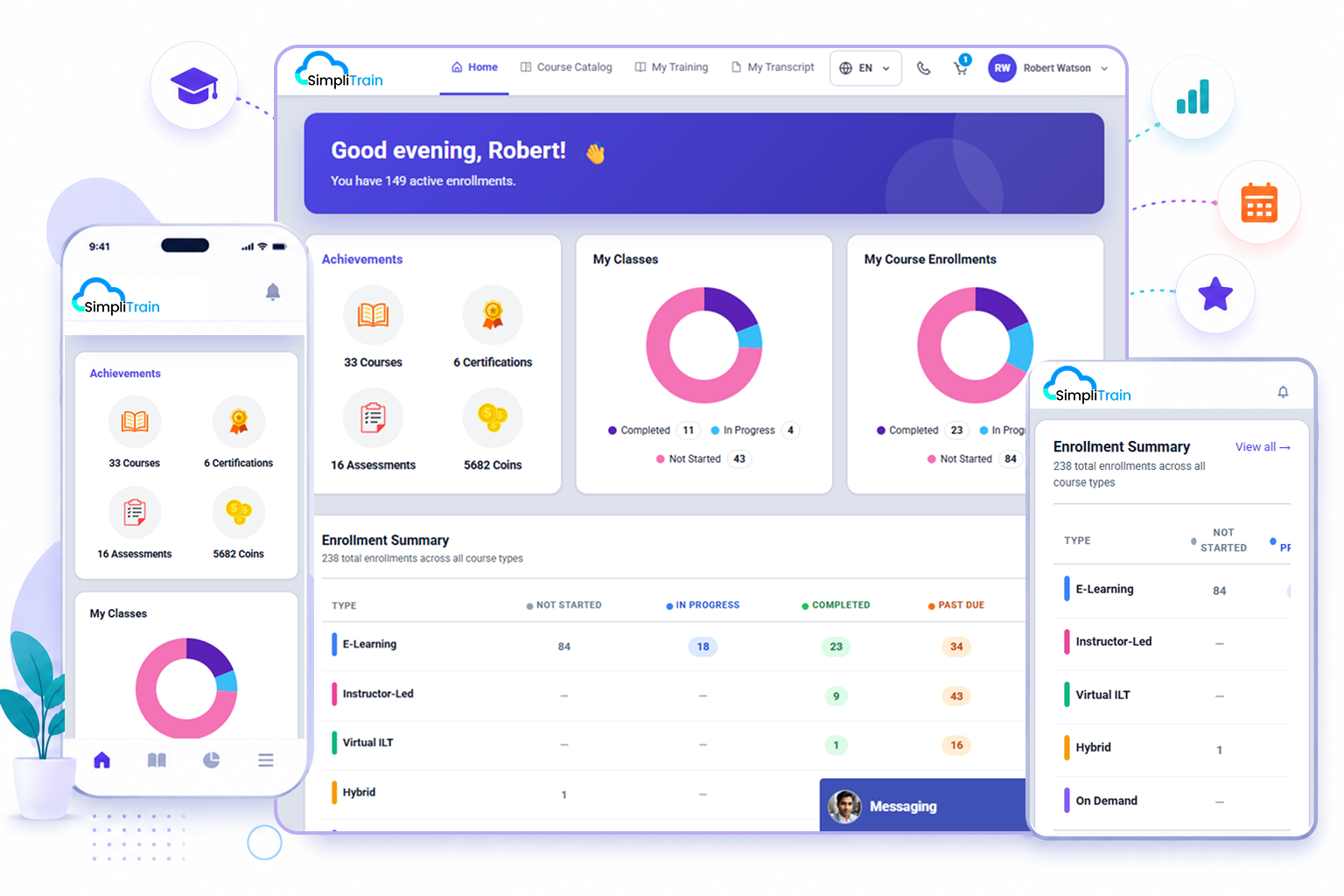
One Learner Dashboard for Courses, Classes, and Progress
SimpliTrain gives every learner a single dashboard that shows everything relevant to their training, and nothing that is not. Enrolled courses, upcoming instructor-led classes, assessment scores, completion progress, and personalized recommendations all appear in one place without requiring any navigation into admin-side menus.
The learner UI is built as a standalone interface, separate from the admin panel, so the experience stays uncluttered and focused on what the learner needs to do next. This LMS mobile experience works across devices, so learners pick up where they left off whether they are on a phone, tablet, or desktop.
- Enrolled course view
- Upcoming class schedule
- Progress and score summary
AI Buddy Knows Your Course Catalog, Not the Internet
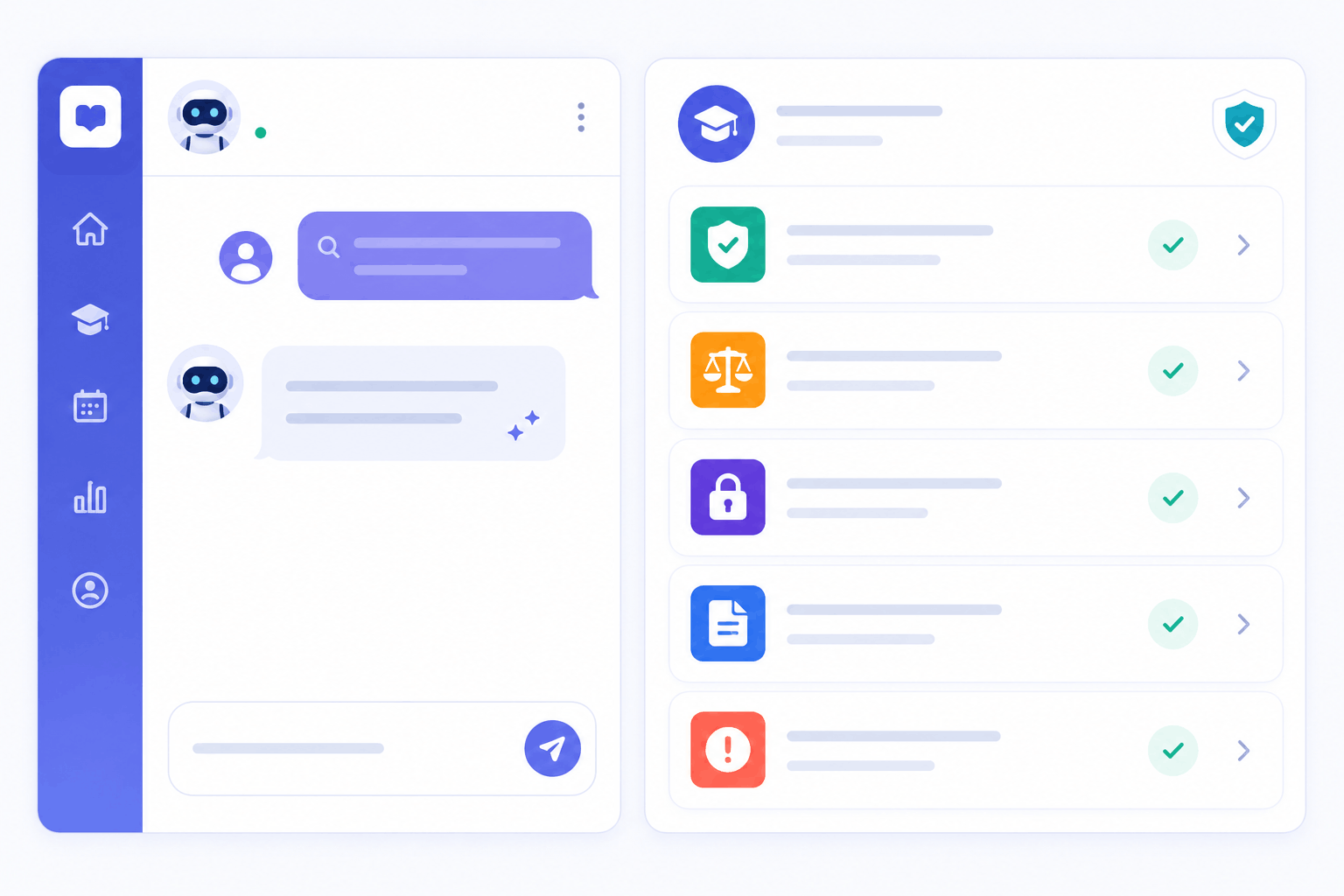
SimpliTrain’s AI Buddy is a chatbot built into the learner interface that answers questions using only your organisation’s course library. A learner can type “show me compliance courses under two hours” and get accurate, filtered results from your catalog immediately.
The AI Buddy does not pull from a generic knowledge base or external sources, so every suggestion it surfaces is a course the learner is actually eligible to take. For organisations with large mobile learning course libraries, this removes the friction of browsing and searching manually.
- Catalog-specific responses
- Natural language course search
- Eligibility-filtered results
Learners Get Personalised Course Recommendations on Demand
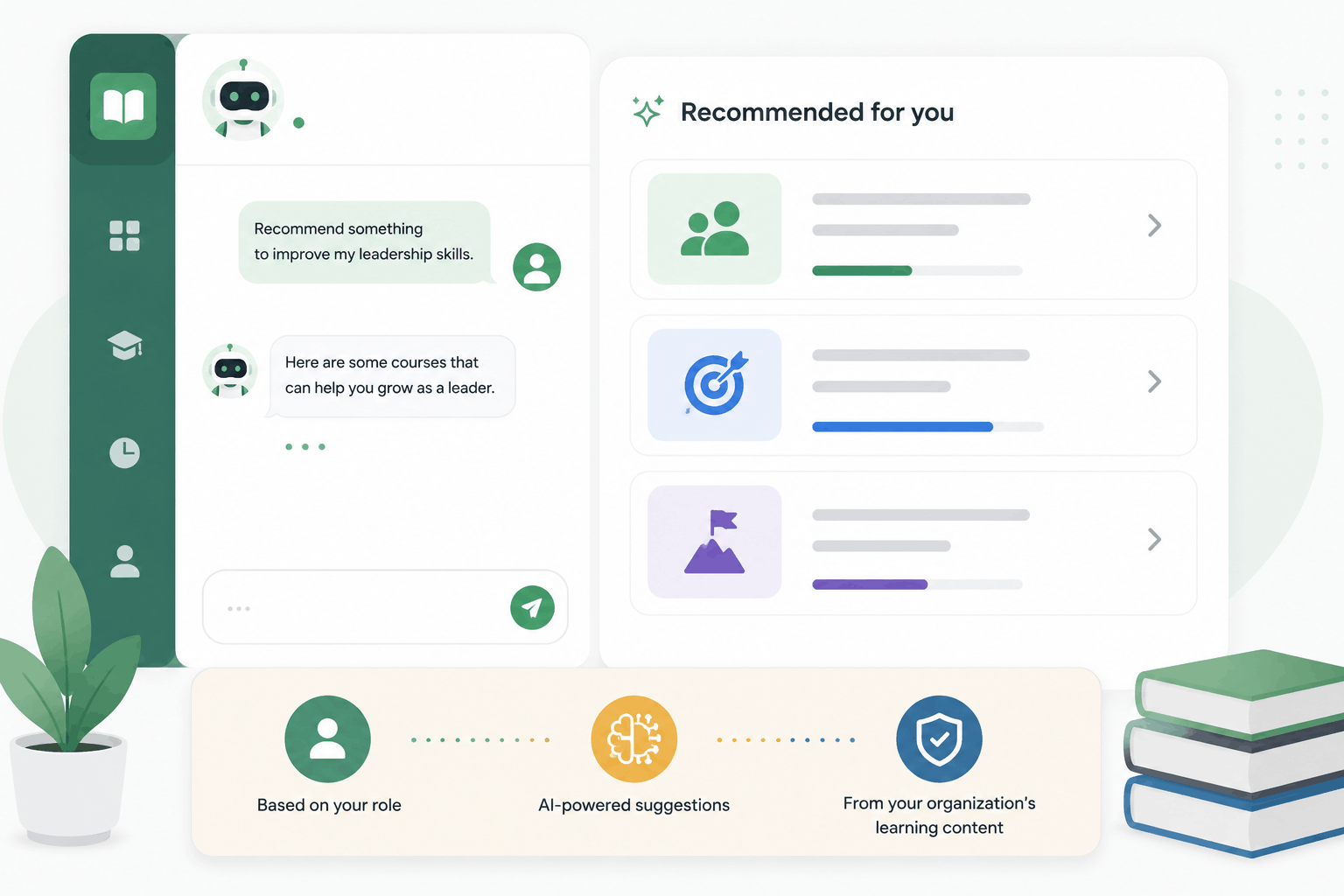
SimpliTrain surfaces course recommendations directly in the learner dashboard based on the content available in their learning centre. A learner does not need to know what to look for. They can ask the AI Buddy to recommend something based on their role, their goals, or a topic they want to develop.
Every recommendation comes from courses your organisation has already set up, not from an external source.
- Role-based recommendations
- AI Buddy suggestion engine
- Organisation-scoped results
Learners Access Everything from Any Device, Any Time
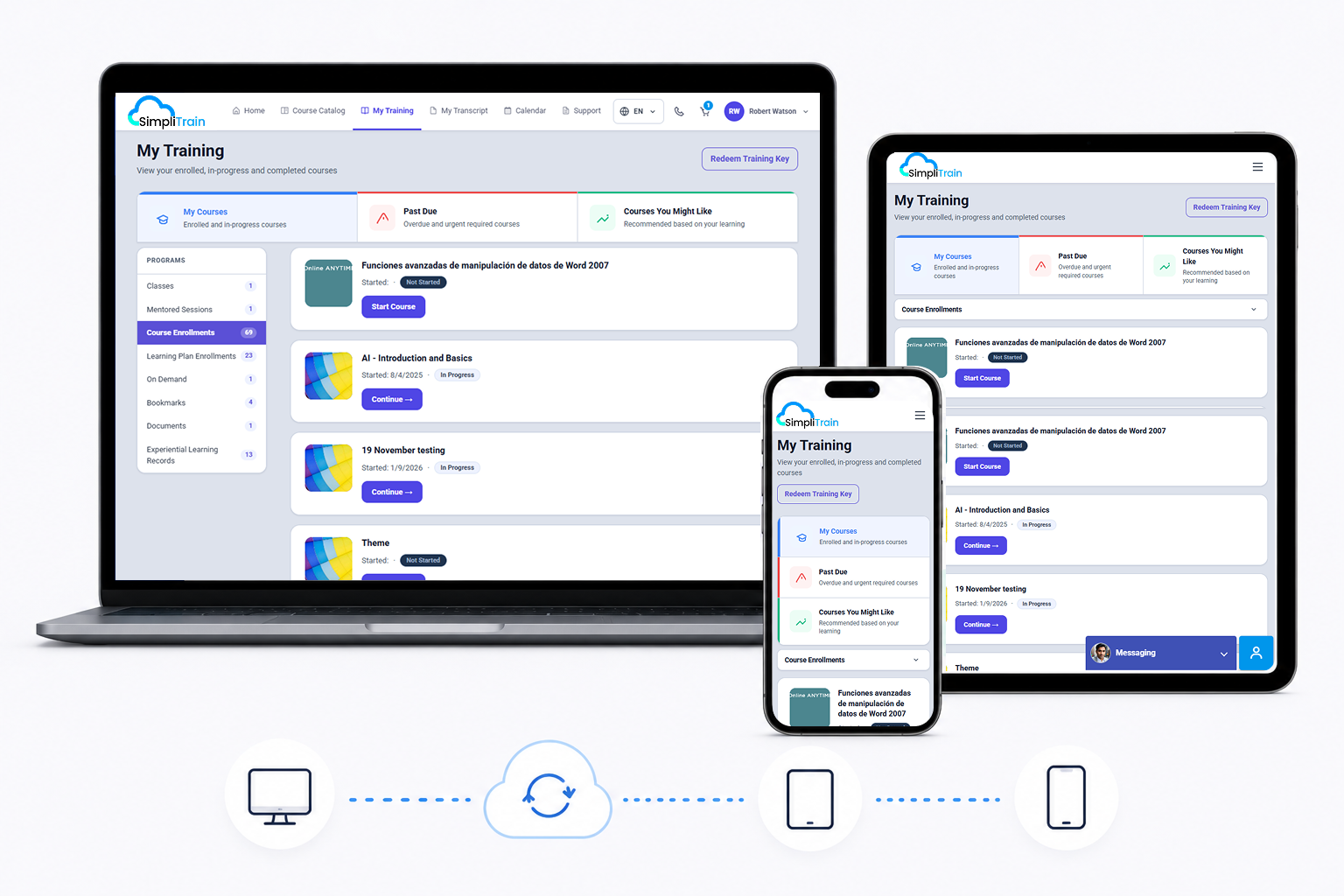
SimpliTrain’s learner interface is fully responsive and accessible across mobile, tablet, and desktop without a separate app download. A learner who starts a course on desktop continues it on mobile without losing progress. The experience adapts to the screen without degrading the content or layout.
- Responsive across devices
- Cross-device progress sync
- No app download required
Keep Learners Informed with Scores, Status, and Next Steps
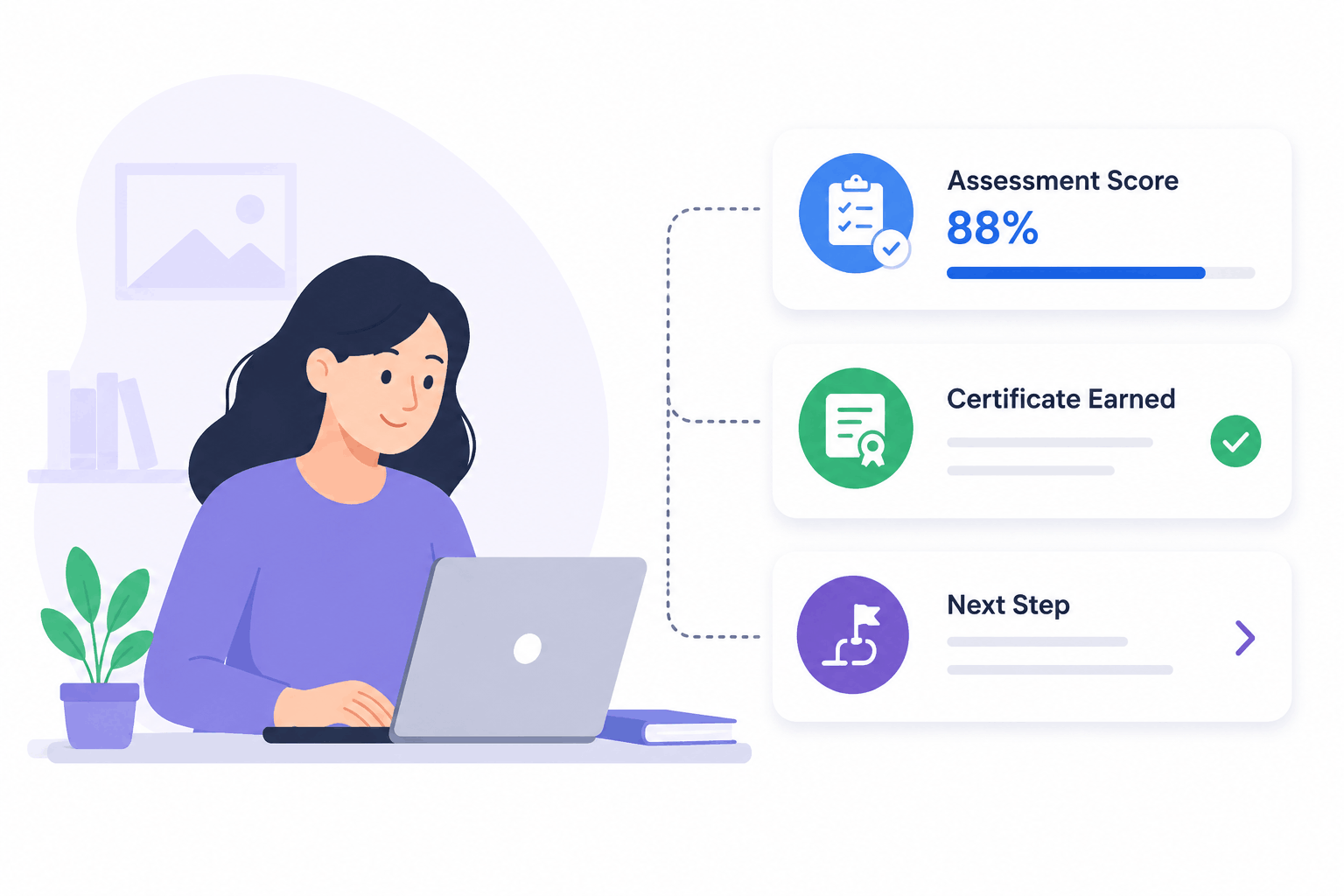
SimpliTrain shows each learner their assessment scores, course completion status, and any certificates earned directly from their dashboard. There is no need to contact an admin or wait for a report to be shared.
For learners inside a blended learning path, the dashboard shows the full sequence, including which steps are complete, which are upcoming, and what is required to unlock the next step. This level of visibility keeps learners accountable to their own progress without additional follow-up from your team.
- Assessment score display
- Certificate status visibility
- Learning path progress view
Give Your Learners the Experience They Deserve in
SimpliTrain Today!
Frequently Asked Questions
1. How do learners access SimpliTrain on mobile?
Learners access SimpliTrain through any mobile browser without needing to download a separate app. The learner interface is fully responsive and adapts to any screen size, keeping the experience consistent across devices.
2. What can learners do from the mobile learner dashboard?
Learners can view enrolled courses, check upcoming class schedules, track completion progress, see assessment scores, access certificates, and use the AI Buddy to search or get course recommendations. Everything is available from one mobile-optimised view.
3. Does SimpliTrain integrate with any external learning tools or content providers?
SimpliTrain supports SCORM-compliant content and integrates with Microsoft Teams, Zoom, and Adobe Connect for virtual classes. For a full list of supported integrations, visit simplitrain.com/integrations.
4. How does the AI Buddy work for learners on mobile?
The AI Buddy is a chatbot inside the learner interface that answers questions and makes course recommendations using only your organisation’s content library. Learners type a query in natural language and receive relevant results filtered to courses they are eligible to access.
5. Is the mobile learner experience included in all SimpliTrain plans?
Yes, the learner dashboard and AI Buddy are part of the SimpliTrain platform. Pricing is based on admin users with no per-learner charge, so your entire workforce can access the mobile learner experience regardless of team size. Visit simplitrain.com/pricing for plan details.
6. Can learners see their certificates and scores from the mobile view?
Learners can view their assessment scores, course completion status, and earned certificates directly from their SimpliTrain mobile dashboard. No admin action is needed to share this information with them.
7. Is learner data secure on the SimpliTrain mobile interface?
All learner data in SimpliTrain, including progress records, scores, and certificates, is stored with role-based access controls. Learners only see their own data. Contact SimpliTrain for details on data security practices and compliance certifications relevant to your industry.
