
SCORM and External Content
SCORM and External Content That Works With Any Authoring Tool
SimpliTrain is built on SCORM, the industry standard for eLearning content portability, which means any course file created in Articulate, Adobe Captivate, iSpring, SimpliAuthor, or any other authoring tool uploads and runs correctly in SimpliTrain.
Your existing content investments work from day one, and external courses from another platform can be surfaced in your SimpliTrain catalog without migrating a single file.

Upload Any SCORM File and Launch a Course in Minutes
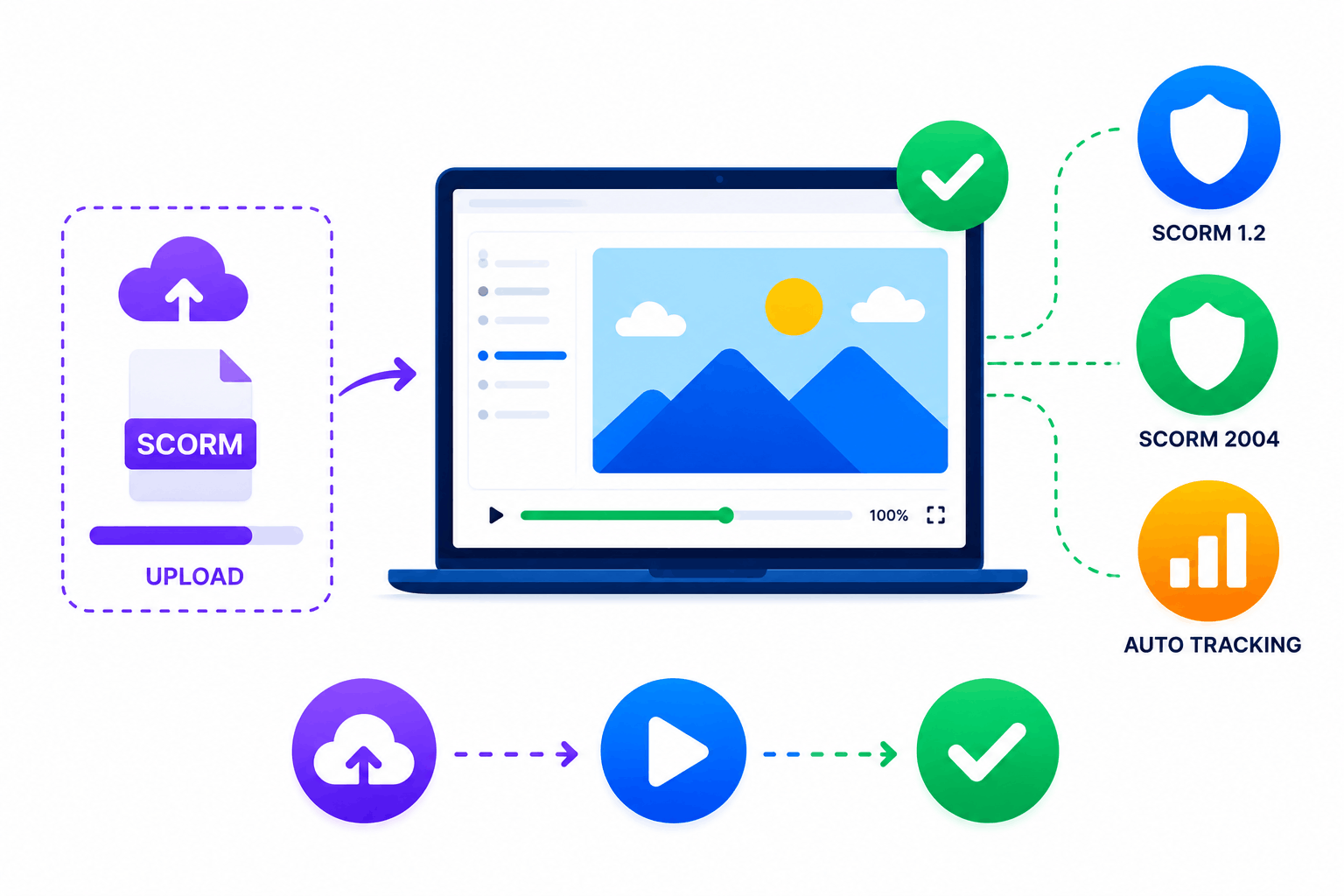
SCORM is the file format that makes eLearning content portable across learning management systems. A SCORM file packages your slides, videos, quizzes, and navigation into one file that any SCORM-compatible LMS — including SimpliTrain — can receive, run, and track.
SimpliTrain supports SCORM 1.2 and SCORM 2004, covering the vast majority of content produced by modern authoring tools. You upload the SCORM file to create or update a course, and the platform handles playback, progress tracking, score capture, and completion recording automatically without any additional configuration.
- SCORM 1.2 support
- SCORM 2004 support
- Automatic progress and score tracking
Use SimpliAuthor to Build SCORM Content and Import It Directly
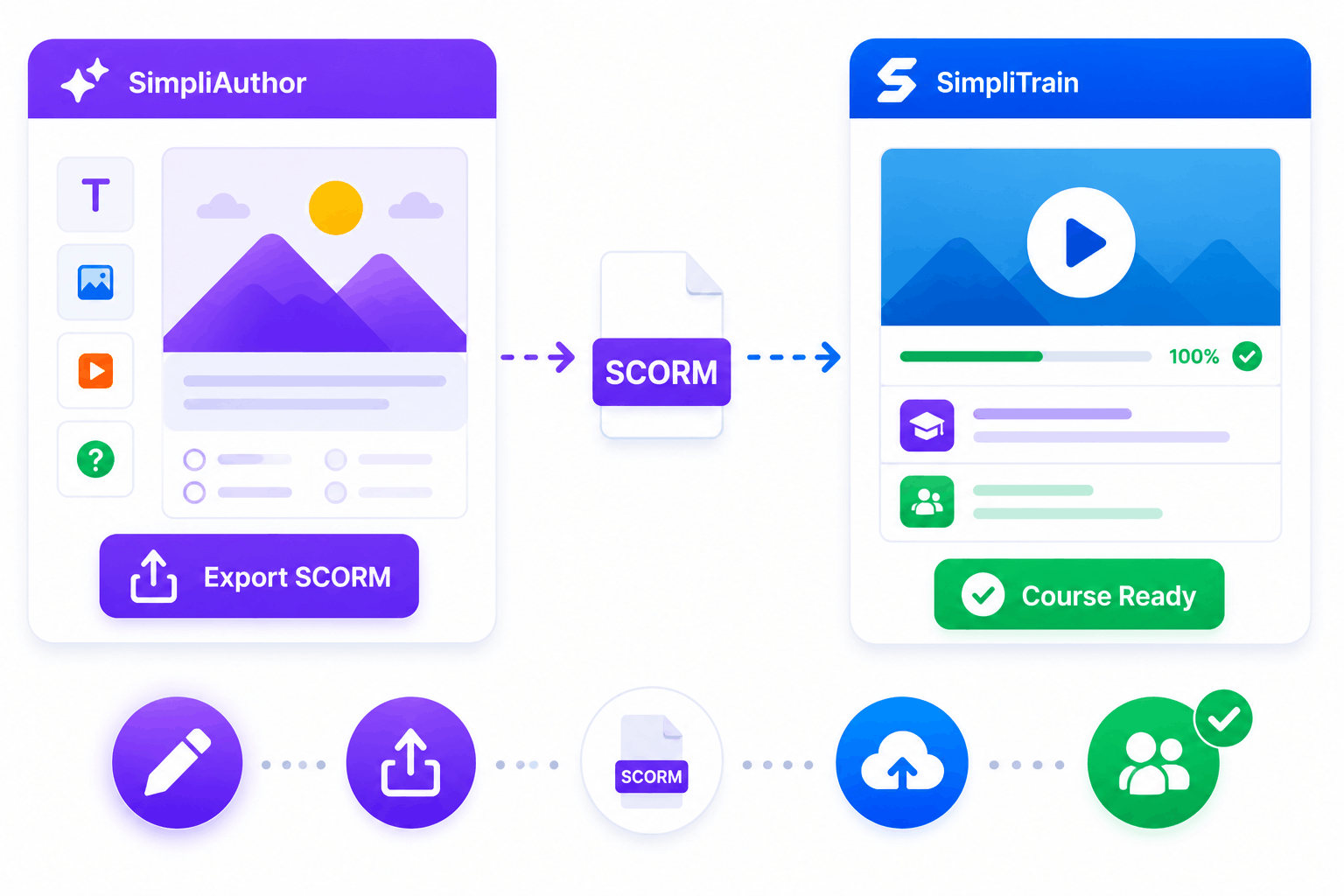
SimpliTrain’s AI-powered authoring companion exports SCORM-compliant files that upload directly into SimpliTrain as fully formed course records. The end-to-end workflow is: create content, export the SCORM file, upload it into SimpliTrain, and the course is ready for enrollment. This create-to-deliver pipeline removes the handoff friction that exists when authoring and LMS tools are unconnected.
A direct integration between SimpliAuthor and SimpliTrain is on the product roadmap, which will make the SCORM export and import step happen without leaving either platform.
- SimpliAuthor SCORM export
- Direct SimpliTrain import
- End-to-end authoring pipeline
Pull External Courses Into Your Catalog Without Migrating Files
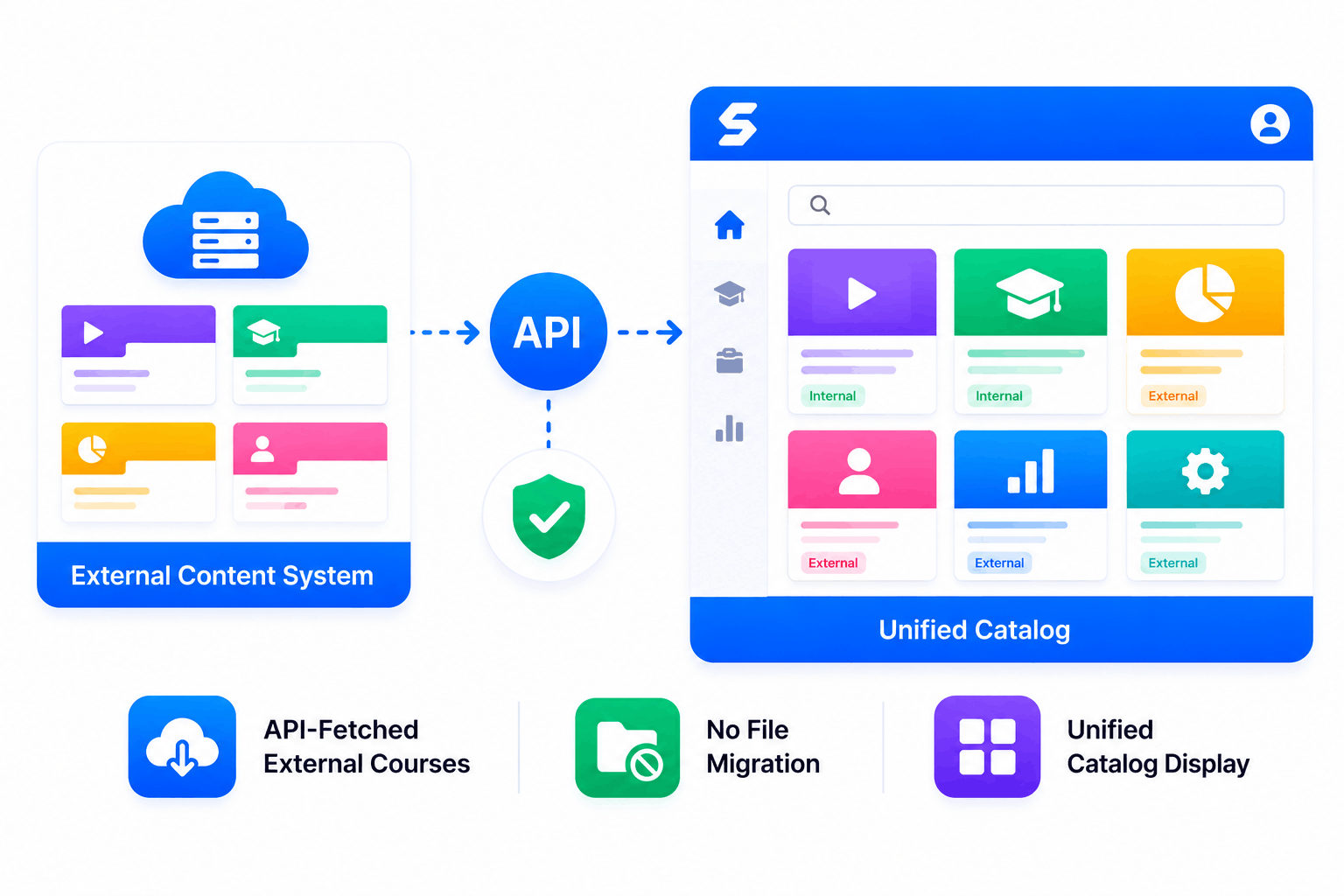
SimpliTrain can connect to an external content system via API and fetch course listings from it, displaying them in the SimpliTrain catalog alongside natively hosted courses. A learner browsing the catalog sees one unified list.
They can enroll in or purchase an externally-fetched course through SimpliTrain without SimpliTrain hosting the actual course files. For enterprise organisations with years of content investment in another platform, this API-fetched approach removes the migration barrier that typically delays LMS adoption.
- API-fetched external courses
- No file migration required
- Unified catalog display
Track Every SCORM Completion, Score, and Progress Point Automatically
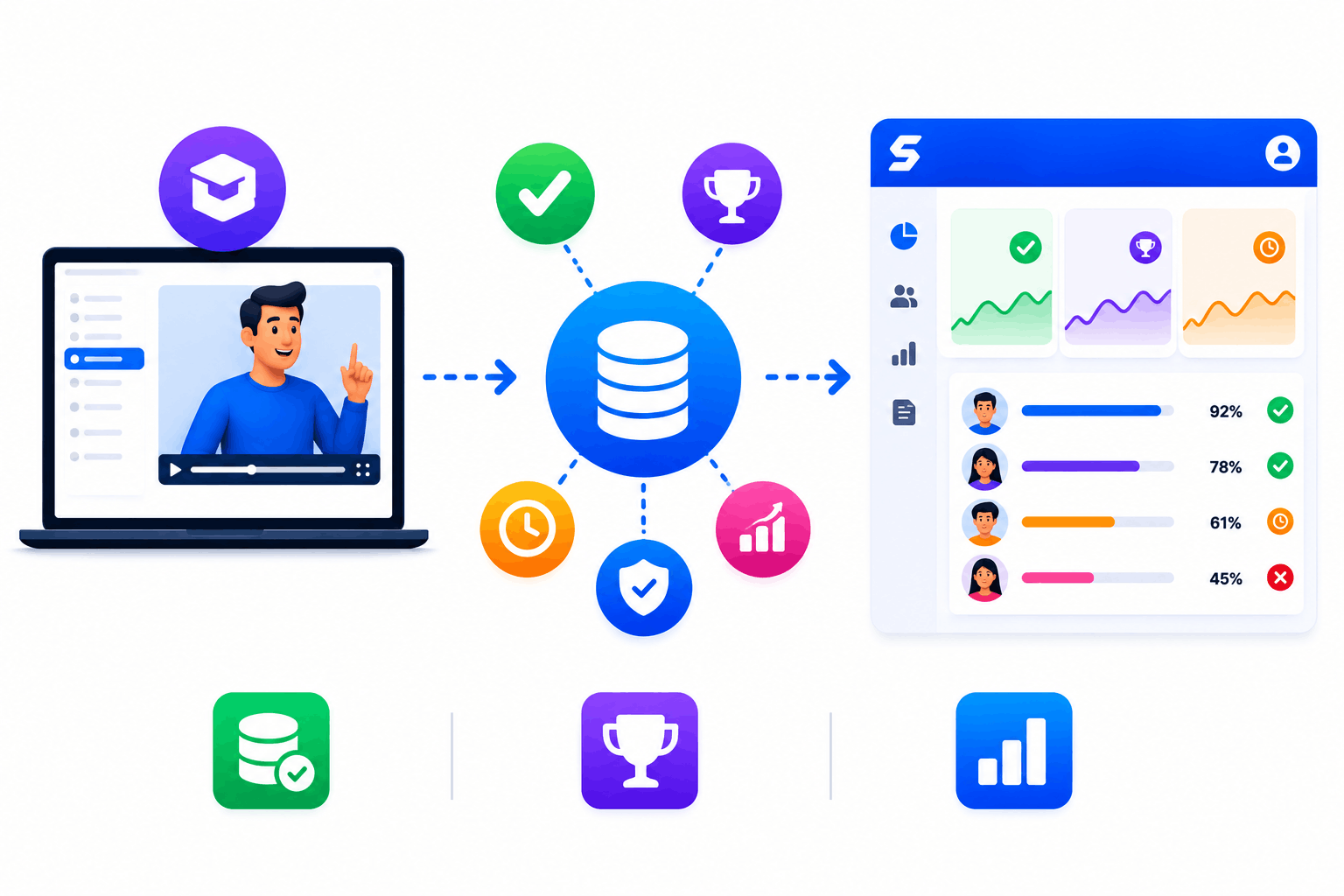
SimpliTrain captures all SCORM tracking data automatically when a learner progresses through a course, including completion status, assessment scores, time spent per chapter, and pass or fail outcome. This data feeds into the admin reporting panel in real time without requiring any additional setup beyond the course upload.
For compliance programs where completion and score records are required for audit, this automatic SCORM data capture is the foundation of a reliable compliance tracking system.
- Automatic SCORM data capture
- Score and completion tracking
- Real-time admin reporting
Understand What a SCORM File Contains and Why It Matters
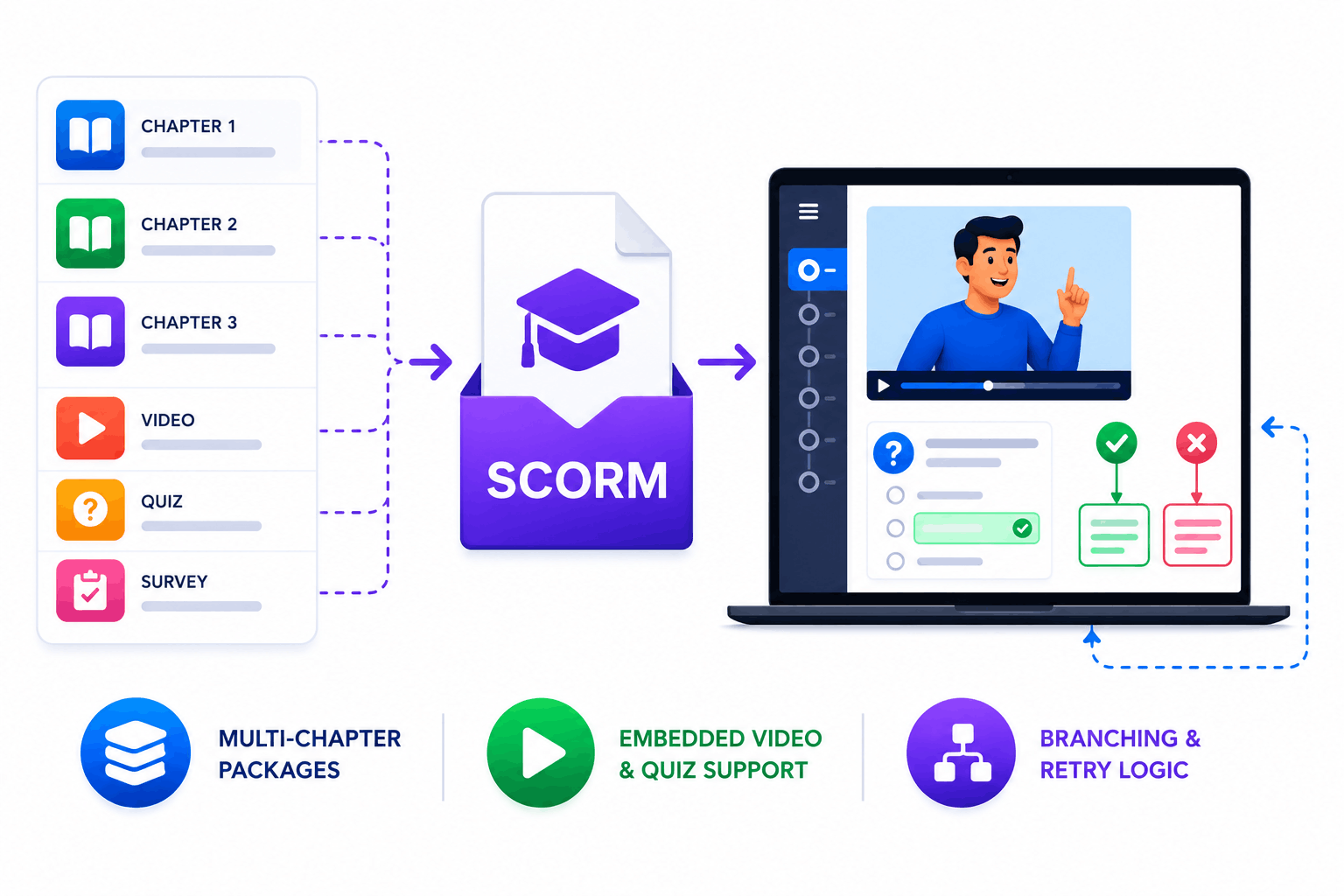
A SCORM file is not just a video or a slide deck. It is a packaged learning unit that can contain multiple chapters, embedded videos, interactive exercises, knowledge checks, surveys, and navigation logic all in one file. When you upload a SCORM file into SimpliTrain, the platform reads the package and presents the full learning experience to the learner exactly as the author intended, including branching, remediation, and retry logic.
For buyers evaluating SimpliTrain who currently use Articulate Storyline, Adobe Captivate, or iSpring Suite, this means existing content libraries are immediately compatible and do not require conversion or rebuilding.
- Multi-chapter SCORM packages
- Embedded video and quiz support
- Branching and retry logic support
Upload Your First SCORM Course Into
SimpliTrain Today!
Frequently Asked Questions
1. How do I upload a SCORM course into SimpliTrain?
You create a course record in SimpliTrain and upload the SCORM file using the content upload panel. SimpliTrain reads the SCORM package and sets up the course with its chapters, activities, and embedded assessments automatically. The course is ready for learner enrollment once you publish it.
2. Which SCORM versions does SimpliTrain support?
SimpliTrain supports both SCORM 1.2 and SCORM 2004, which covers the output format of the vast majority of modern authoring tools including Articulate Storyline, Adobe Captivate, iSpring Suite, and SimpliAuthor. If you are unsure which version your authoring tool produces, SCORM 1.2 is the most widely supported starting point.
3. Can SimpliTrain display courses from another LMS without us migrating the files?
Yes, SimpliTrain can fetch course listings from an external platform via API and display them in the SimpliTrain catalog. Learners can enroll in or purchase externally-fetched courses through SimpliTrain without the files being hosted on SimpliTrain. Contact simplitrain.com/integrations for connection specifics.
4. What data does SimpliTrain capture from a SCORM course automatically?
SimpliTrain captures completion status, assessment scores, time spent, chapter progress, and pass or fail outcomes from every SCORM course a learner accesses. This data appears in the admin reporting panel in real time and is available for export without any additional configuration.
5. Is SCORM course delivery included in all SimpliTrain plans?
SimpliTrain uses flat-rate pricing based on admin users with no per-SCORM-upload or per-learner fee for SCORM course delivery. SCORM support, external content API integration, and automatic tracking data capture are all part of the platform. Visit simplitrain.com/pricing for the full plan breakdown.
6. What does a learner experience when they play a SCORM course in SimpliTrain?
Learners access the SCORM course from their dashboard or the catalog, and the course opens in the SimpliTrain player. They see the full learning experience as built by the author, including navigation, videos, interactive slides, embedded quizzes, and any branching logic, within the SimpliTrain interface.
7. Is SCORM content and learner tracking data stored securely in SimpliTrain?
All SCORM content files, learner progress records, scores, and completion data in SimpliTrain are stored with role-based access controls. Admins access tracking data within their permission scope. Contact SimpliTrain for details on data security practices, storage policies, and compliance certifications.
