
Skill Tracking Software for Learning and Development
Track Skills, Not Just Course Completions
SimpliTrain’s skill tracking shows you who has built capability across your organisation, not just who clicked through a course. You get a tag-based skill framework that connects training activity to competency data across every learner and program you manage.

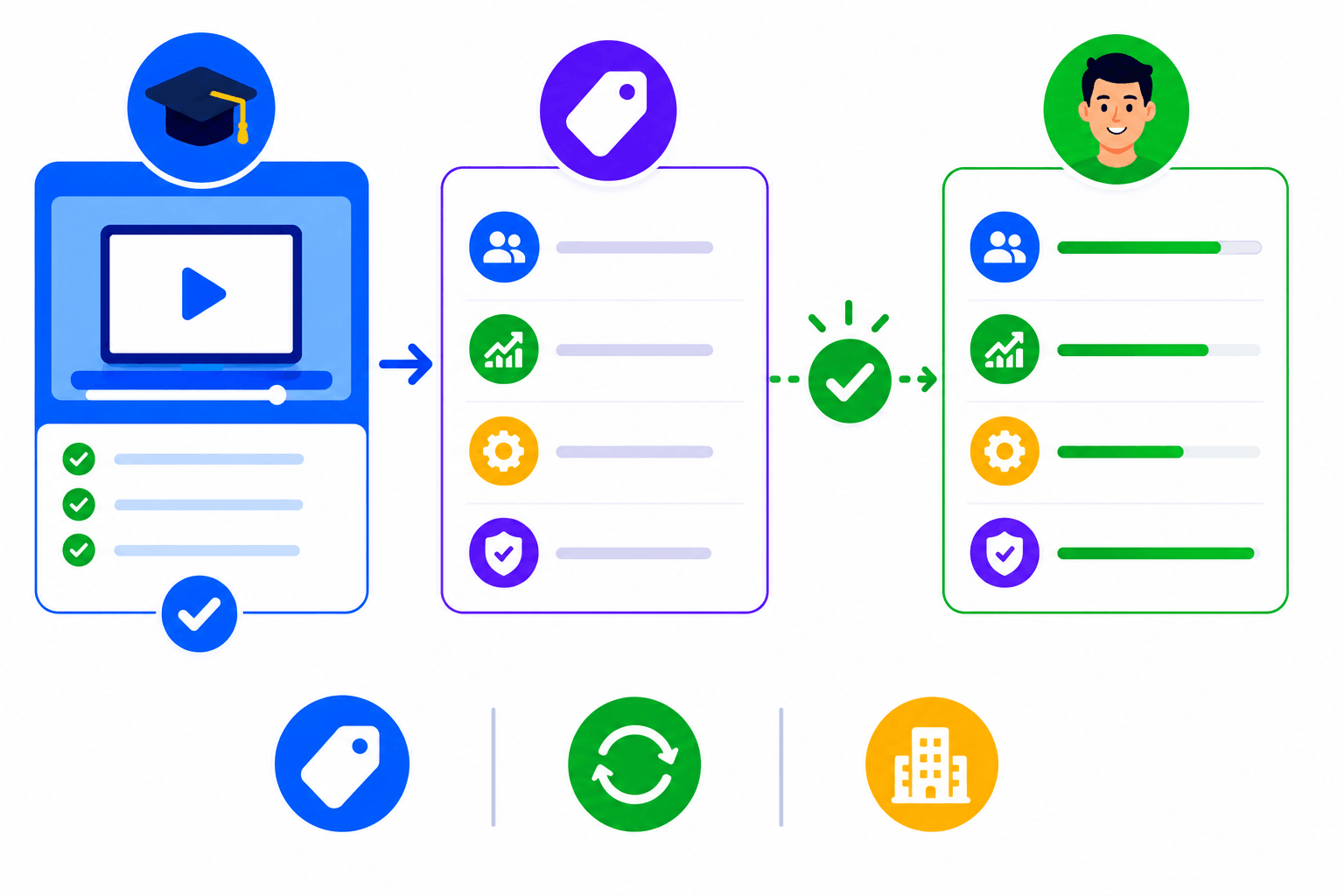
Tag Courses to Skills and Track Progress Automatically
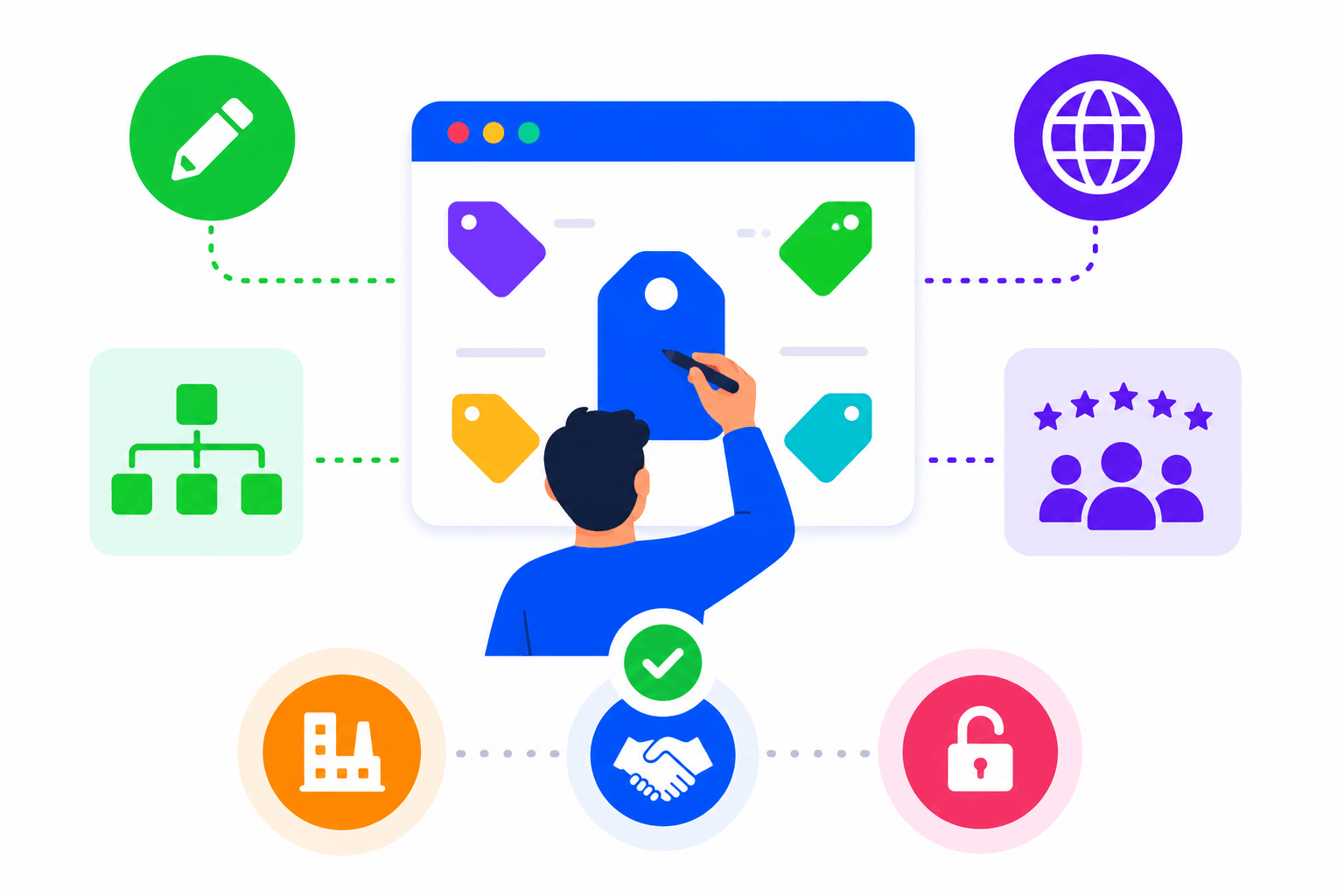
SimpliTrain uses a configurable tag-based system to connect courses to the skills they build. When a learner completes a course, their progress against every linked skill tag updates automatically. You define your own skill taxonomy per organisation, so the framework reflects your competency language, not a generic industry default. This makes skill tracking immediately relevant to your workforce structure.
- Custom skill tag taxonomy
- Automatic tag-based progress update
- Organisation-defined competency language
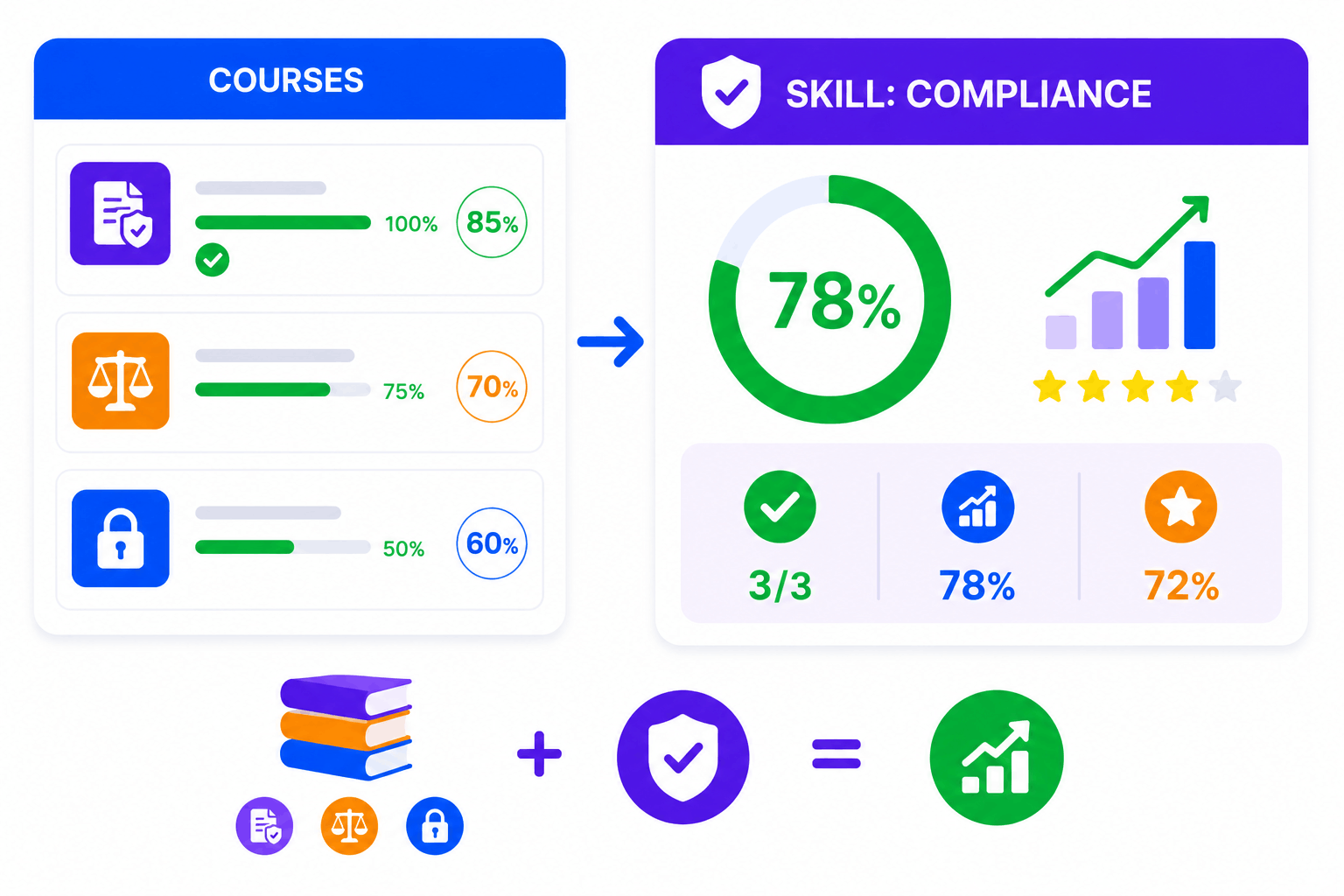
Group Related Courses Under a Single Skill for a Clearer Picture
SimpliTrain groups all courses carrying the same skill tag so learners and admins can see aggregate progress toward a skill, not just individual course completions. A learner building their compliance knowledge across three separate courses sees a single, consolidated skill progress indicator. This shift from activity tracking to capability tracking gives L&D teams a more honest view of where their workforce stands.
- Skill-level aggregated progress
- Multi-course skill grouping
- Completion and score roll-up per skill
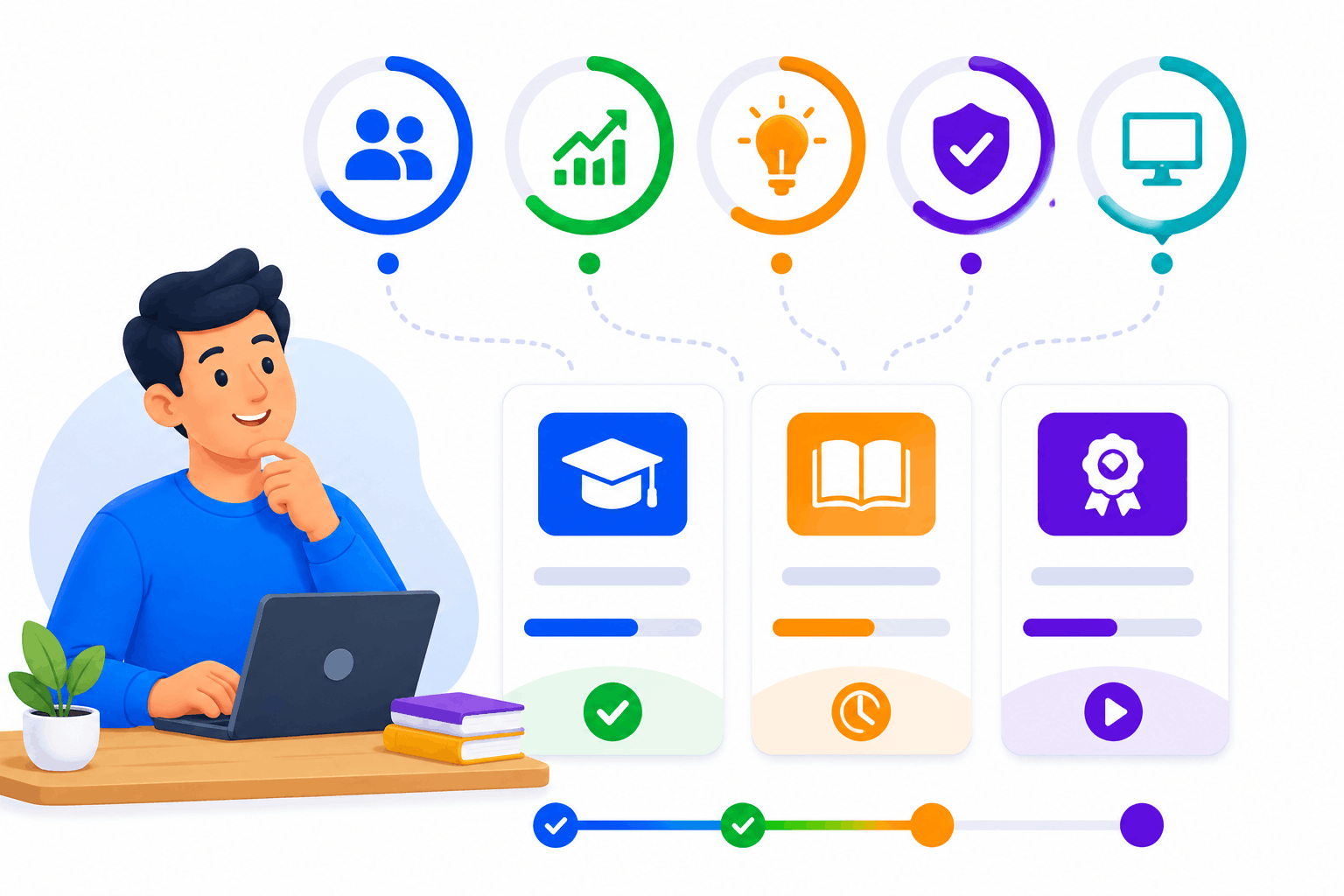
Learner Dashboard Shows Skills Alongside Enrolled Programs
SimpliTrain’s learner dashboard surfaces skill progress, course enrollments, scores, and completions in one view. Learners can see exactly which skills they are building, how far along they are, and what they have already completed. This gives each person a clear picture of their own development without needing admin support to interpret their data.
- Combined skills and course view
- Individual progress visibility
- Self-directed development tracking
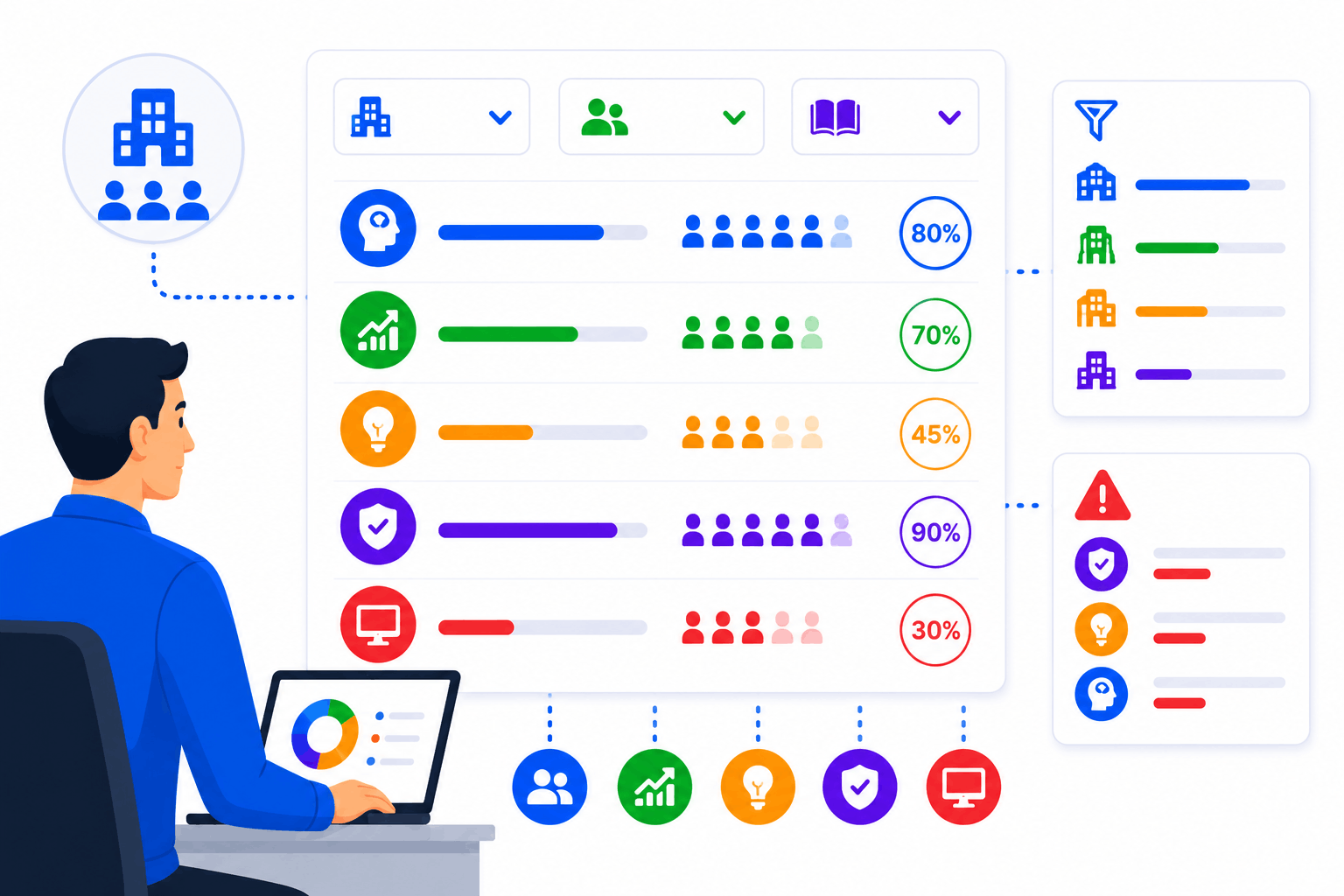
Admin Visibility Into Skill Coverage Across the Organisation
SimpliTrain gives admins a program-level view of which skills are being built, how many learners are progressing against each, and where coverage gaps exist. You can filter by department, team, or program to see where skill-building activity is concentrated and where it is missing. This connects your training data to a meaningful workforce capability picture.
- Department and team filtering
- Skill coverage gap identification
- Program-level skill reporting
A Skill Framework You Define and Own Completely
SimpliTrain does not impose a fixed competency framework. You create the skill tags, define the groupings, and decide how training maps to capability in your organisation. Whether you align to an industry taxonomy like ESCO or build your own from scratch, the system adapts to your structure. This makes SimpliTrain’s skill tracking usable across industries with very different competency languages.
- Fully custom tag creation
- Industry taxonomy alignment support
- No locked-in competency structure
Upload Your First SCORM Course Into
SimpliTrain Today!
Frequently Asked Questions
1. How do I get started with SimpliTrain's Agentic AI Evaluation?
You can sign up for a free SimpliTrain account and access the assessment builder immediately. The onboarding flow walks you through creating your first AI-evaluated exam in under 30 minutes. No implementation support is required for standard setups.
2. What types of assessments does SimpliTrain's AI evaluation support?
SimpliTrain supports multiple-choice, multi-select, open-ended written responses, scenario-based questions, and case study submissions. The Agentic AI Evaluation engine is designed specifically for formats that require contextual judgment. Fixed-format question types are also fully supported within the same exam.
3. Can SimpliTrain integrate with our existing LMS or HR systems?
SimpliTrain connects with major HRMS, LMS, and HRIS platforms via API and supports SCORM and xAPI standards. You can push assessment results and completion data to your existing systems without manual exports. Integration setup is handled through SimpliTrain’s configuration panel without developer support in most cases.
4. How does the adaptive questioning feature decide when to escalate difficulty?
SimpliTrain’s adaptive engine uses item response theory logic to calculate a running ability estimate after each answer. When that estimate crosses a defined threshold, the system pulls a question from the next difficulty tier. You set the thresholds and the question pool structure during exam configuration.
5. Which SimpliTrain plan includes Agentic AI Evaluation?
Agentic AI Evaluation is available on SimpliTrain’s Growth and Enterprise plans. You can review plan-level feature access on the SimpliTrain pricing page or request a demo to see it applied to your specific use case. Free trial access includes a limited evaluation quota for testing purposes.
6. What does the exam experience look like for learners?
Learners access exams through their SimpliTrain dashboard on any device, including mobile. The interface is clean, timed where configured, and does not expose AI scoring logic to the test-taker. They receive results and feedback immediately after submission based on your configured disclosure settings.
7. How does SimpliTrain protect learner data and exam integrity?
SimpliTrain stores all assessment data on encrypted infrastructure with role-based access controls. Exam content, learner responses, and AI evaluation outputs are never used to train external models. You retain full data ownership and can export or delete records at any time in line with your data governance requirements.
