
Course Catalog
One Catalog for Every Course Your Learners Need
SimpliTrain’s course catalog brings your entire training portfolio into a single, browsable storefront that works for both internal learners and paying customers. You control what each learner sees, how courses are organized, and how easy it is to go from discovery to enrollment in a single session.

Native and External Courses Appear in One Unified View
SimpliTrain displays both courses hosted natively on the platform and courses fetched from external systems via API in the same catalog interface. Your learners never need to switch between platforms to find what they are looking for. You manage the full portfolio from one admin panel regardless of where the content lives. This is particularly valuable for training providers with content spread across multiple delivery systems.
- Native and API-fetched course display
- Single admin portfolio view
- Cross-system content unification
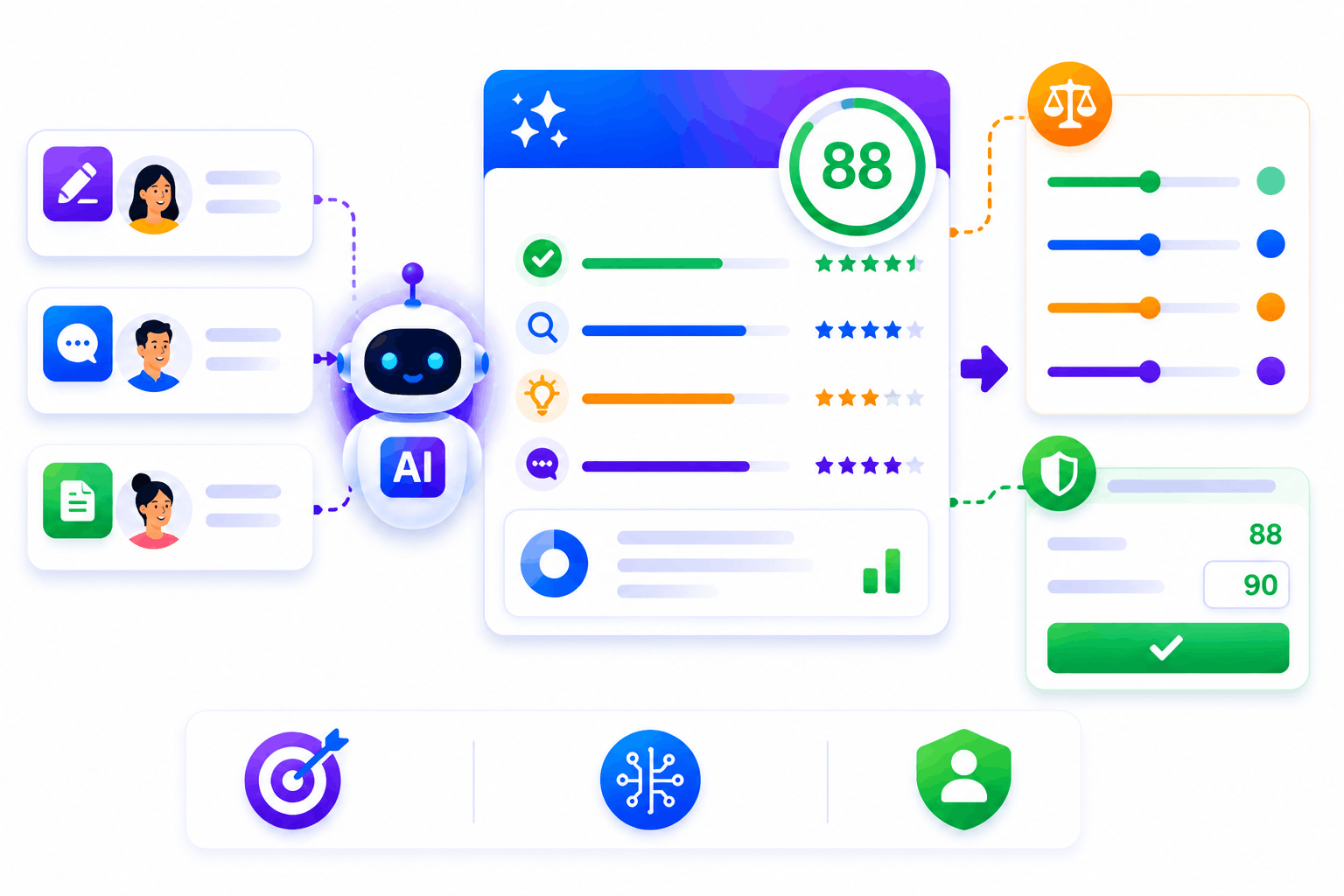
AI Buddy Helps Learners Find the Right Course Instantly
SimpliTrain’s AI Buddy lets learners describe what they need in plain language and returns relevant courses from your catalog automatically. A learner types “I need to get certified in workplace safety before my audit” and the AI surfaces the right program without them browsing manually. This reduces the time between intent and enrollment, which directly improves your conversion rate for paid programs. You keep full control over which courses the AI can surface and recommend.
- Natural language course discovery
- Intent-to-enrollment acceleration
- Admin-controlled recommendation scope
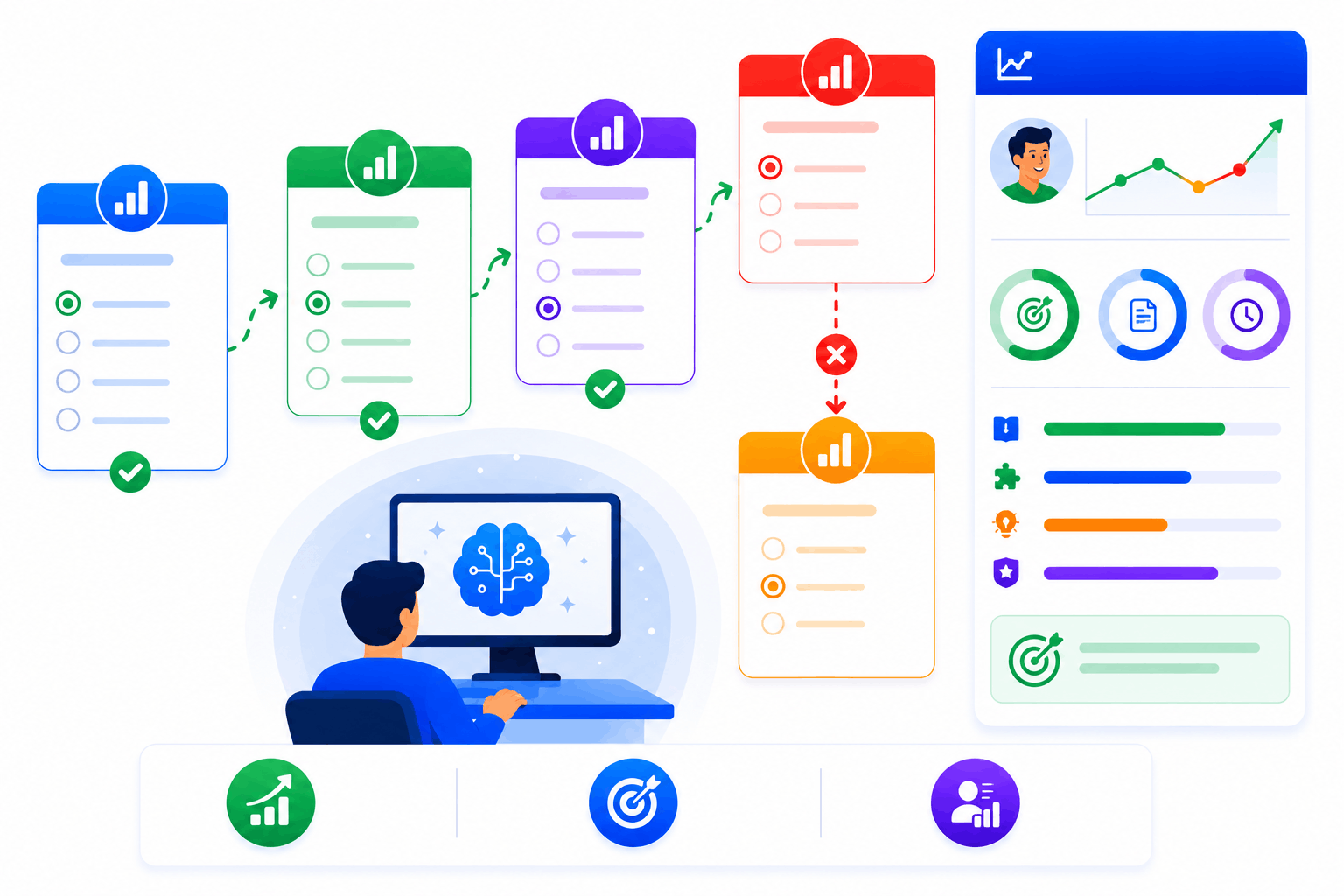
Filter and Browse Navigation Built for Paying Customers
SimpliTrain’s catalog gives learners category navigation, search, and filter controls so they can find courses by topic, format, duration, or certification type. Featured and promoted courses appear at the top of the catalog based on your configuration. Each course listing includes an enrollment or purchase CTA, a certificate indicator, and a course preview so buyers have everything they need to decide. This turns your catalog into a conversion-optimized training storefront.
- Category and filter navigation
- Featured course placement controls
- Certificate and preview indicators
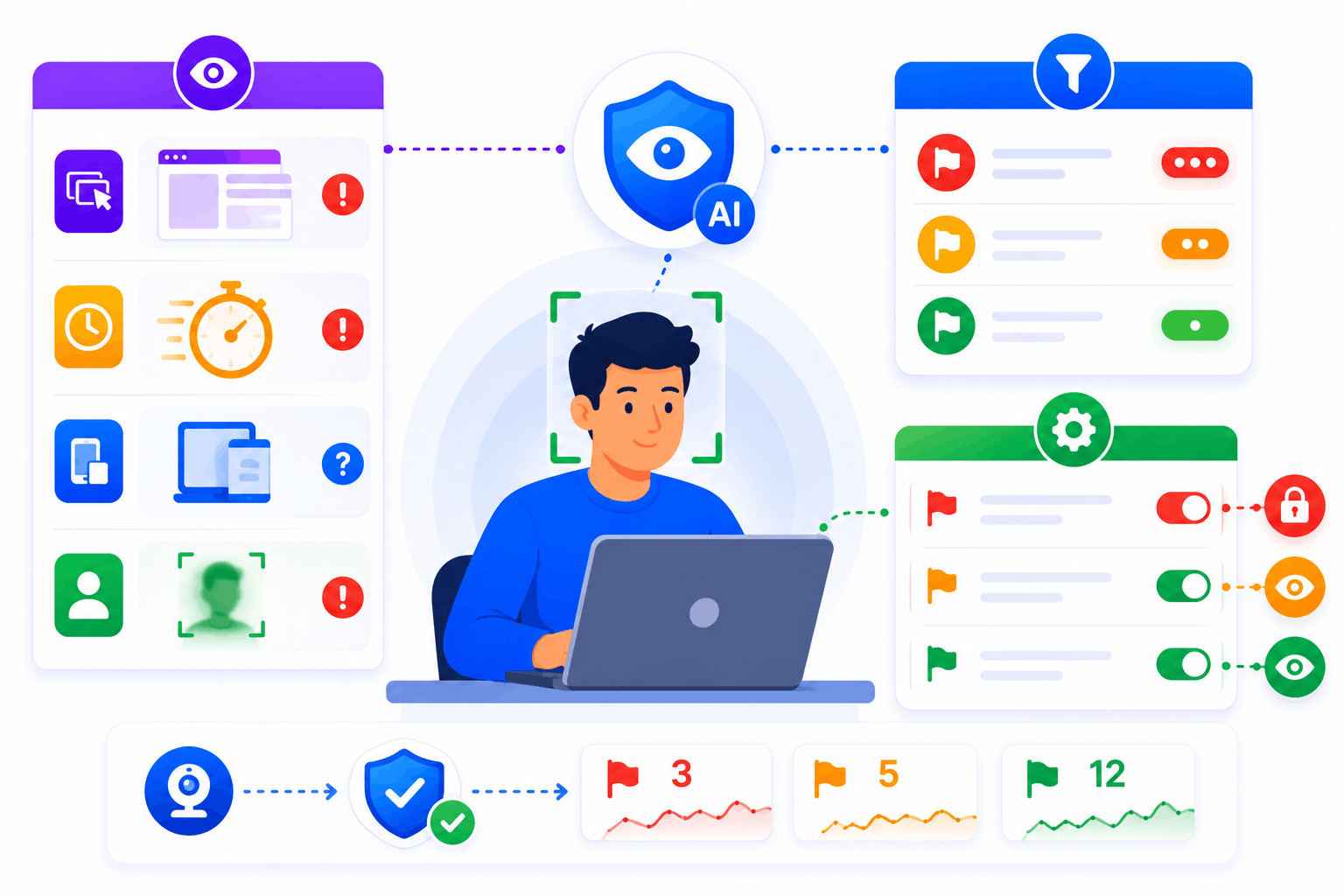
Access Permissions That Show Each Learner the Right Courses
SimpliTrain controls catalog visibility at the center and learner level so each person sees only the courses relevant to their role, organization, or purchase history. Corporate clients see their contracted training portfolio. Public learners see your full commercial catalog. You configure access rules once and the catalog handles the rest automatically.
- Center-level visibility controls
- Role and permission-based filtering
- Separate corporate and public catalog views
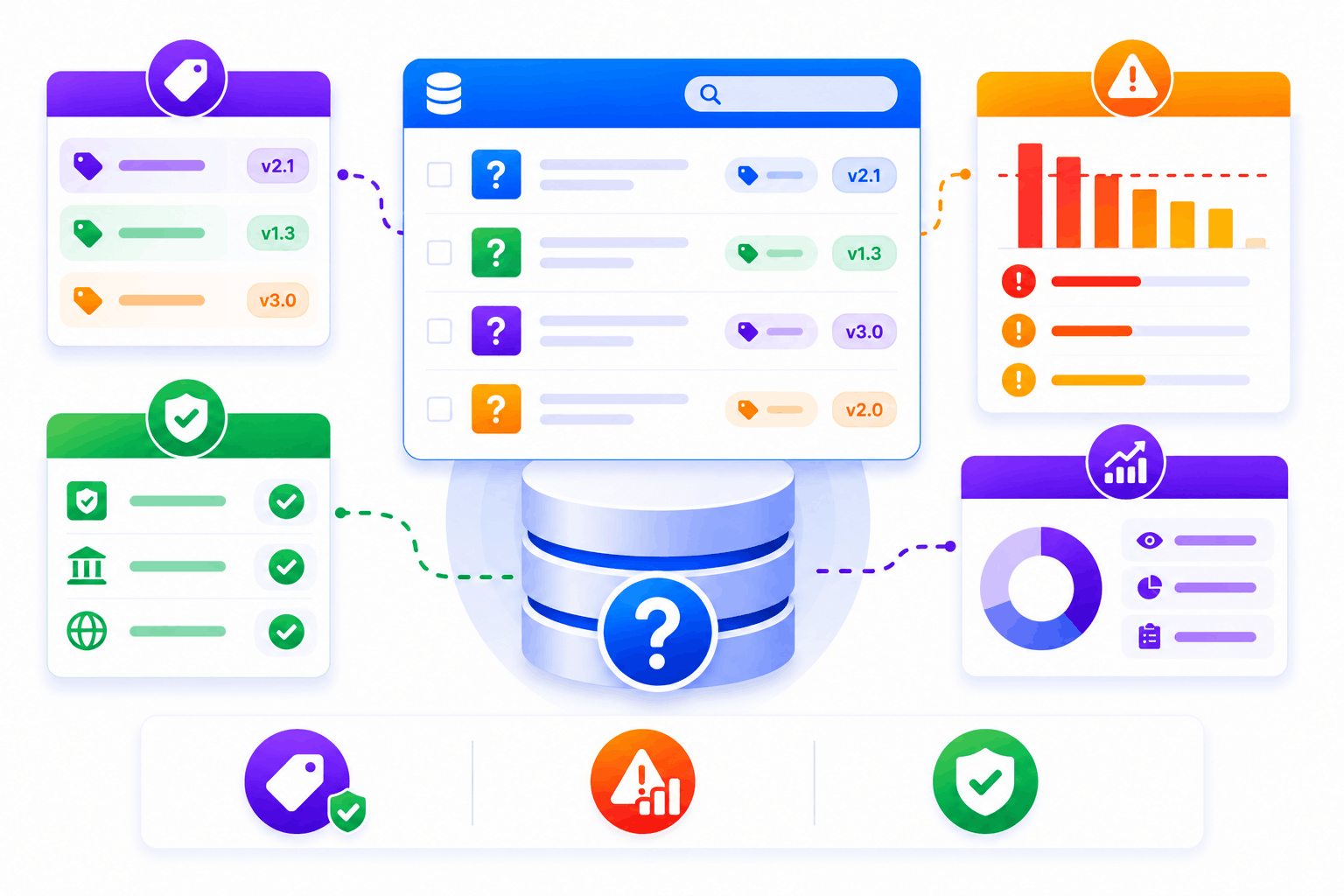
Course Pages Built to Convert Browsers Into Buyers
SimpliTrain gives every course in your catalog its own dedicated page with a structured layout designed to support purchasing decisions. You add descriptions, learning objectives, instructor details, duration, format, and pricing to each page. For training providers, these individual course pages are also indexable and optimized for search engines, driving organic traffic directly to your catalog. This means your course pages work as both a sales tool and a discovery channel.
- Individual course landing pages
- SEO-ready course page structure
- Instructor and outcome detail fields
Upload Your First SCORM Course Into
SimpliTrain Today!
Frequently Asked Questions
1. How do I get started with SimpliTrain's Agentic AI Evaluation?
You can sign up for a free SimpliTrain account and access the assessment builder immediately. The onboarding flow walks you through creating your first AI-evaluated exam in under 30 minutes. No implementation support is required for standard setups.
2. What types of assessments does SimpliTrain's AI evaluation support?
SimpliTrain supports multiple-choice, multi-select, open-ended written responses, scenario-based questions, and case study submissions. The Agentic AI Evaluation engine is designed specifically for formats that require contextual judgment. Fixed-format question types are also fully supported within the same exam.
3. Can SimpliTrain integrate with our existing LMS or HR systems?
SimpliTrain connects with major HRMS, LMS, and HRIS platforms via API and supports SCORM and xAPI standards. You can push assessment results and completion data to your existing systems without manual exports. Integration setup is handled through SimpliTrain’s configuration panel without developer support in most cases.
4. How does the adaptive questioning feature decide when to escalate difficulty?
SimpliTrain’s adaptive engine uses item response theory logic to calculate a running ability estimate after each answer. When that estimate crosses a defined threshold, the system pulls a question from the next difficulty tier. You set the thresholds and the question pool structure during exam configuration.
5. Which SimpliTrain plan includes Agentic AI Evaluation?
Agentic AI Evaluation is available on SimpliTrain’s Growth and Enterprise plans. You can review plan-level feature access on the SimpliTrain pricing page or request a demo to see it applied to your specific use case. Free trial access includes a limited evaluation quota for testing purposes.
6. What does the exam experience look like for learners?
Learners access exams through their SimpliTrain dashboard on any device, including mobile. The interface is clean, timed where configured, and does not expose AI scoring logic to the test-taker. They receive results and feedback immediately after submission based on your configured disclosure settings.
7. How does SimpliTrain protect learner data and exam integrity?
SimpliTrain stores all assessment data on encrypted infrastructure with role-based access controls. Exam content, learner responses, and AI evaluation outputs are never used to train external models. You retain full data ownership and can export or delete records at any time in line with your data governance requirements.
