
Corporate and B2B Sales
Deploy Training Across Your Corporate Clients Without Limits
SimpliTrain’s multi-tenant architecture lets training providers and enterprise L&D teams manage multiple corporate clients, each with their own users, content, branding, and admins, from a single platform. You scale from one client to hundreds without adding complexity to your operations.

Corporate and B2B Sales
Deploy Training Across Your Corporate Clients Without Limits
SimpliTrain’s multi-tenant architecture lets training providers and enterprise L&D teams manage multiple corporate clients, each with their own users, content, branding, and admins, from a single platform. You scale from one client to hundreds without adding complexity to your operations.

White-Label Portals That Carry Your Client's Brand Completely
SimpliTrain delivers a fully white-labelled training portal for each corporate client, including their logo, colour scheme, and domain. Your client’s learners see a branded training environment that reflects their organisation, not SimpliTrain. This is one of the most consistent deal-closing features for training providers pitching enterprise contracts. You configure each white-label portal from the central admin panel without any custom development required.
- Full logo and colour branding
- Client-specific domain configuration
- No development work required
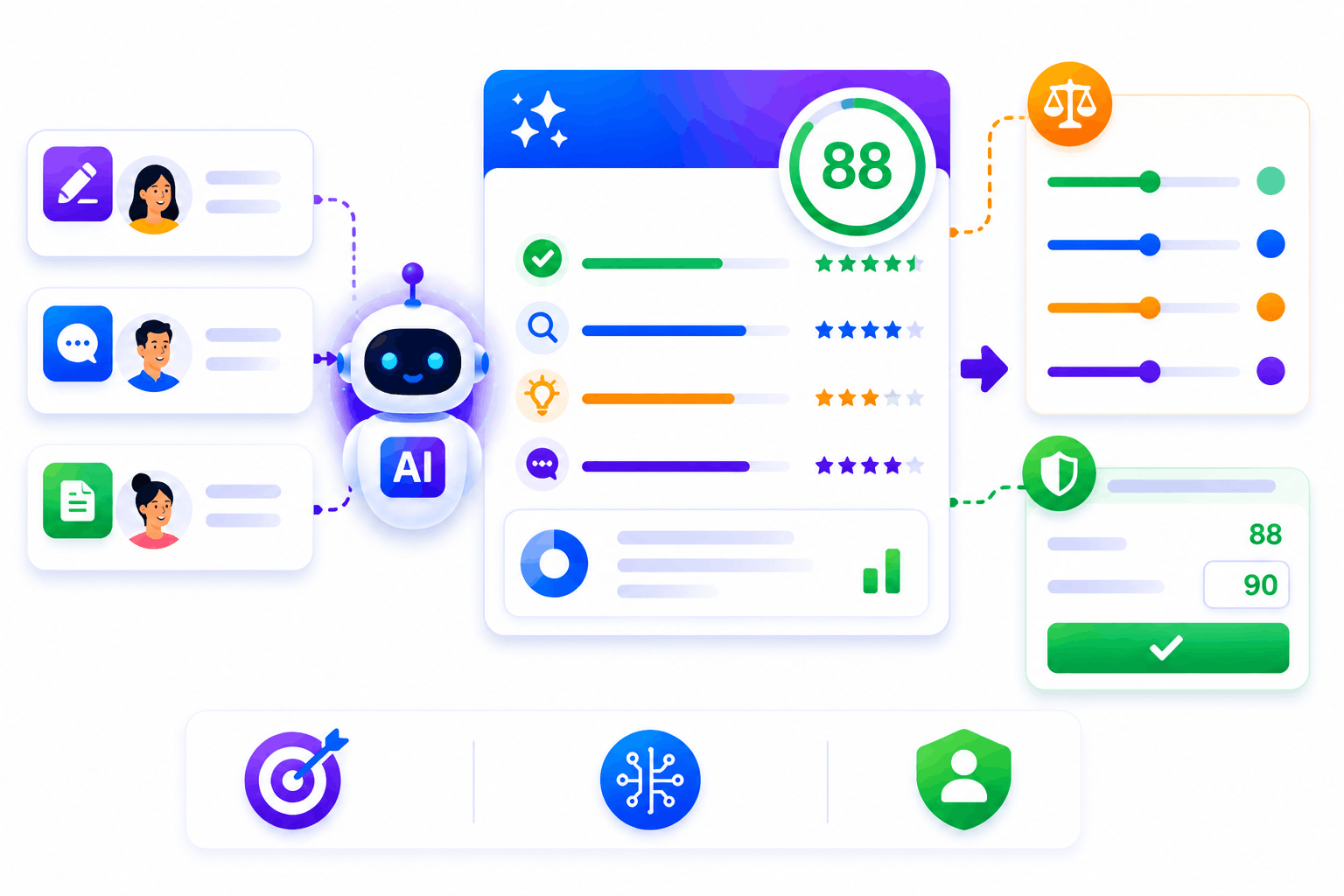
Bulk User Enrollment via Excel Import for Large Corporate Batches
SimpliTrain allows admins to enroll hundreds or thousands of learners in a single operation using a standard Excel import. You prepare the learner list, upload the file, and SimpliTrain creates accounts and triggers enrollments in one step. This removes the bottleneck of individual account creation for large corporate onboarding batches. Corporate clients with their own admin access can run bulk imports independently without contacting your team.
- Excel-based bulk user import
- Single-step account creation and enrollment
- Corporate admin self-service import
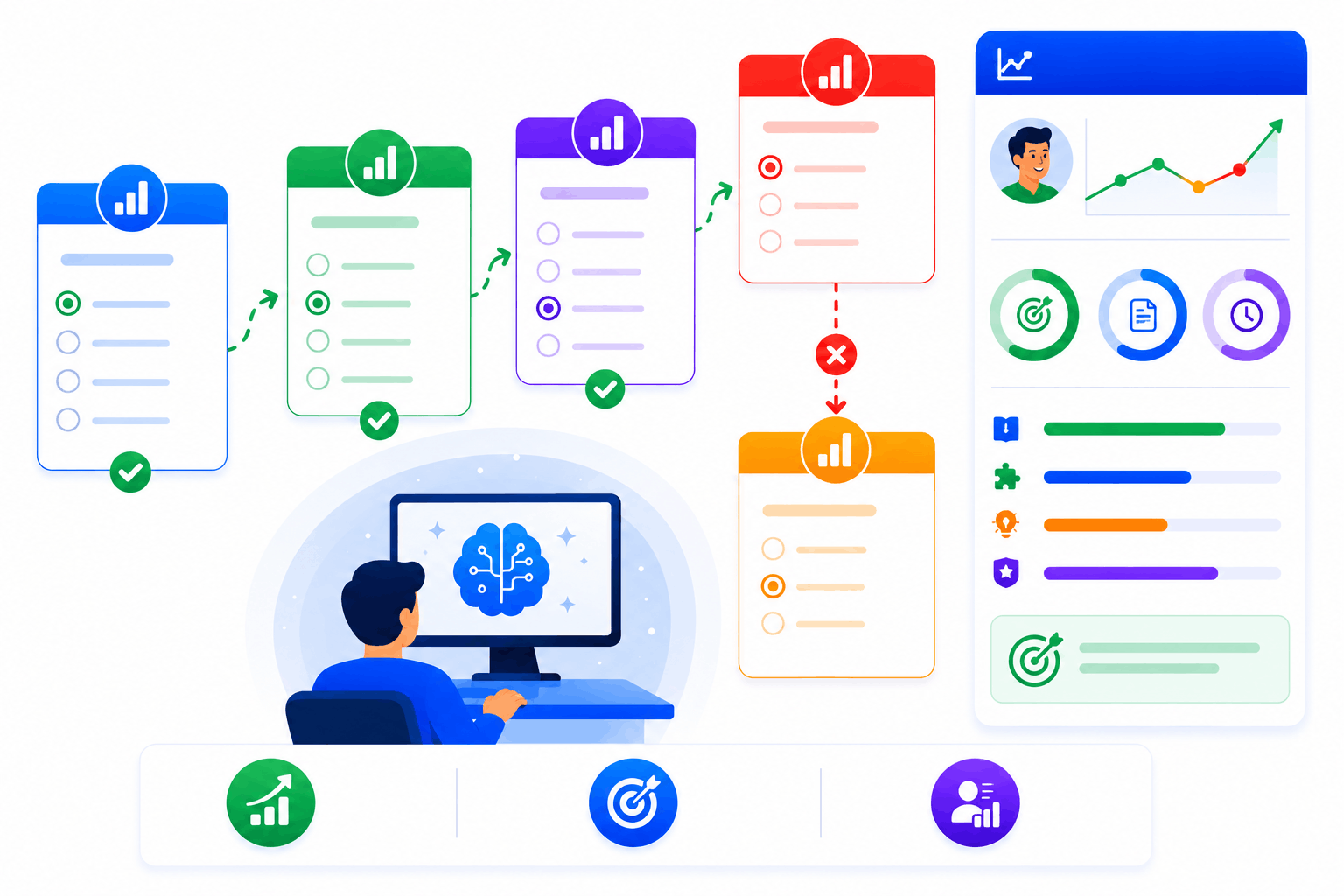
Hierarchical Admin Roles Give Corporate Clients Full Self-Service Control
SimpliTrain’s role hierarchy lets you assign admin access at the platform, client, or department level so each corporate client manages their own users and training without needing to contact you. A corporate training manager can add learners, assign courses, and pull reports entirely within their own portal. You retain top-level visibility across all clients while each client operates independently day to day. This reduces your support overhead as your client base scales.
- Platform, client, and department admin roles
- Client-level self-service management
- Cross-client admin visibility for providers
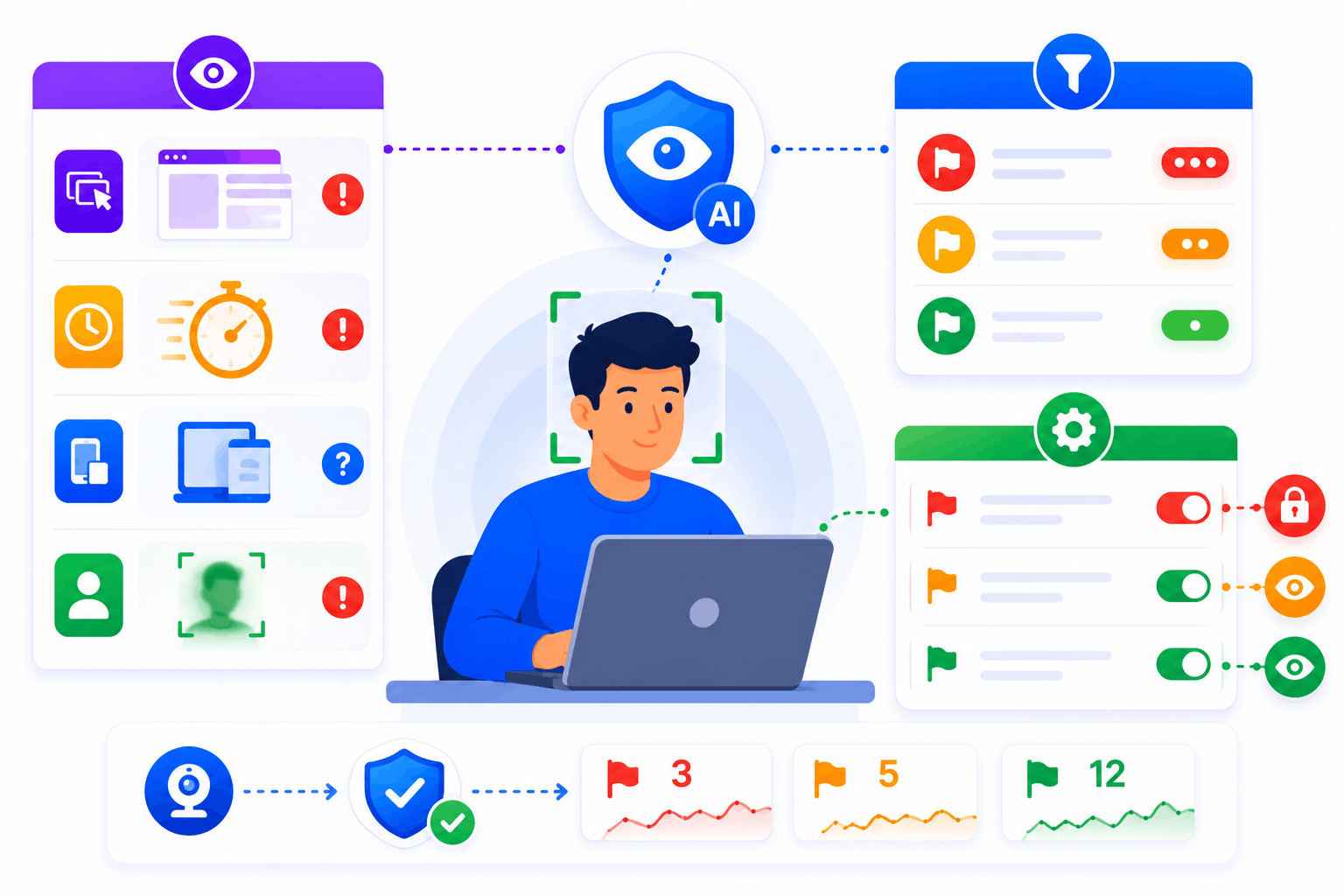
SSO and HRIS Integration for Enterprise-Ready Deployment
SimpliTrain supports single sign-on integration so corporate learners access their training portal using their existing company credentials. HRIS sync keeps learner data aligned between SimpliTrain and your client’s HR system without manual data entry. These two integrations together make SimpliTrain deployable in enterprise environments where IT governance and data accuracy are non-negotiable requirements.
- SSO integration support
- HRIS data sync
- Enterprise IT governance compatibility
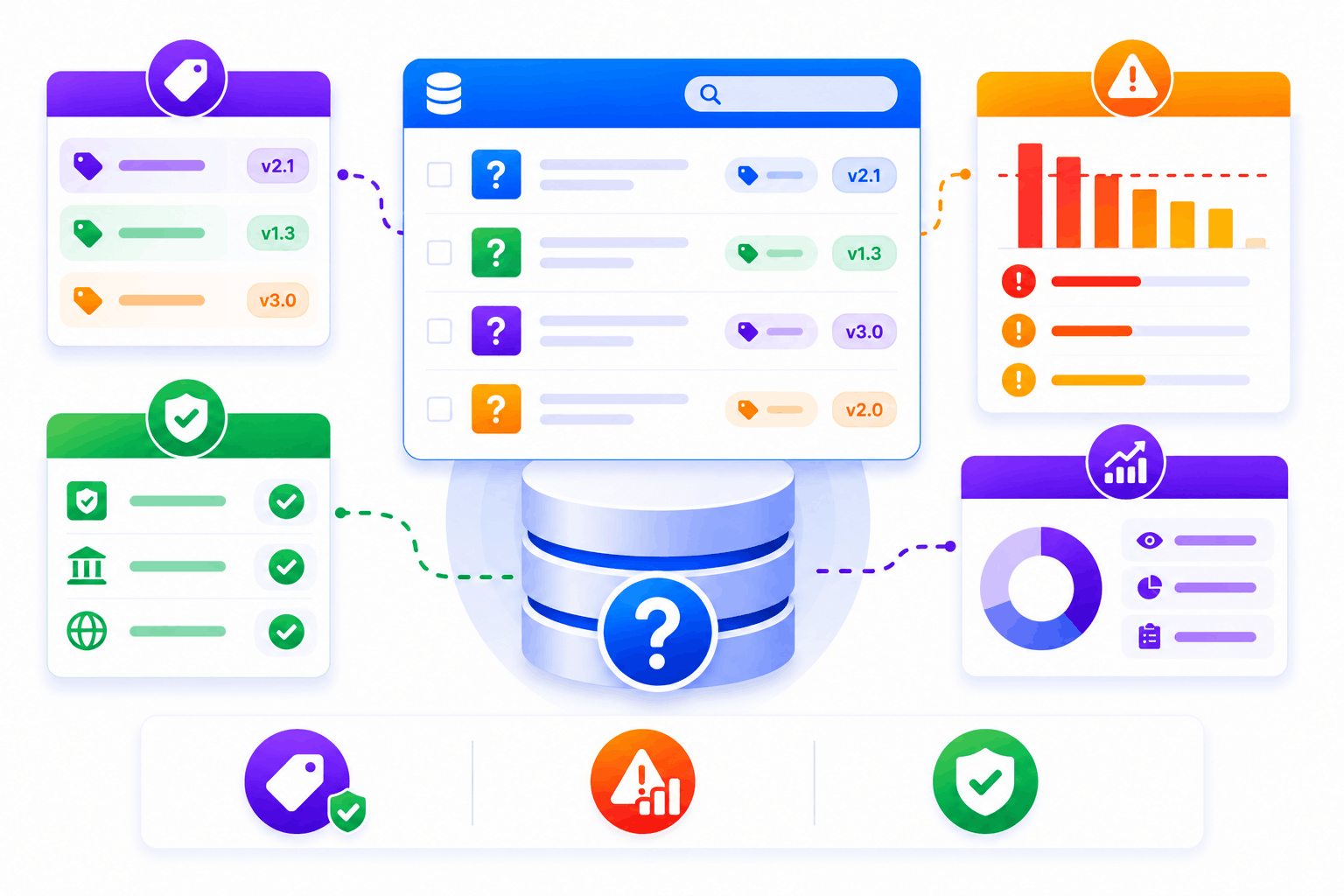
Extend an Existing LMS or TMS — API-First Architecture
SimpliTrain connects to existing LMS and TMS platforms via API so corporate clients do not need to replace their current systems to use SimpliTrain. If a client already has an LMS and needs a TMS, SimpliTrain adds the TMS layer. If they have a TMS and need LMS capabilities, SimpliTrain adds that instead. This positions SimpliTrain as an additive solution rather than a rip-and-replace requirement, which removes one of the most common objections in enterprise training sales.
- API-first integration architecture
- LMS extension with TMS capability
- TMS extension with LMS capability
Upload Your First SCORM Course Into
SimpliTrain Today!
Frequently Asked Questions
1. How do I get started with SimpliTrain's Agentic AI Evaluation?
You can sign up for a free SimpliTrain account and access the assessment builder immediately. The onboarding flow walks you through creating your first AI-evaluated exam in under 30 minutes. No implementation support is required for standard setups.
2. What types of assessments does SimpliTrain's AI evaluation support?
SimpliTrain supports multiple-choice, multi-select, open-ended written responses, scenario-based questions, and case study submissions. The Agentic AI Evaluation engine is designed specifically for formats that require contextual judgment. Fixed-format question types are also fully supported within the same exam.
3. Can SimpliTrain integrate with our existing LMS or HR systems?
SimpliTrain connects with major HRMS, LMS, and HRIS platforms via API and supports SCORM and xAPI standards. You can push assessment results and completion data to your existing systems without manual exports. Integration setup is handled through SimpliTrain’s configuration panel without developer support in most cases.
4. How does the adaptive questioning feature decide when to escalate difficulty?
SimpliTrain’s adaptive engine uses item response theory logic to calculate a running ability estimate after each answer. When that estimate crosses a defined threshold, the system pulls a question from the next difficulty tier. You set the thresholds and the question pool structure during exam configuration.
5. Which SimpliTrain plan includes Agentic AI Evaluation?
Agentic AI Evaluation is available on SimpliTrain’s Growth and Enterprise plans. You can review plan-level feature access on the SimpliTrain pricing page or request a demo to see it applied to your specific use case. Free trial access includes a limited evaluation quota for testing purposes.
6. What does the exam experience look like for learners?
Learners access exams through their SimpliTrain dashboard on any device, including mobile. The interface is clean, timed where configured, and does not expose AI scoring logic to the test-taker. They receive results and feedback immediately after submission based on your configured disclosure settings.
7. How does SimpliTrain protect learner data and exam integrity?
SimpliTrain stores all assessment data on encrypted infrastructure with role-based access controls. Exam content, learner responses, and AI evaluation outputs are never used to train external models. You retain full data ownership and can export or delete records at any time in line with your data governance requirements.
