
Training Surveys for LMS and Learning Programs
Training Surveys That Capture Feedback When It Matters
SimpliTrain lets you attach surveys to any course, class, or learning plan so you can collect learner feedback at exactly the right moment. You get structured, configurable feedback instruments that feed directly into your training effectiveness reporting.

Attach Surveys to Any Course or Class in Minutes
SimpliTrain allows you to attach a survey to any course, instructor-led class, or virtual session without any separate tool or integration. You build the survey inside the platform using the same interface you use to manage training. Once attached, the survey appears automatically to learners at the point you configure. This keeps feedback collection inside the same experience as the training itself.
- In-platform survey builder
- Course and class attachment
- Automatic learner delivery

Configure Survey Timing to Catch Feedback at the Right Moment
SimpliTrain gives you full control over when a survey appears in the learner journey. You can set surveys to trigger at the end of a session, between sessions in a multi-session class, or at the completion of an entire learning plan. Mid-program surveys in particular allow you to identify learners who are disengaged or at risk before the program ends. This makes surveys a real-time course correction tool, not just a post-completion checkbox.
- End-of-session delivery
- Mid-program check-in surveys
- Learning plan completion trigger
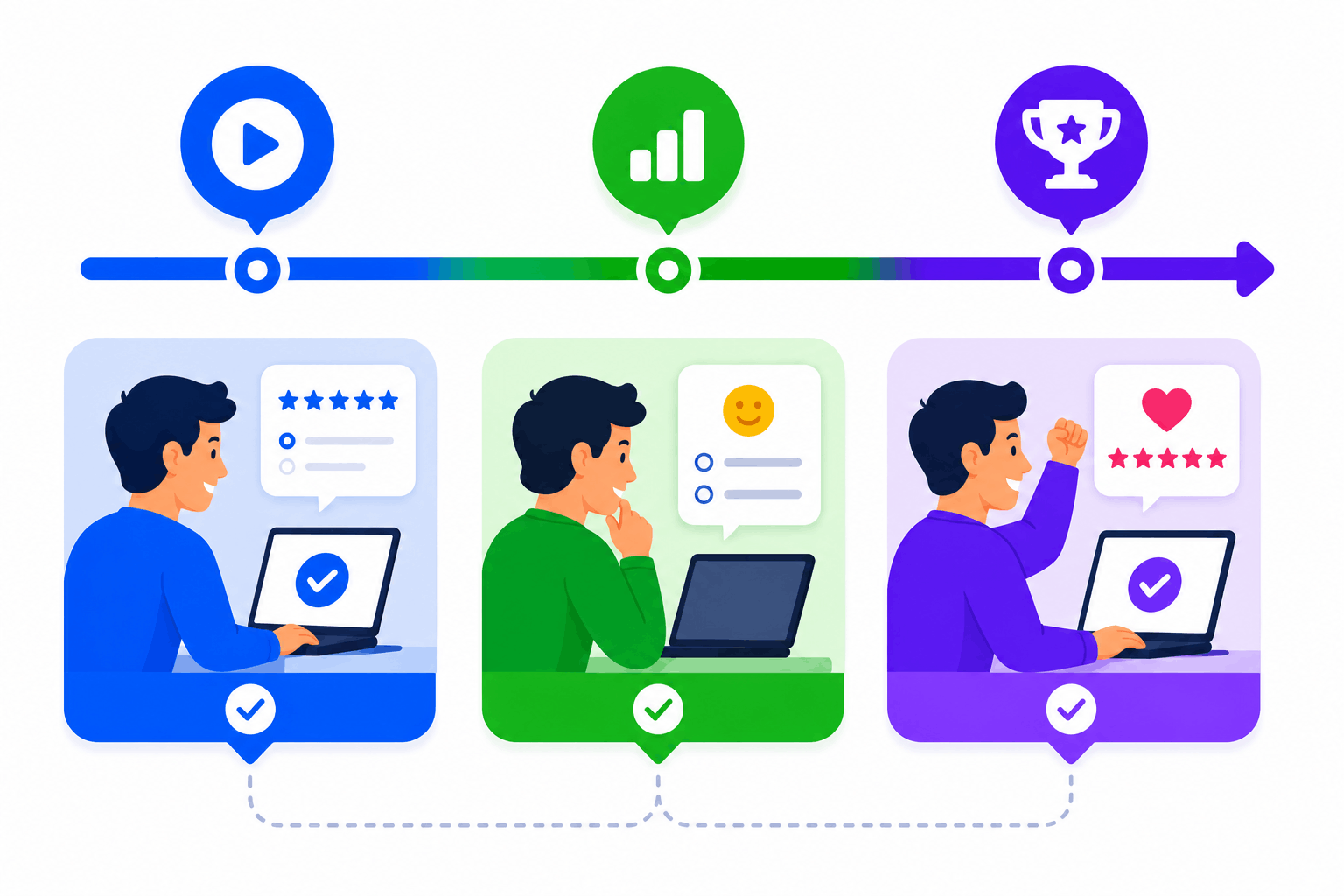
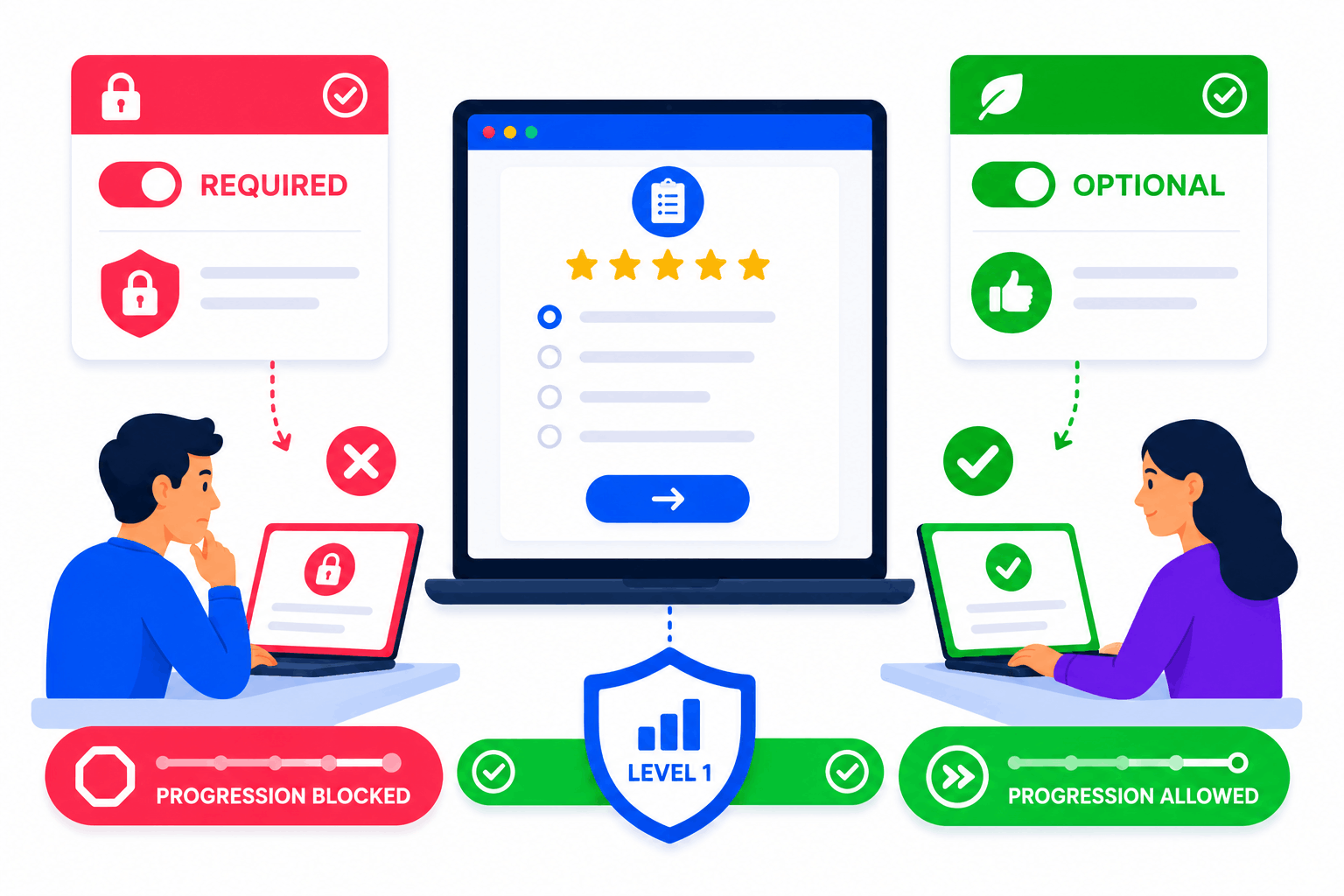
Required or Optional — You Decide the Survey Weight
SimpliTrain lets you mark any survey as required or optional depending on its purpose and importance. Required surveys block learner progression until completed, making them effective for mandatory Kirkpatrick Level 1 evaluations. Optional surveys give learners the choice without creating friction in programs where feedback is supplementary.
- Required and optional settings
- Progression gate control
- Kirkpatrick Level 1 alignment
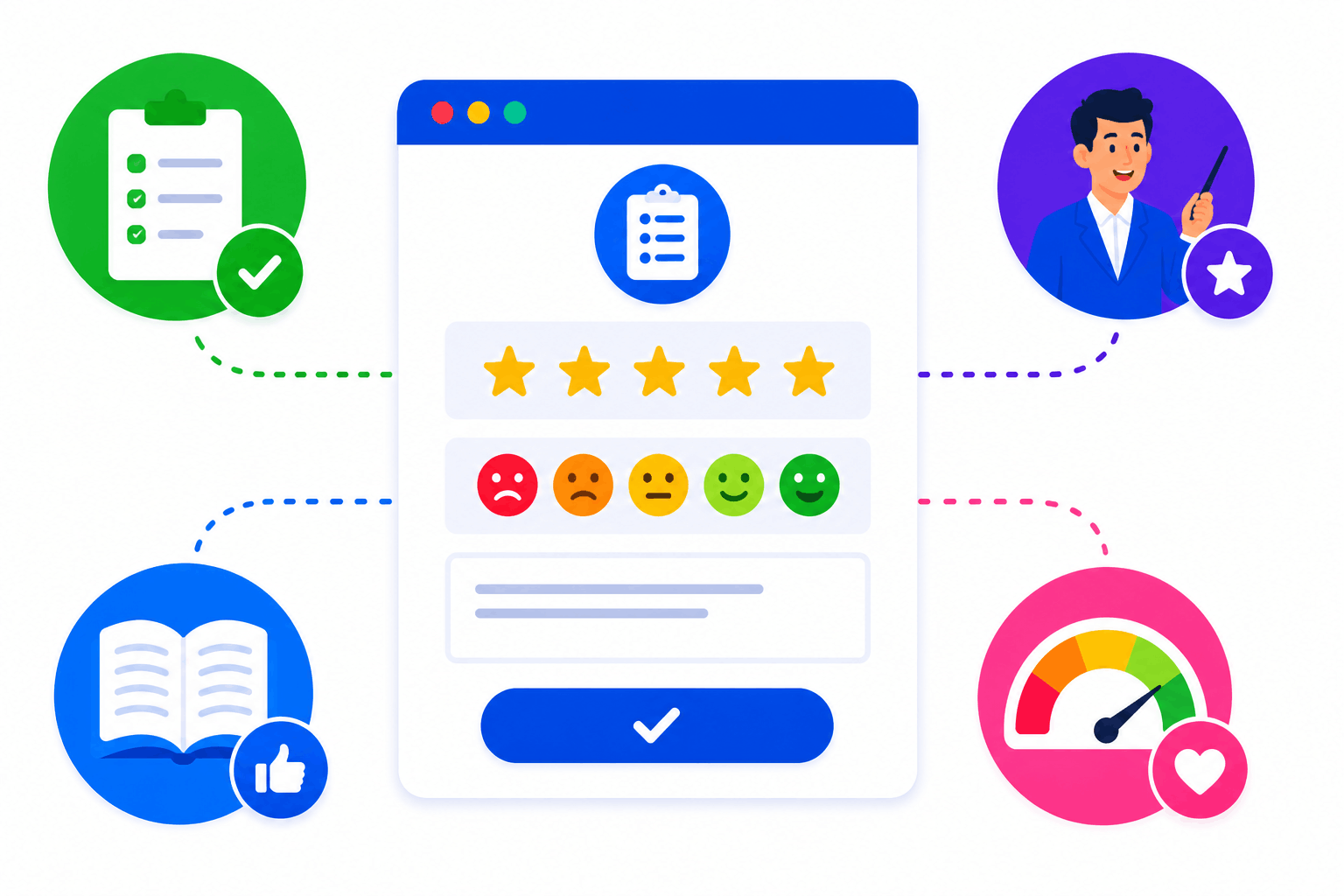
Survey Types That Cover Every Feedback Dimension
SimpliTrain supports post-course satisfaction surveys, instructor effectiveness surveys, content quality surveys, and NPS-style training surveys within the same builder. You build each survey type using the same interface and attach it to the relevant point in any program. This means your feedback strategy can span every dimension of training quality without switching tools or exporting data.
- Post-course satisfaction surveys
- Instructor effectiveness surveys
- NPS-style training feedback
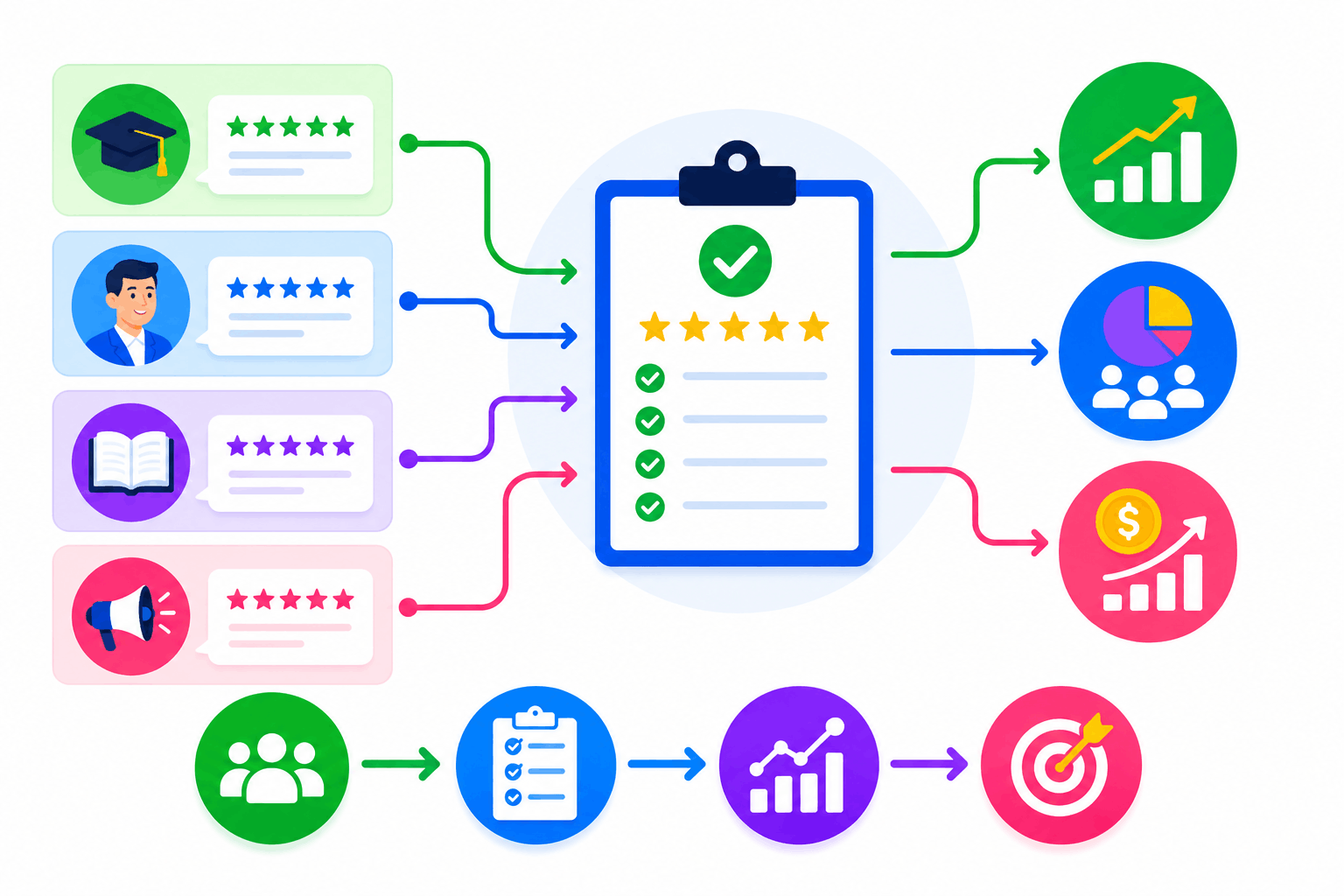
Survey Analytics That Feed Into Training Effectiveness Reporting
SimpliTrain aggregates survey responses across cohorts and connects feedback data to your broader training reporting view. You can see satisfaction trends by course, instructor, department, or time period in a single analytics panel. This gives L&D teams the data they need to make the case for training investment and identify which programs consistently deliver value.
- Cohort-level aggregated analytics
- Course and instructor trend views
- Training ROI reporting support
Upload Your First SCORM Course Into
SimpliTrain Today!
Frequently Asked Questions
1. How do I get started with SimpliTrain's Agentic AI Evaluation?
You can sign up for a free SimpliTrain account and access the assessment builder immediately. The onboarding flow walks you through creating your first AI-evaluated exam in under 30 minutes. No implementation support is required for standard setups.
2. What types of assessments does SimpliTrain's AI evaluation support?
SimpliTrain supports multiple-choice, multi-select, open-ended written responses, scenario-based questions, and case study submissions. The Agentic AI Evaluation engine is designed specifically for formats that require contextual judgment. Fixed-format question types are also fully supported within the same exam.
3. Can SimpliTrain integrate with our existing LMS or HR systems?
SimpliTrain connects with major HRMS, LMS, and HRIS platforms via API and supports SCORM and xAPI standards. You can push assessment results and completion data to your existing systems without manual exports. Integration setup is handled through SimpliTrain’s configuration panel without developer support in most cases.
4. How does the adaptive questioning feature decide when to escalate difficulty?
SimpliTrain’s adaptive engine uses item response theory logic to calculate a running ability estimate after each answer. When that estimate crosses a defined threshold, the system pulls a question from the next difficulty tier. You set the thresholds and the question pool structure during exam configuration.
5. Which SimpliTrain plan includes Agentic AI Evaluation?
Agentic AI Evaluation is available on SimpliTrain’s Growth and Enterprise plans. You can review plan-level feature access on the SimpliTrain pricing page or request a demo to see it applied to your specific use case. Free trial access includes a limited evaluation quota for testing purposes.
6. What does the exam experience look like for learners?
Learners access exams through their SimpliTrain dashboard on any device, including mobile. The interface is clean, timed where configured, and does not expose AI scoring logic to the test-taker. They receive results and feedback immediately after submission based on your configured disclosure settings.
7. How does SimpliTrain protect learner data and exam integrity?
SimpliTrain stores all assessment data on encrypted infrastructure with role-based access controls. Exam content, learner responses, and AI evaluation outputs are never used to train external models. You retain full data ownership and can export or delete records at any time in line with your data governance requirements.
