
Content Library
One Content Library for Every Course Your Learners Need
SimpliTrain gives every learner a single catalog that surfaces native courses, externally-hosted programs, and AI-recommended content in one unified view. Whether you manage a hundred internal compliance modules or a mix of your own content and third-party programs, everything a learner needs appears in one place, filtered to what is relevant to their role and center.

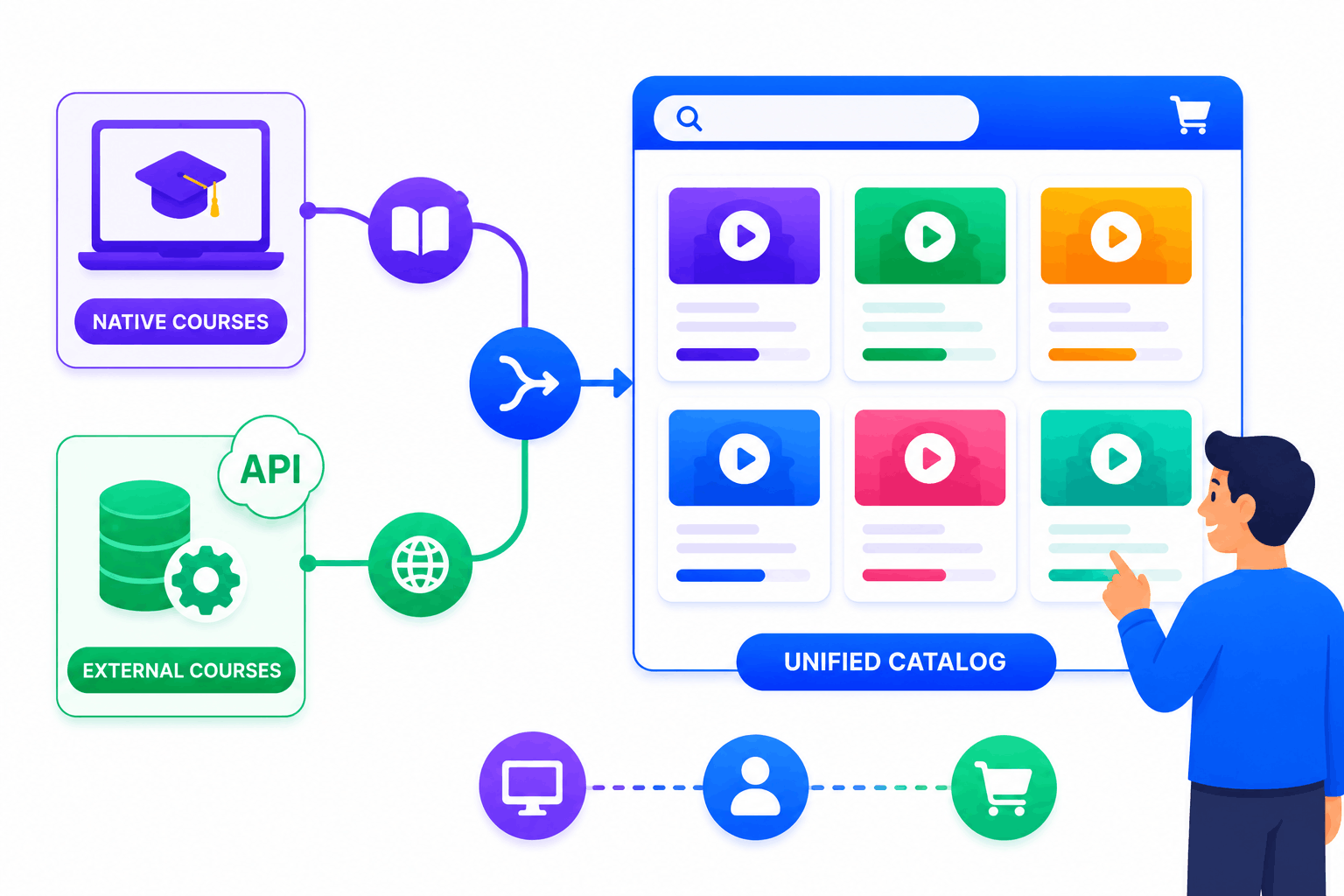
Surface Native and External Courses in One Unified Catalog
SimpliTrain combines courses hosted natively on the platform with externally-fetched courses pulled from a client’s own system via API, displaying both in the same catalog view without any distinction visible to the learner. A learner browsing the catalog sees one organised list and does not need to know or care where each course is hosted.
This unified catalog model is a significant differentiator for enterprise organisations that have existing content investments in another system and are not ready to migrate files. The external courses can be browsed, enrolled in, and even purchased through SimpliTrain’s e-commerce layer without SimpliTrain holding the underlying files.
- Native course display
- API-fetched external courses
- Unified learner catalog view
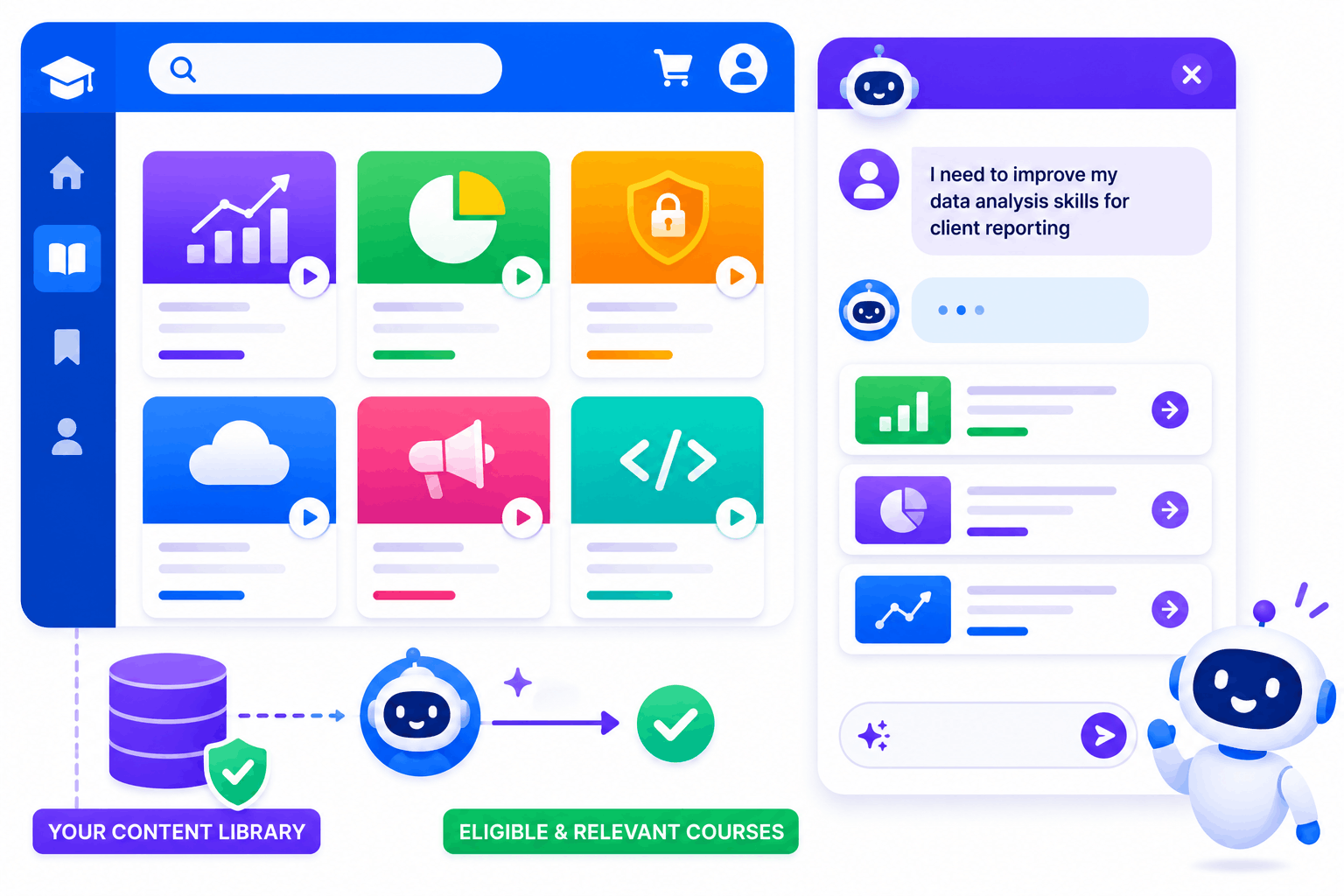
Let the AI Buddy Help Learners Find Exactly What They Need
SimpliTrain’s AI Buddy chatbot is available directly in the learner catalog view, allowing learners to describe their learning need in their own words and receive relevant course suggestions from the organisation’s content library. A learner who types “I need to improve my data analysis skills for client reporting” receives filtered course recommendations from the catalog without manually browsing categories.
The AI Buddy queries only your organisation’s content library, not an external knowledge base, so every suggestion is a course the learner is actually eligible to access. For organisations with large content libraries, this discovery capability significantly reduces the time learners spend searching for relevant training.
- Natural language course discovery
- Catalog-scoped AI suggestions
- Eligibility-filtered results
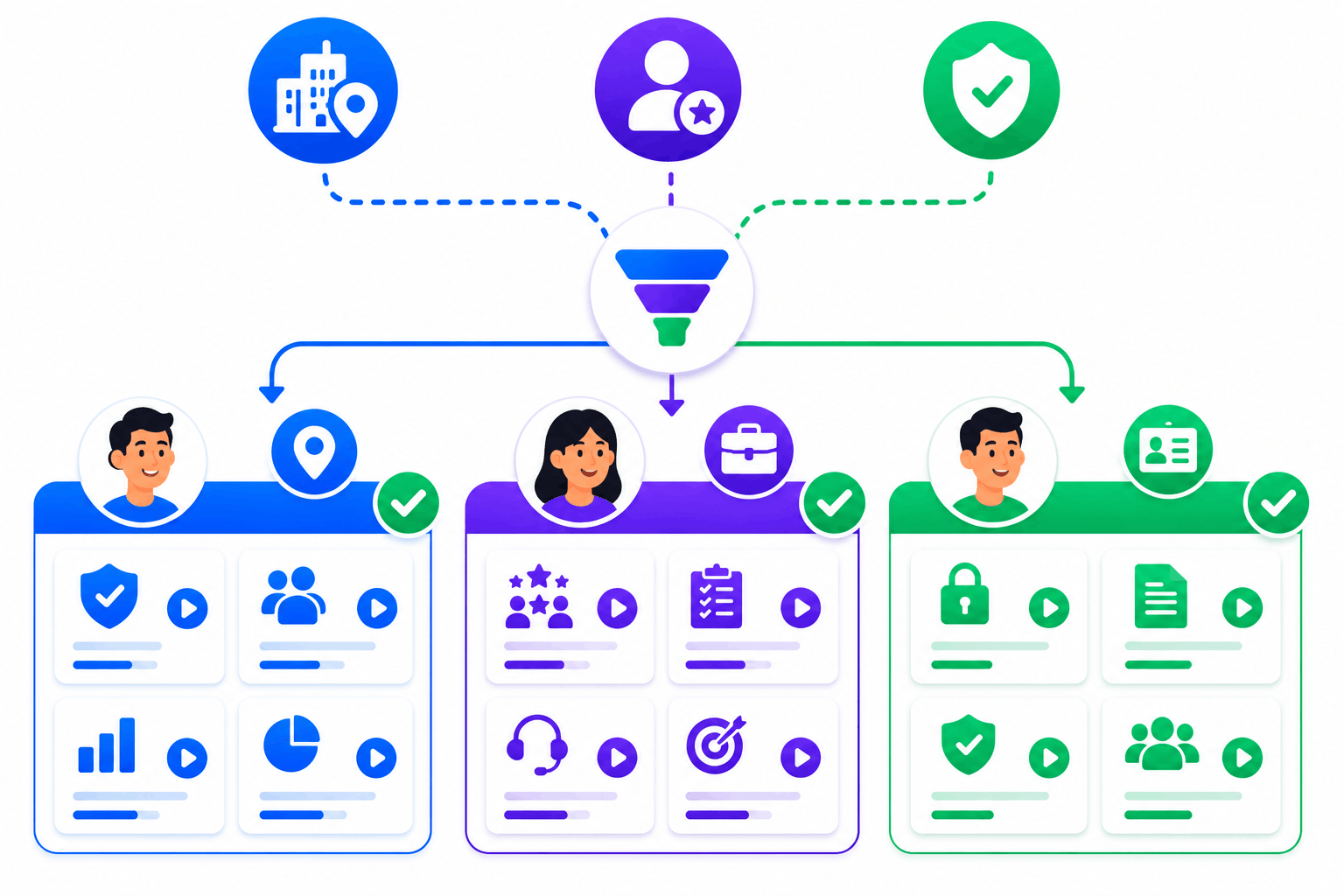
Control What Each Learner Sees Based on Their Center and Role
SimpliTrain filters the content library automatically for each learner based on their center and enrollment eligibility, so the catalog they see contains only what is relevant and available to them.
A learner in the finance department does not see manufacturing-specific compliance courses, and a learner at the Mumbai center does not see content deployed only to the London center. This automatic filtering removes the friction of a generic catalog that requires learners to navigate past irrelevant content to find what applies to them.
- Center-based catalog filtering
- Role-relevant course display
- Eligibility-scoped content access
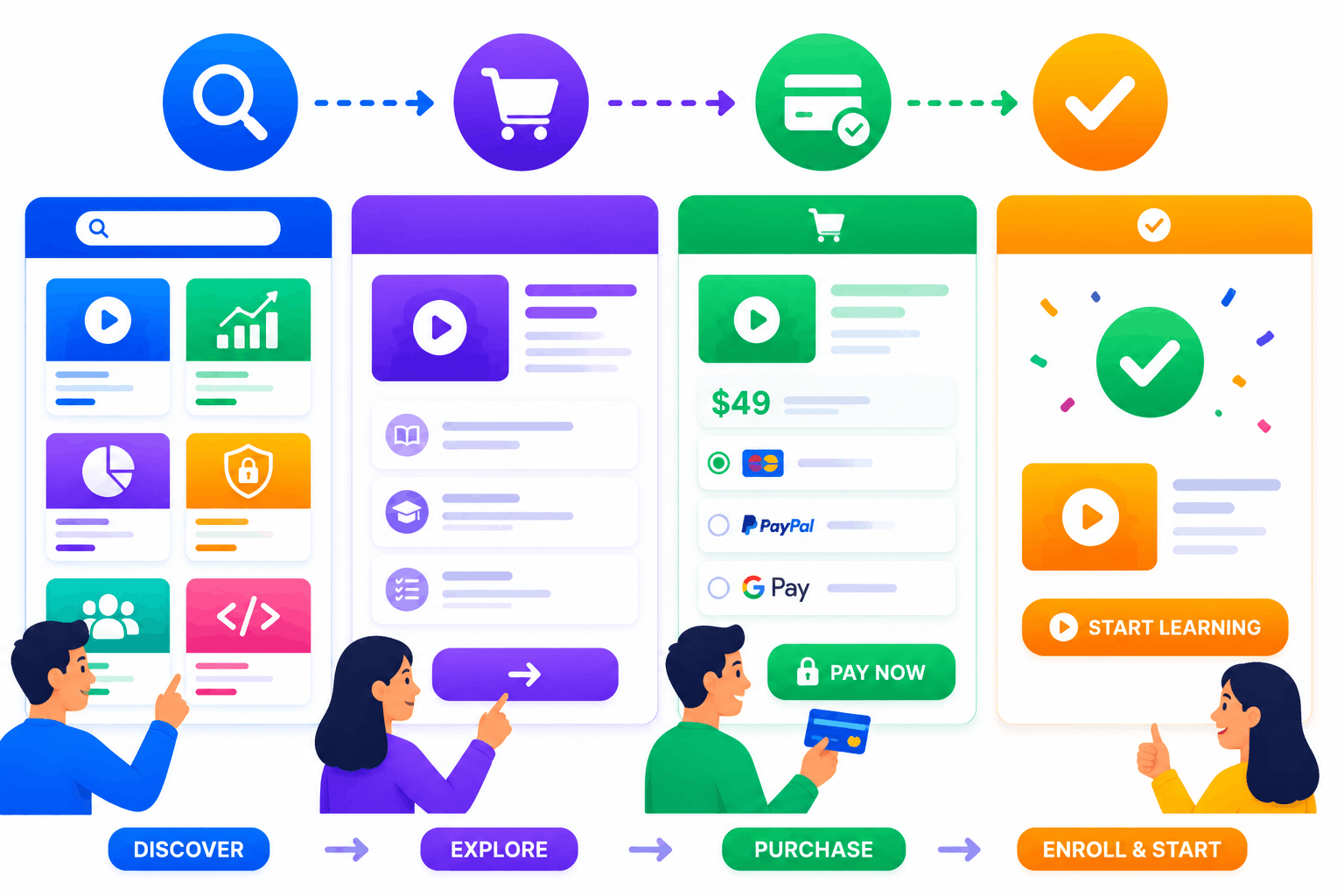
Enable Course Browsing, Purchasing, and Enrollment in One Flow
SimpliTrain’s content library supports a complete learner journey from discovery to enrollment within the catalog. Learners browse available courses, see descriptions and prerequisites, and enroll directly from the catalog view.
If e-commerce is enabled, learners can also purchase courses or learning paths from the same catalog interface without navigating to a separate storefront. This single-flow experience reduces the steps between a learner identifying a course and starting it.
- In-catalog course enrollment
- E-commerce purchase in catalog
- Single discovery to enrollment flow
Manage Your Content Library From the Admin Side With Full Control
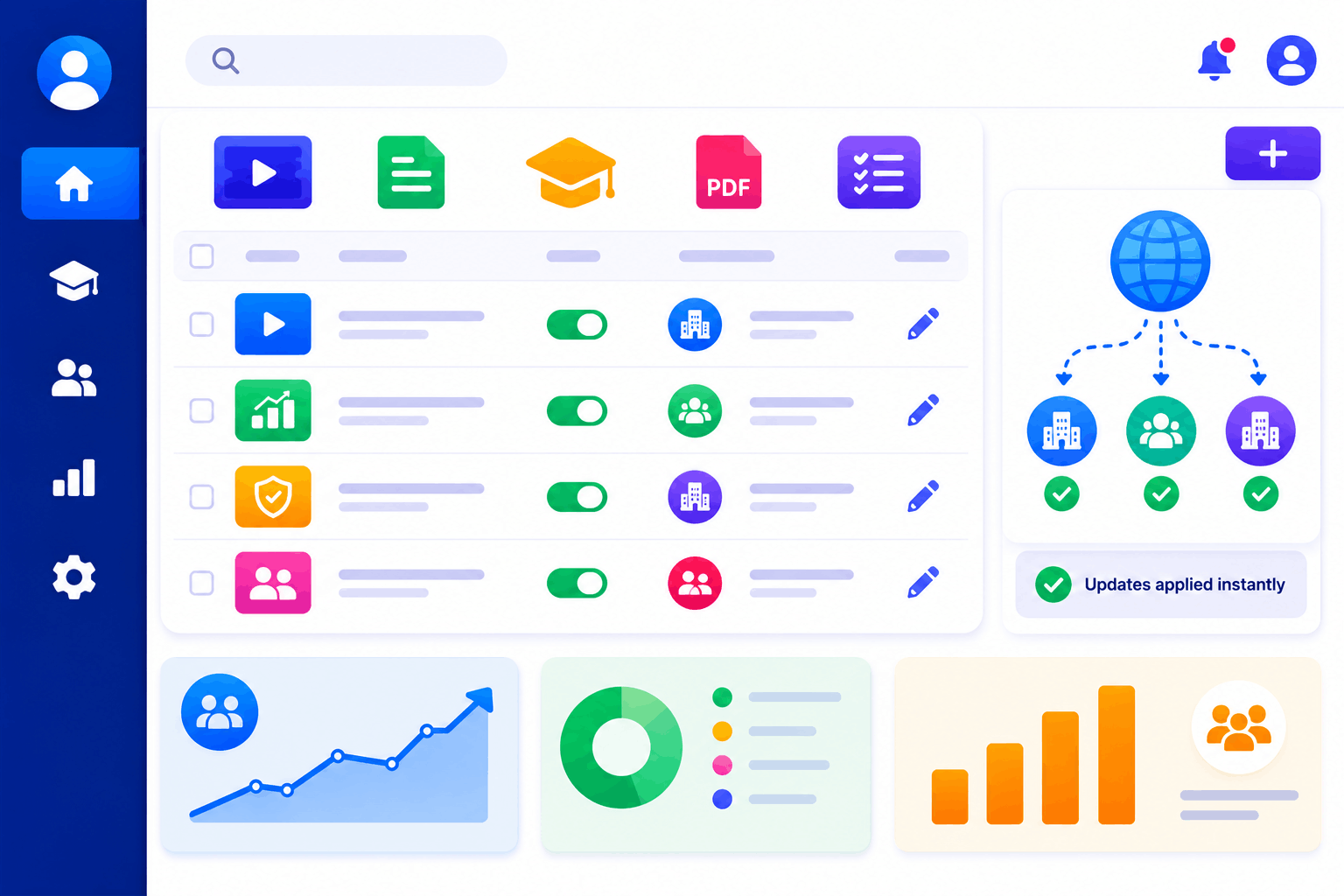
SimpliTrain gives admins a backend content management view where every course in the library is listed, searchable, and manageable from one panel. You publish courses to specific centers, update metadata, adjust visibility, and monitor enrollment activity from the same interface.
For L&D teams managing content across multiple departments or locations, this admin-side control keeps the catalog organised and accurate without requiring individual course-by-course navigation. Content updates apply immediately across every center the course is deployed to.
- Admin-side catalog management
- Per-center content publishing
- Instant metadata updates
Build a Content Library Your Learners Will Actually
Use in SimpliTrain Today!
Frequently Asked Questions
1. How do I add courses to the SimpliTrain content library?
You add courses to the SimpliTrain content library by creating a course record with the relevant metadata, uploading a SCORM file or other content, and publishing it to the centers where it should appear. Externally-hosted courses from another system can also be fetched via API and added to the catalog without file migration.
2. What types of content can appear in the SimpliTrain course catalog?
The SimpliTrain catalog displays natively hosted SCORM courses, instructor-led class programs, blended learning paths, and externally-fetched courses from a client’s own system. If e-commerce is enabled, courses can also be listed with a purchase price visible to learners browsing the catalog.
3. Can SimpliTrain pull in courses from a third-party content provider or existing LMS?
Yes, SimpliTrain can fetch courses from an external system via API and surface them in the catalog alongside native content. For specific third-party content provider integrations, visit simplitrain.com/integrations or discuss your existing content platform during a demo.
4. How does the AI Buddy find courses for a learner in the content library?
The AI Buddy queries your organisation’s specific content library based on what the learner types. It does not search the internet or a generic knowledge base. Results are filtered to courses the learner is eligible to access based on their center and enrollment status.
5. Is the content library and catalog management included in all SimpliTrain plans?
SimpliTrain uses flat-rate pricing based on admin users with no per-course listing fee. The course catalog, AI Buddy discovery, external course API integration, and admin-side content management are all part of the platform. Visit simplitrain.com/pricing for the full plan breakdown.
6. What does a learner experience when they browse the SimpliTrain content library?
Learners see a catalog filtered to their center and eligibility showing course cards with descriptions, format labels, and enrollment or purchase buttons. The AI Buddy is available to help them find relevant courses by describing their learning need. Everything happens within one catalog view without navigating to separate systems.
7. Is content library and catalog data stored securely in SimpliTrain?
All course records, catalog configurations, and learner enrollment activity are stored in SimpliTrain with role-based access controls. Admins access catalog management within their center scope. Contact SimpliTrain for details on data security practices and compliance certifications relevant to your organisation.
