
Integrations
LMS Integrations That Connect to Your Existing Stack
SimpliTrain connects to the tools your team already uses — from Zoom and Microsoft Teams for live training delivery to Salesforce for CRM and Slack for team communication. Whether you need a pre-built connector or a custom API integration, SimpliTrain fits into your existing technology stack without requiring you to rebuild around it.

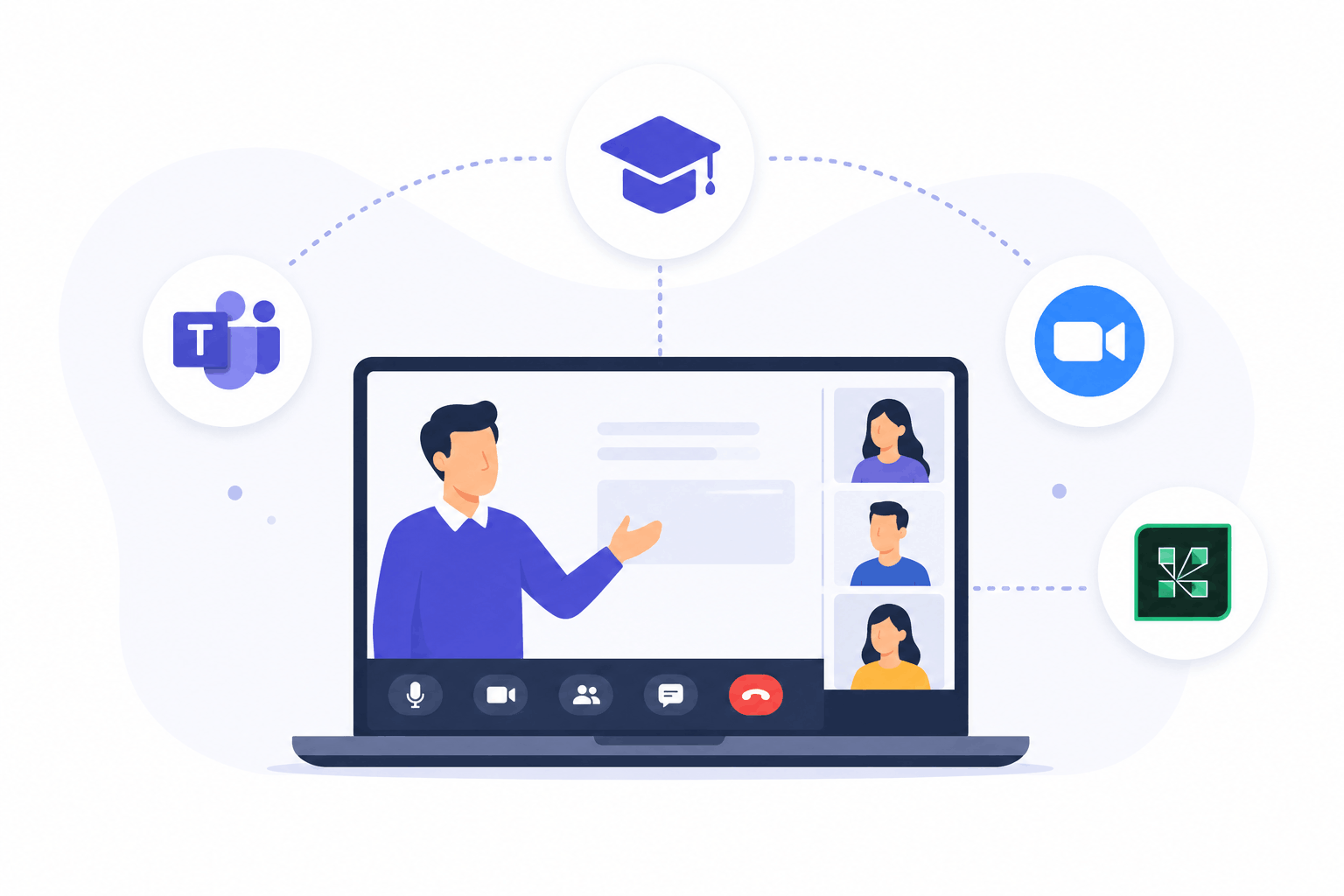
Run Virtual Training on Zoom, Teams, and Adobe Connect
SimpliTrain integrates natively with Microsoft Teams, Zoom, and Adobe Connect for virtual instructor-led training delivery. When you create a virtual class in SimpliTrain, the platform generates the conferencing link automatically and delivers it to every enrolled learner without any manual setup.
You select the platform during class creation, and everything downstream, including join link distribution and attendance recording, stays inside SimpliTrain. For organisations already running on a Microsoft ecosystem, the Teams integration covers both virtual class delivery and a native Teams app that puts SimpliTrain training directly inside the Teams interface, currently in final development.
- Microsoft Teams integration
- Zoom integration
- Adobe Connect integration
Connect Your CRM to Align Sales and Training Operations
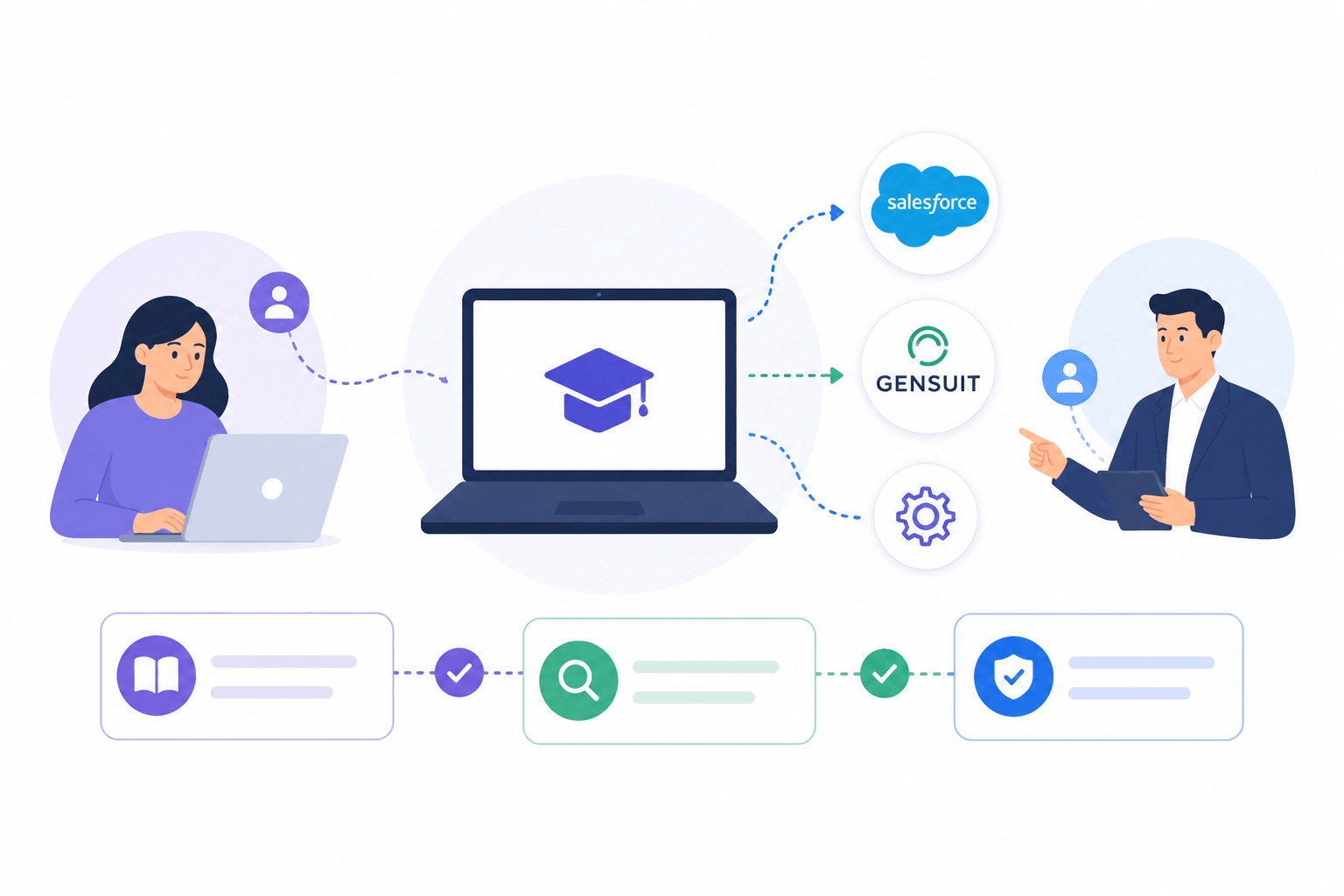
SimpliTrain’s LMS integrations include live CRM connections to Salesforce and GenSuit, already active for current clients. You can align your training enrollment data with your customer or partner records without exporting and importing between systems.
This is particularly useful for training companies running product training or partner certification programs where sales and learning data need to stay in sync. Custom CRM integrations are also available via the SimpliTrain API for organisations using other platforms.
- Catalog-specific responses
- Natural language course search
- Eligibility-filtered results
Keep Teams Aligned with Slack and Collaboration Tool Integrations
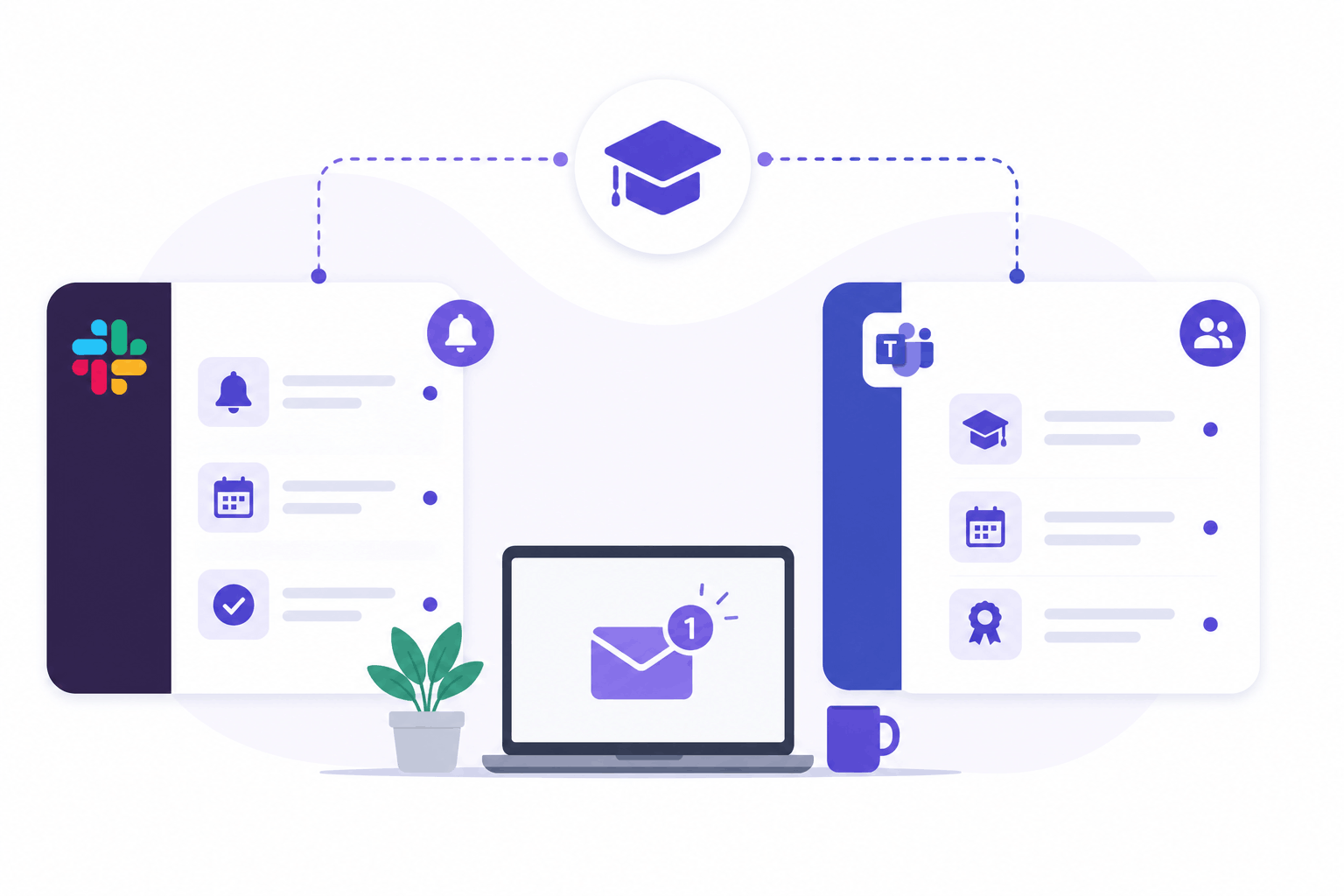
SimpliTrain’s Slack integration is in active development, extending training notifications and engagement into the channels your team already monitors. Learners will receive course reminders, class alerts, and completion confirmations directly inside Slack without switching to a separate platform.
For organisations using Microsoft Teams as their primary collaboration tool, the Teams app integration brings the full SimpliTrain learner experience inside Teams itself.
- Slack notifications (coming soon)
- Teams app integration
- In-channel training alerts
Build Custom LMS Integrations Through a Public API Layer
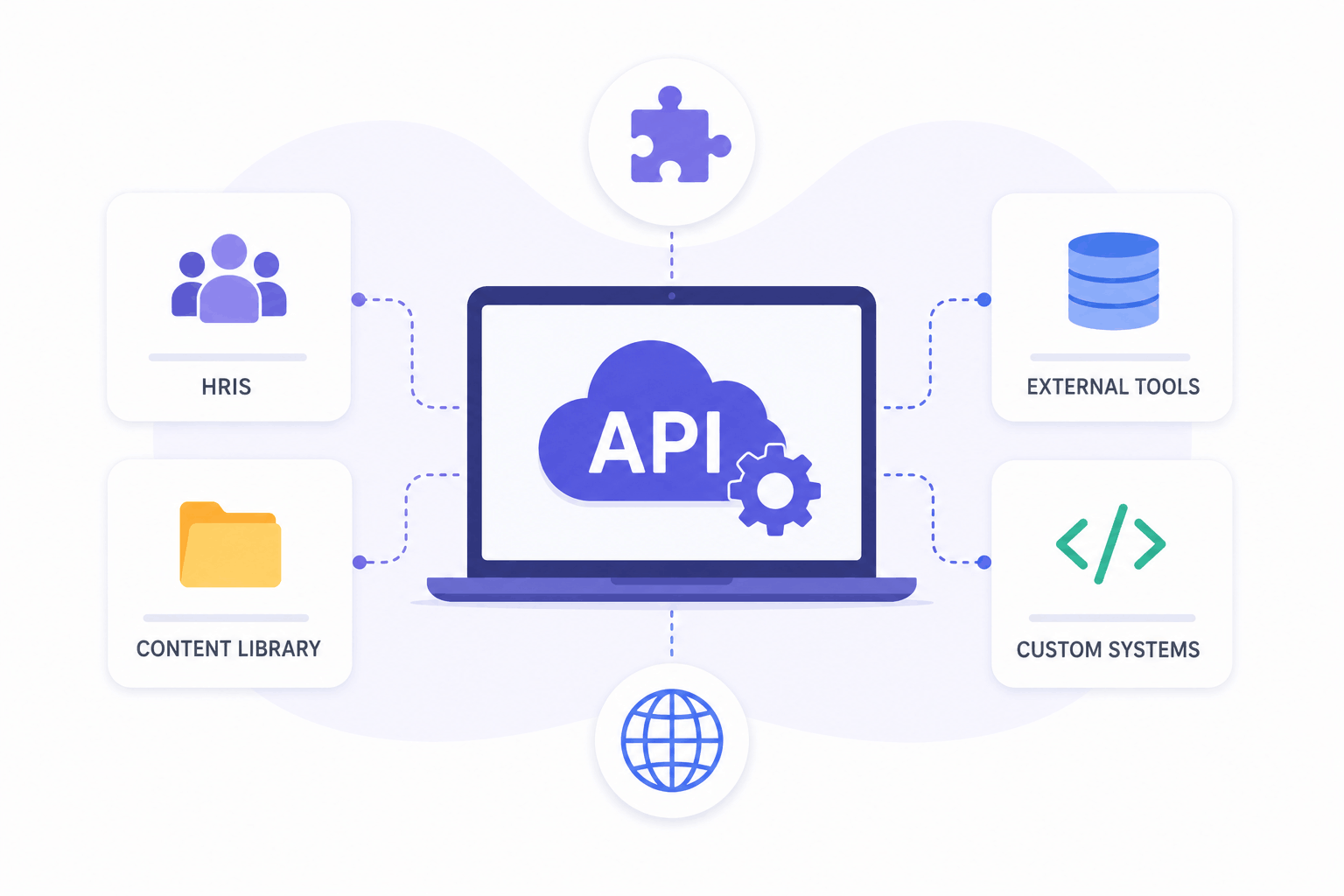
SimpliTrain is built on an API-first architecture, with a fully public API layer across the ecosystem on the near-term roadmap. You can connect SimpliTrain to any external system your organisation uses, including HRIS platforms, content libraries, or proprietary tools, without waiting for a pre-built connector. This gives your technical team full control over how SimpliTrain fits into your stack.
- API-first architecture
- Custom integration support
- External catalog connection
One Ecosystem Across SimpliTrain, SimpliAssess, and SimpliAuthor
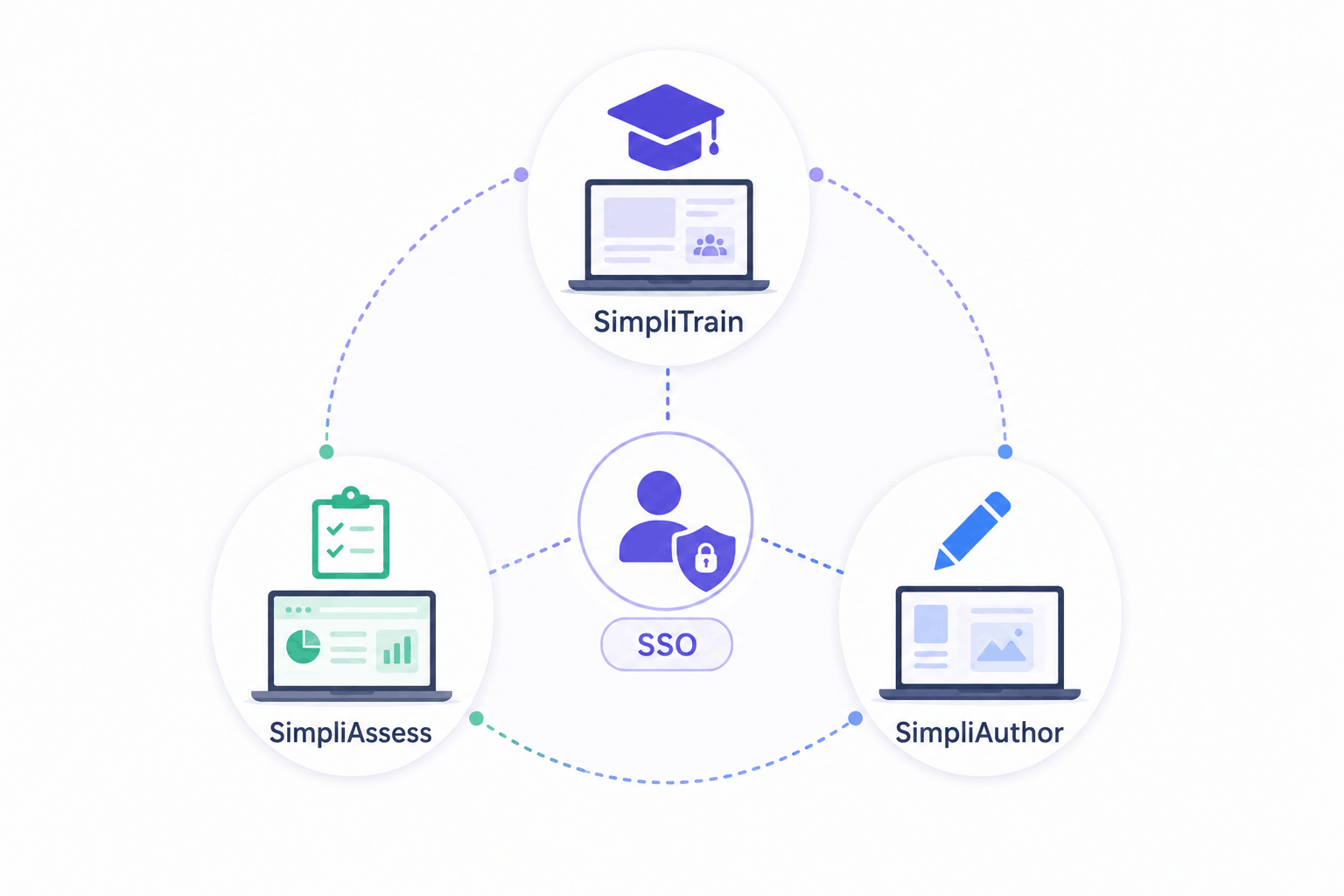
SimpliTrain operates as part of a connected product ecosystem that includes SimpliAssess for advanced assessments and SimpliAuthor for content creation. All three products share a common architecture, so data moves between them without manual export or re-entry.
For organisations that need to author content, assess learners, and deliver training in one connected workflow, the ecosystem removes the gaps that typically appear between separate point solutions. SSO is actively rolling out across the ecosystem, which means one login will cover every product your team uses.
- SimpliAssess integration
- SimpliAuthor integration
- SSO across ecosystem
Connect SimpliTrain to Your Stack and Start
Training Today!
Frequently Asked Questions
1. How do I get started with integrations in SimpliTrain?
Learners access SimpliTrain through any mobile browser without needing to download a separate app. The learner interface is fully responsive and adapts to any screen size, keeping the experience consistent across devices.
2. Which video conferencing platforms does SimpliTrain support for live training?
Learners can view enrolled courses, check upcoming class schedules, track completion progress, see assessment scores, access certificates, and use the AI Buddy to search or get course recommendations. Everything is available from one mobile-optimised view.
3. Can SimpliTrain integrate with our existing CRM or HRIS platform?
SimpliTrain supports SCORM-compliant content and integrates with Microsoft Teams, Zoom, and Adobe Connect for virtual classes. For a full list of supported integrations, visit simplitrain.com/integrations.
4. How does the API integration work for connecting external content catalogs?
The AI Buddy is a chatbot inside the learner interface that answers questions and makes course recommendations using only your organisation’s content library. Learners type a query in natural language and receive relevant results filtered to courses they are eligible to access.
5. Do LMS integrations cost extra on SimpliTrain?
Yes, the learner dashboard and AI Buddy are part of the SimpliTrain platform. Pricing is based on admin users with no per-learner charge, so your entire workforce can access the mobile learner experience regardless of team size. Visit simplitrain.com/pricing for plan details.
6. What will the Microsoft Teams app integration give learners access to?
Learners can view their assessment scores, course completion status, and earned certificates directly from their SimpliTrain mobile dashboard. No admin action is needed to share this information with them.
7. Is data transferred through SimpliTrain integrations kept secure?
All learner data in SimpliTrain, including progress records, scores, and certificates, is stored with role-based access controls. Learners only see their own data. Contact SimpliTrain for details on data security practices and compliance certifications relevant to your industry.
