
Attendance and Tracking
Attendance and Tracking for Every Training Format
SimpliTrain gives you a single view of every learner’s progress, across self-paced courses, live instructor-led sessions, and blended programs. From LMS attendance and course completion to assessment scores and certificate issuance, every data point is captured automatically and available the moment you need it.

Know Every Learner's Attendance Status Across All Sessions
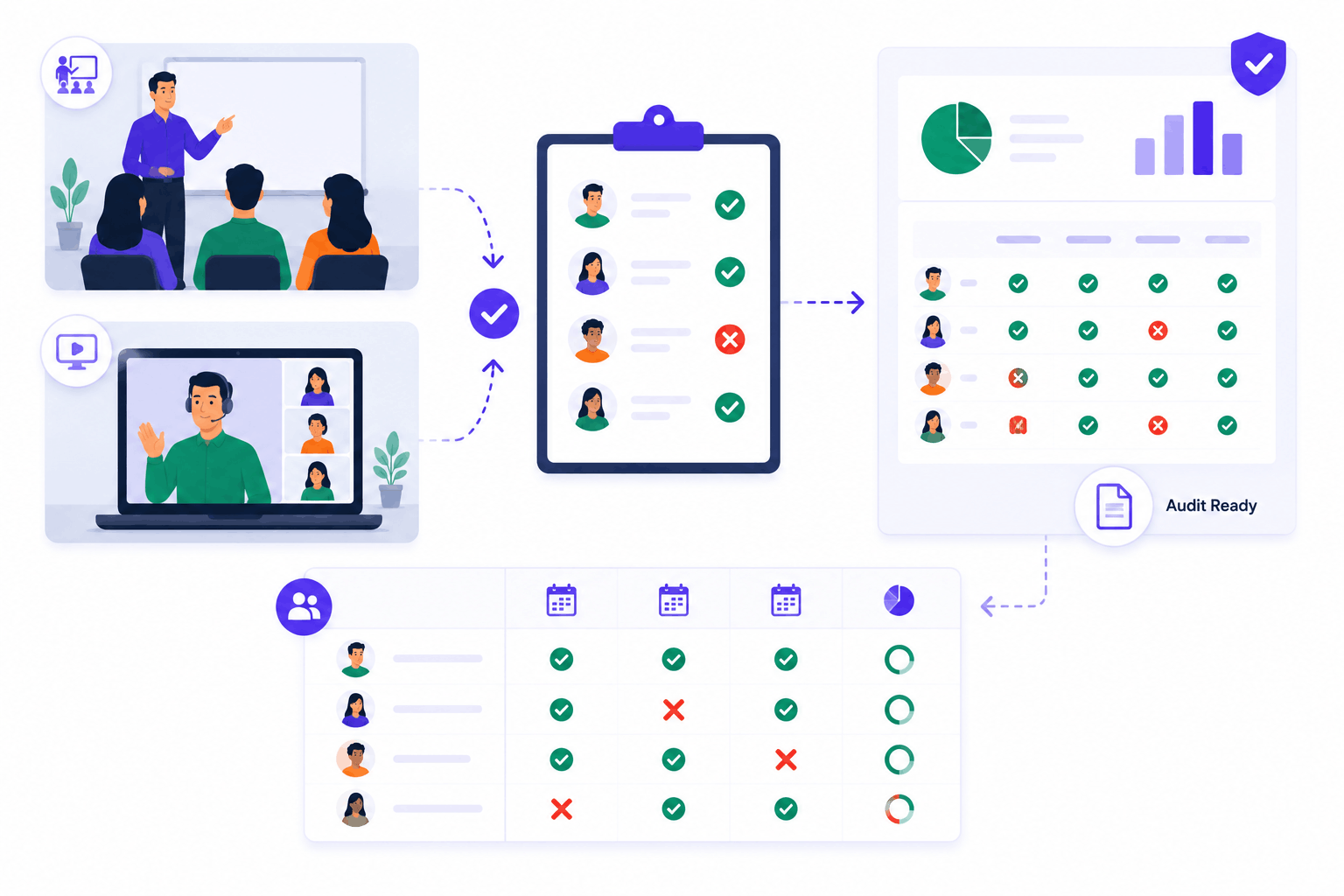
SimpliTrain lets instructors record attendance directly inside the platform for every class session, whether physical or virtual. Each session gets its own attendance record, so a multi-session program shows you exactly which sessions each learner attended and which they missed.
Attendance data rolls up to the admin reporting view automatically, giving managers a clear per-learner and per-cohort picture. For compliance-driven industries, this means your attendance records are always current and ready for an audit without any manual data collection.
- Per-session attendance records
- Cohort attendance view
- Audit-ready attendance logs
Track Course Completion for Every Self-Paced SCORM Module
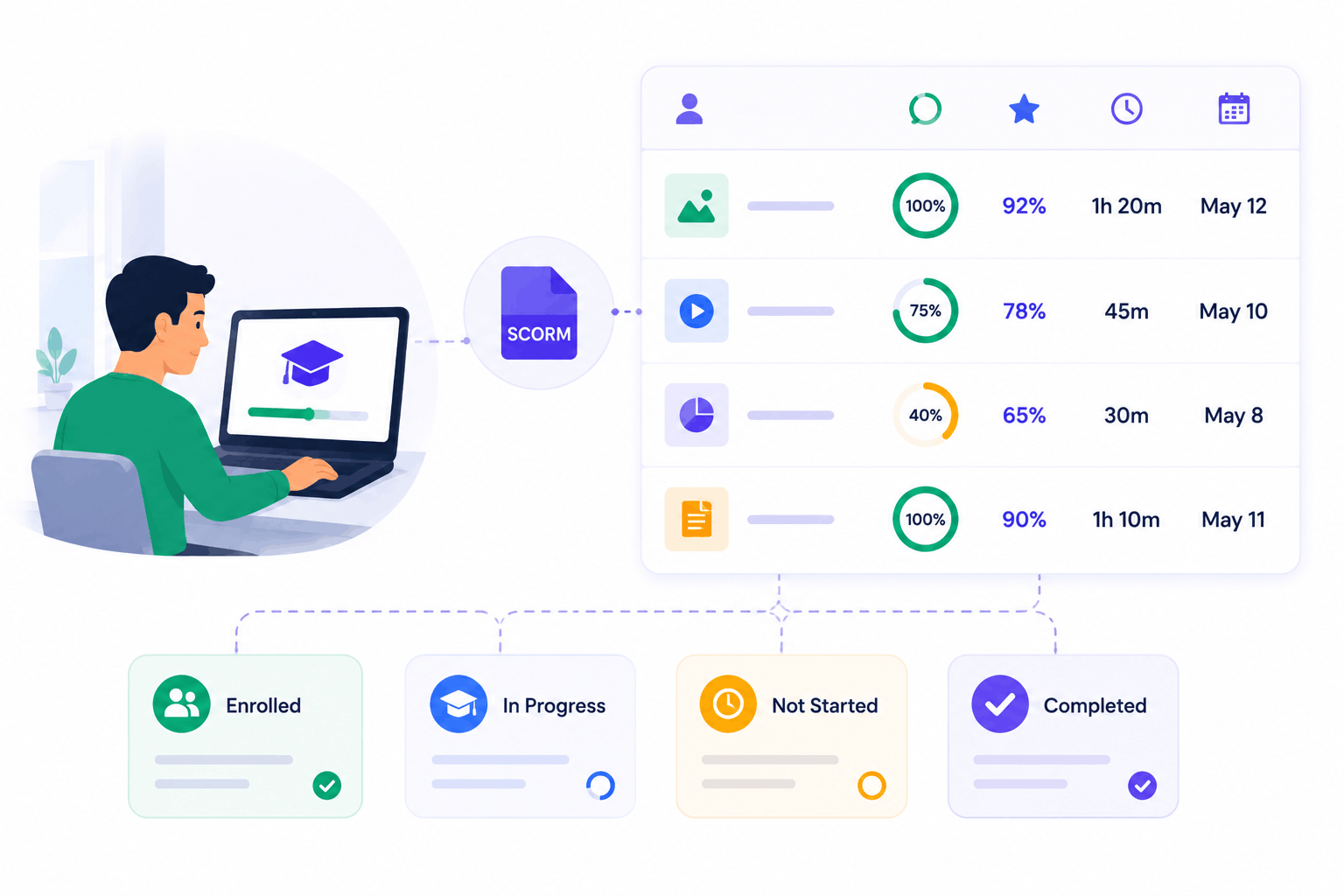
SimpliTrain tracks completion status, assessment scores, and time spent for every SCORM course a learner is enrolled in. The platform captures this data at the module level, so you see not just whether a course was finished but how the learner performed along the way.
Enrollment status, completion percentage, and last activity date are all visible in the admin reporting panel. This makes SimpliTrain a reliable training tracking tool for employee development programs that span multiple courses over time.
- SCORM completion tracking
- Score and time capture
- Enrollment status visibility
Set Completion Conditions That Trigger Certificate Issuance
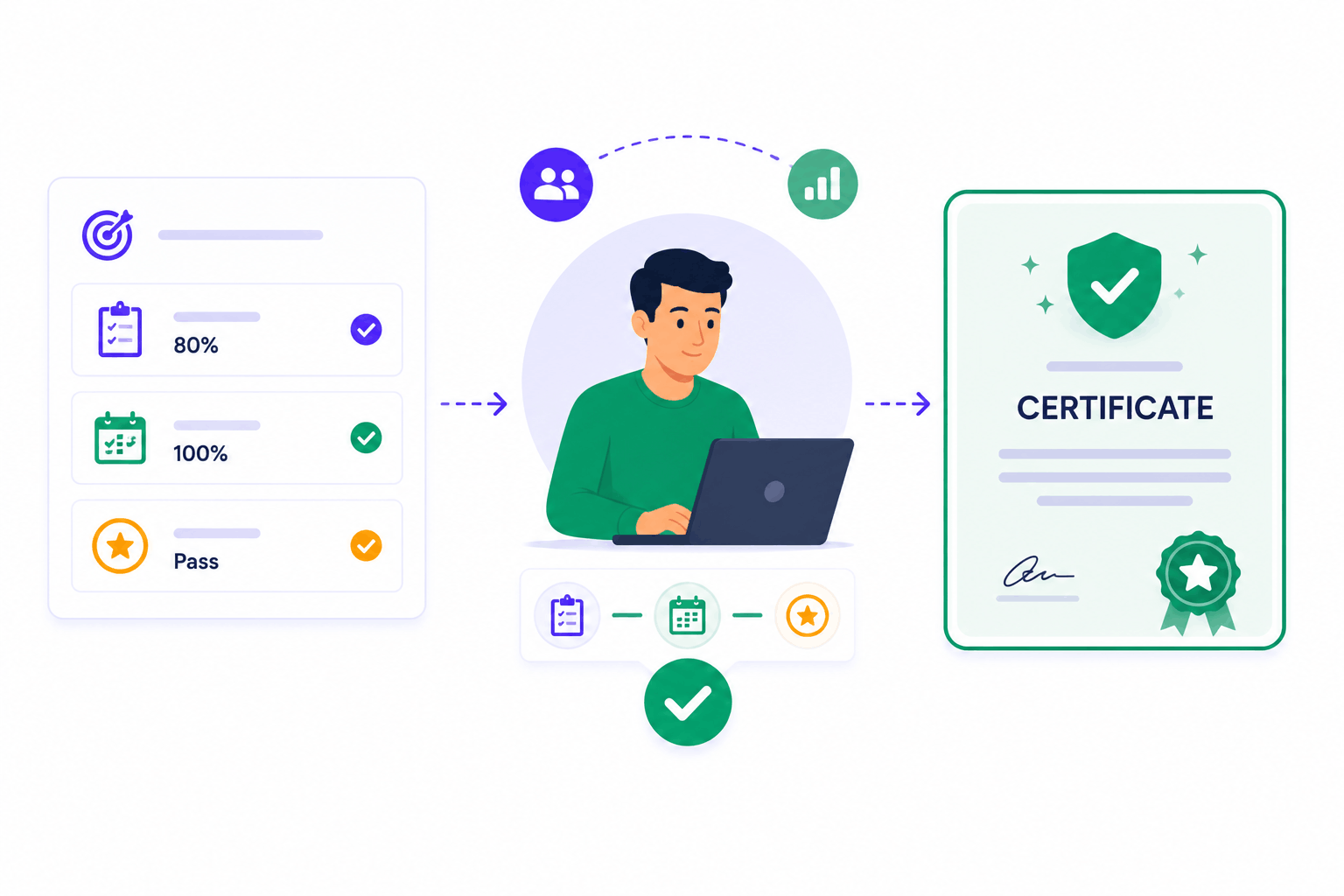
SimpliTrain connects attendance and tracking data directly to certificate issuance through configurable completion conditions. You define what counts as complete for each course or learning plan, whether that is a minimum score, full attendance across sessions, or both. When a learner meets every condition, the certificate is issued automatically without any manual step on your end.
- Per-course completion rules
- Learning plan conditions
- Automatic certificate issuance
Monitor Compliance Training Progress Across Your Entire Organisation
SimpliTrain gives admins a compliance monitoring view that shows which learners have completed mandatory training and which have not. You filter by course, by team, or by deadline to see exactly where gaps exist. Overdue and incomplete statuses are flagged clearly so you can act before a compliance deadline passes.
- Compliance status dashboard
- Overdue learner flagging
- Team and course filters

Pull Audit-Ready Reports Without a Manual Spreadsheet Chase
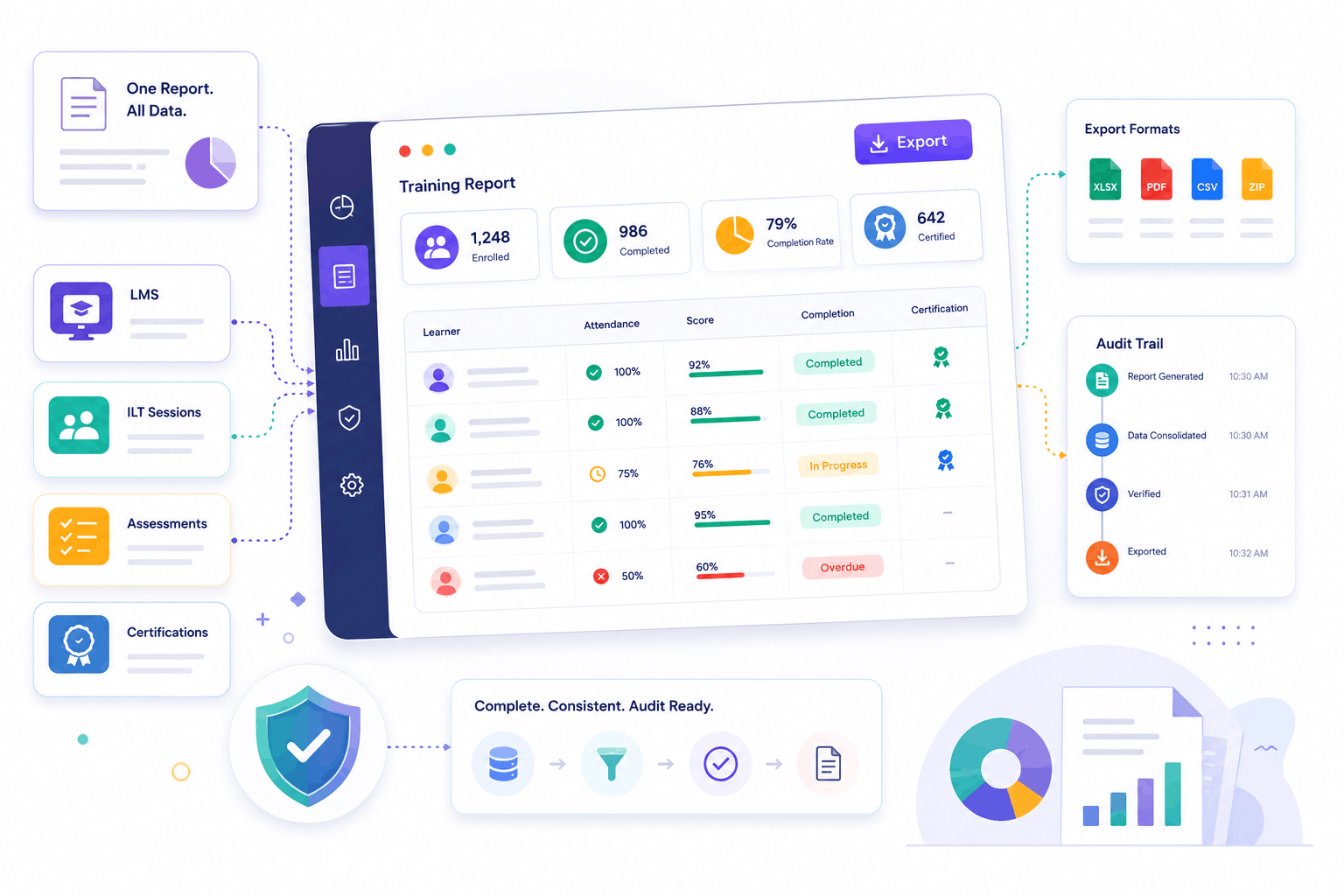
SimpliTrain generates training reports that cover attendance, completion, scores, and certification status in one exportable view. Regulated industries including healthcare, manufacturing, and financial services need this level of detail ready at any moment.
You are not assembling data from separate systems or chasing instructors for spreadsheets before an audit. Every record captured in SimpliTrain, from LMS attendance on a SCORM module to sign-off on an instructor-led compliance session, is available in one report.
- Exportable training reports
- Cross-format data in one view
- Compliance audit trail
Get Full Training Visibility Across Your Team in
SimpliTrain Today!
Frequently Asked Questions
1. How do I start tracking attendance and completion in SimpliTrain?
Attendance and completion tracking are active by default once you create courses and classes in SimpliTrain. Instructors mark attendance per session inside the platform, and SCORM course completions are captured automatically as learners progress through their modules.
2. What training formats does SimpliTrain track for completion and attendance?
SimpliTrain tracks attendance for physical and virtual instructor-led classes and completion status for SCORM self-paced courses. Both are visible in the same admin reporting panel, so you get a full picture regardless of the training format.
3. Does SimpliTrain integrate with HR or payroll systems for compliance reporting?
SimpliTrain supports integrations with third-party tools. For specific HR system compatibility, visit simplitrain.com/integrations or raise the question during your demo so the team can confirm the right setup for your organisation.
4. How does certificate issuance connect to attendance and tracking data?
You set completion conditions for each course or learning plan, such as a minimum assessment score or full session attendance. When a learner meets all conditions, SimpliTrain issues the certificate automatically without requiring any manual action from an admin.
5. Is attendance and tracking included in all SimpliTrain plans?
SimpliTrain uses flat-rate pricing based on admin users, not per learner. Attendance tracking, completion reporting, and certificate issuance are part of the platform. Full plan details are at simplitrain.com/pricing.
6. What does a learner see about their own progress and attendance?
Learners can see their own course completion status, attendance record across class sessions, assessment scores, and any certificates earned from their SimpliTrain dashboard. Everything is in one place without needing to contact an admin.
7. How secure are attendance records and compliance training data in SimpliTrain?
All training records in SimpliTrain, including attendance logs, completion data, and assessment results, are stored with role-based access controls. Admins and managers access reports within their permission level. Contact SimpliTrain for details on data retention policies and compliance certifications for your industry.
