
Trainer and Resource Allocation
Trainer and Resource Allocation Without the Back-and-Forth
SimpliTrain gives training coordinators a complete instructor management system for assigning instructors to every class, tracking who is responsible for each session, and keeping your training operations running without the spreadsheet-and-email cycle.
From primary instructor assignment to backup coverage, every class in your TMS has a named person accountable for delivery.

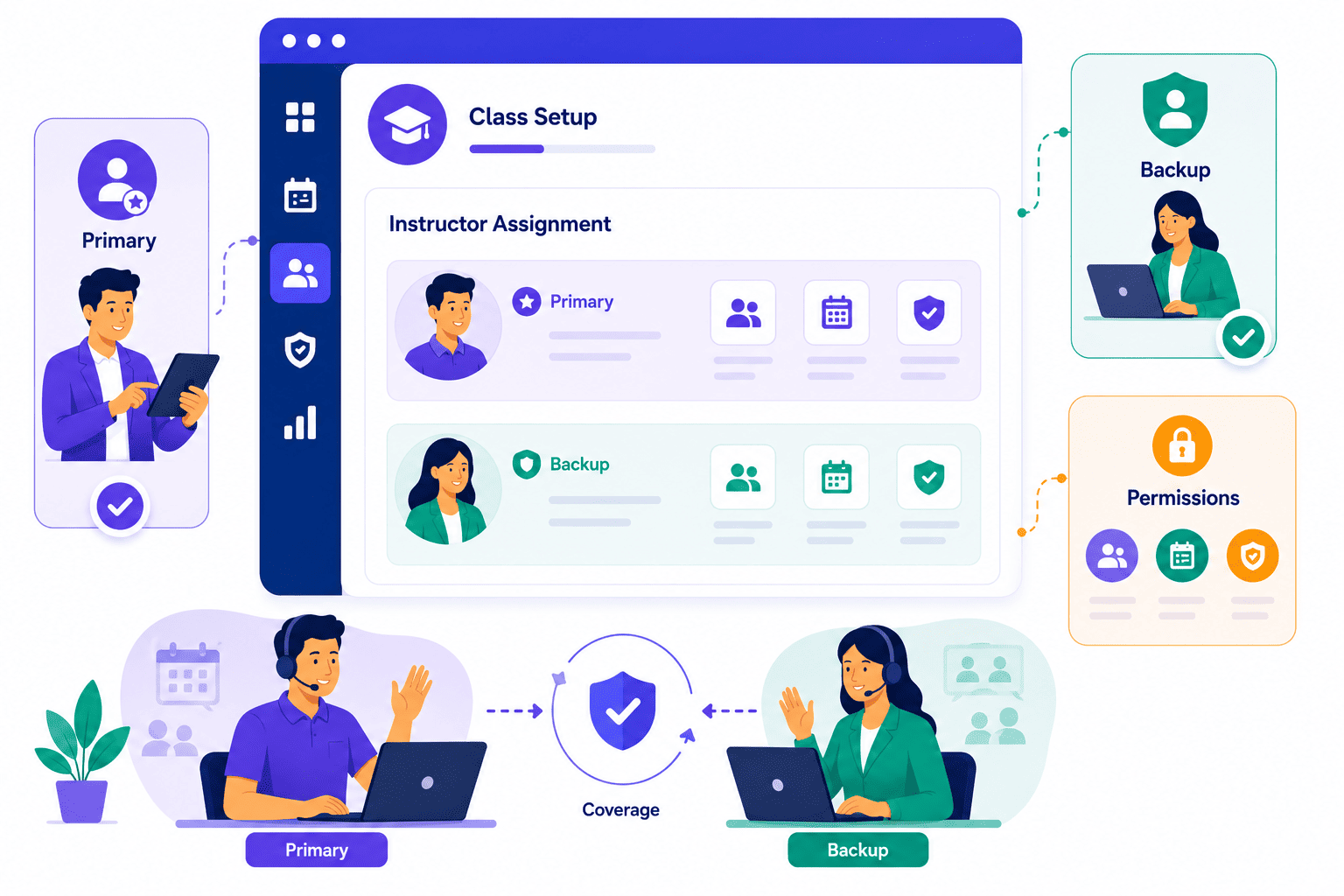
Assign Primary and Backup Instructors to Every Class
SimpliTrain lets you assign both a primary instructor and a secondary instructor to every class at the point of creation, so there is always a named backup if the lead trainer is unavailable. Each instructor is a defined user role in the system with specific permissions scoped to their sessions. The primary instructor runs the session and records attendance; the secondary instructor has the same access and can step in without any admin intervention.
Whether you are running internal training programs or external-facing instructor-led courses, coverage continuity matters. For training programs running over multiple sessions or months, this two-instructor structure removes the operational risk of a last-minute cancellation derailing the whole program.
- Primary instructor assignment
- Secondary backup instructor
- Role-scoped permissions
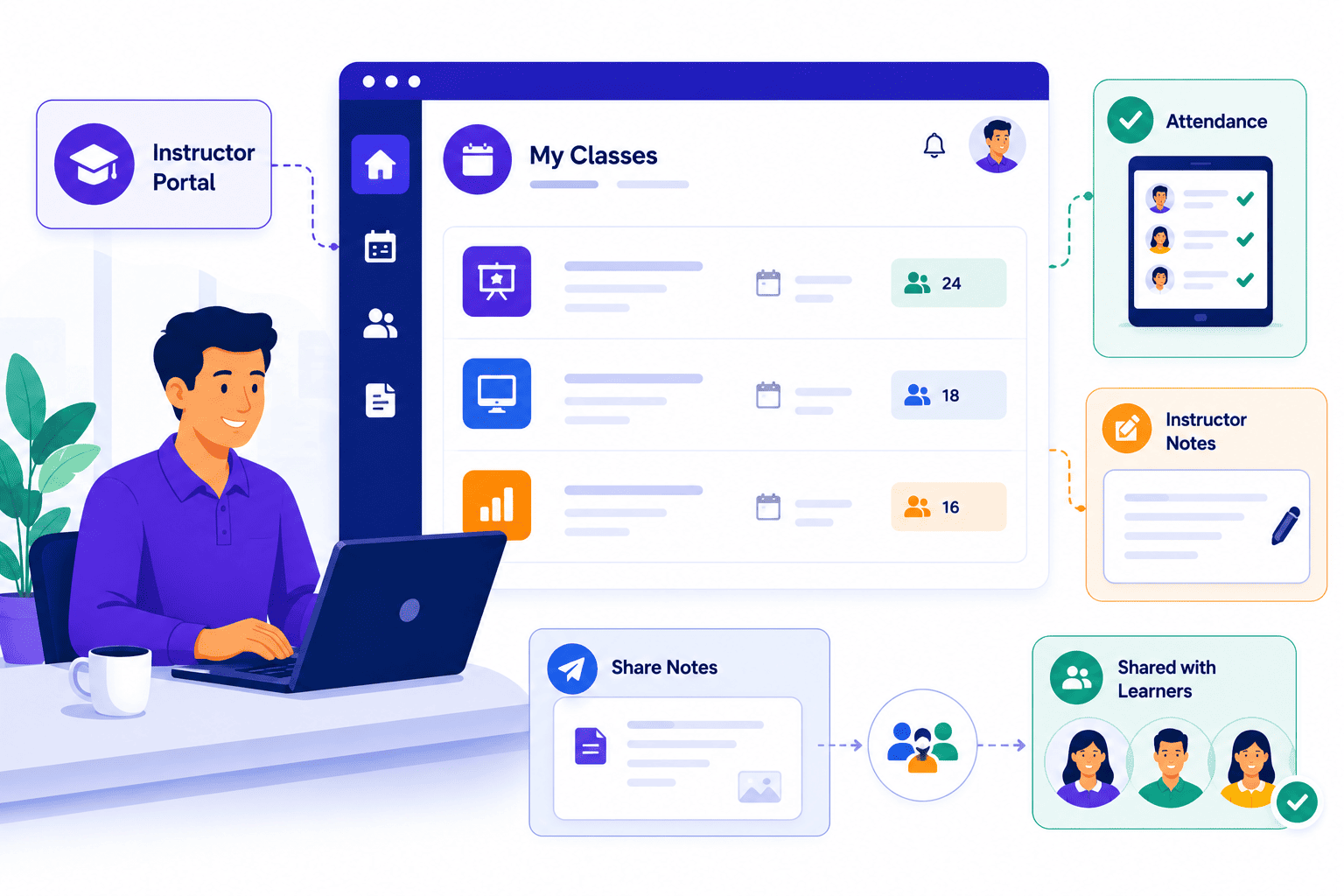
Give Instructors the Right Tools Through a Dedicated Instructor Portal
Trainer and resource allocation in SimpliTrain does not stop at assignment. Instructors get access to their session roster, attendance marking, and in-class note creation directly from within the platform. Instructors access everything they need through their own instructor portal, no admin credentials, no separate system.
Notes written during or after a class can be shared directly with enrolled learners, turning the instructor’s role from a logistical assignment into an active content delivery function within the TMS.
- In-platform attendance marking
- Instructor note creation
- Learner note sharing
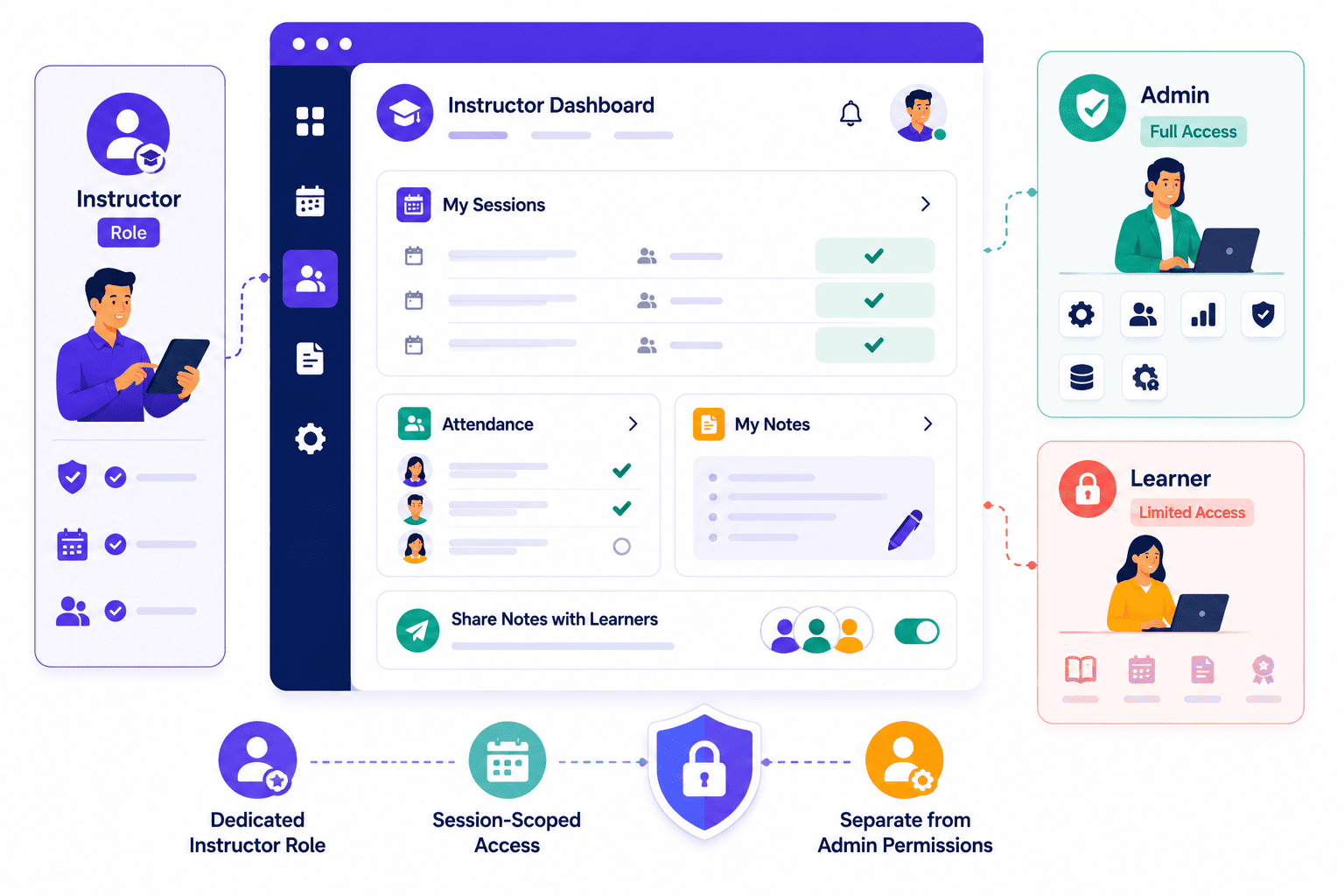
Control Trainer Access with Purpose-Built Instructor Permissions
Instructor is a dedicated user role in SimpliTrain with permissions that are distinct from both admin and learner roles. You assign this role to a staff member when creating a class, and that person gains access only to what they need for that session.
This keeps your training management system clean, your data protected, and your managed admin workload low by preventing instructors from accessing settings outside their scope.
- Dedicated instructor role
- Session-scoped access
- Separate from admin permissions
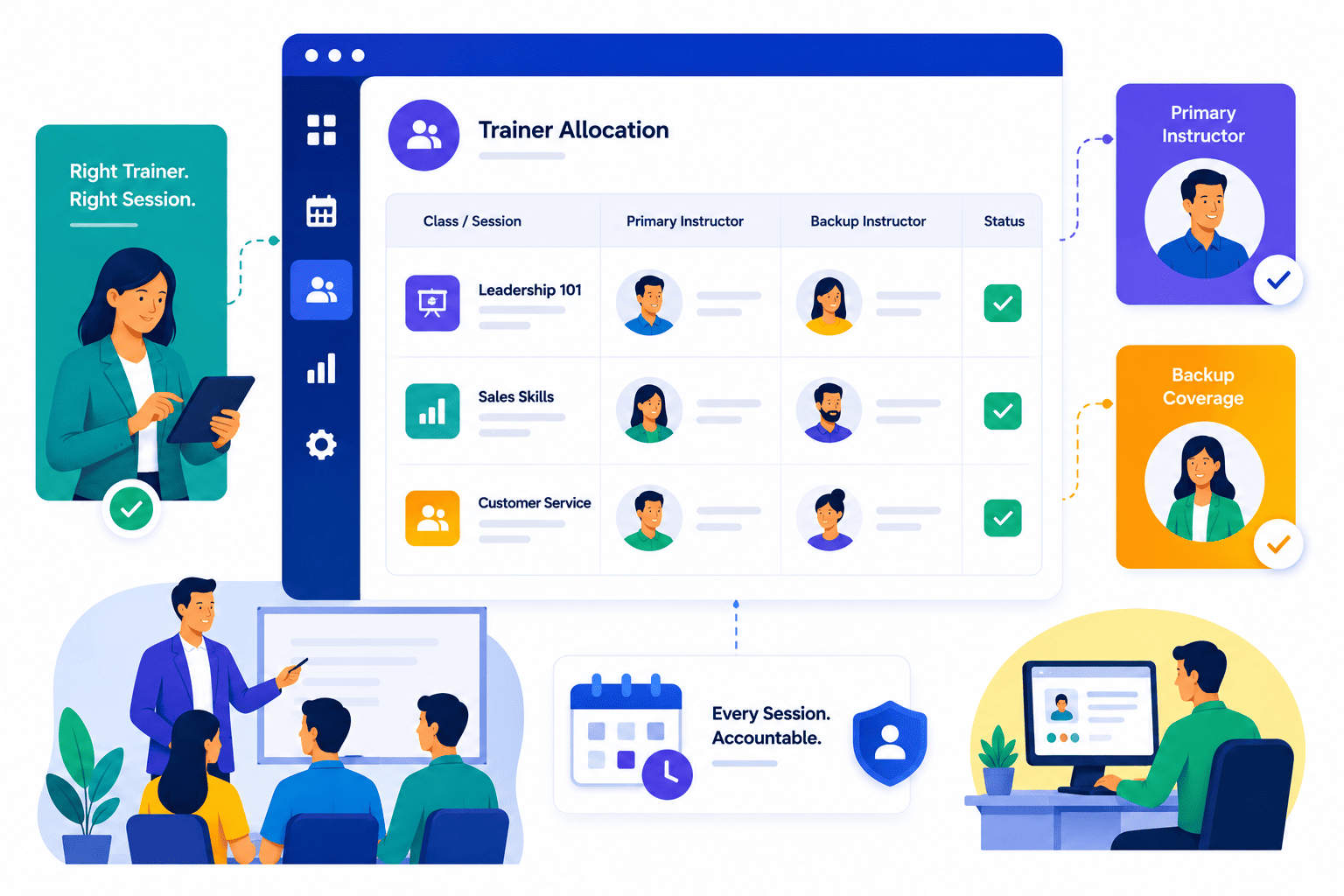
Trainer Allocation Happens at Class Creation, Not as an Afterthought
SimpliTrain makes trainer assignment a required step in the class creation workflow, not an optional field to fill later.
You set the primary and secondary instructor before the class goes live, so every session is covered from the moment it is scheduled. This prevents the most common resource allocation failure in TMS operations: sessions published without a confirmed trainer.
- Assignment at class creation
- Required field enforcement
- No unassigned sessions published
Replace Trainer Coordination Emails With a System of Record
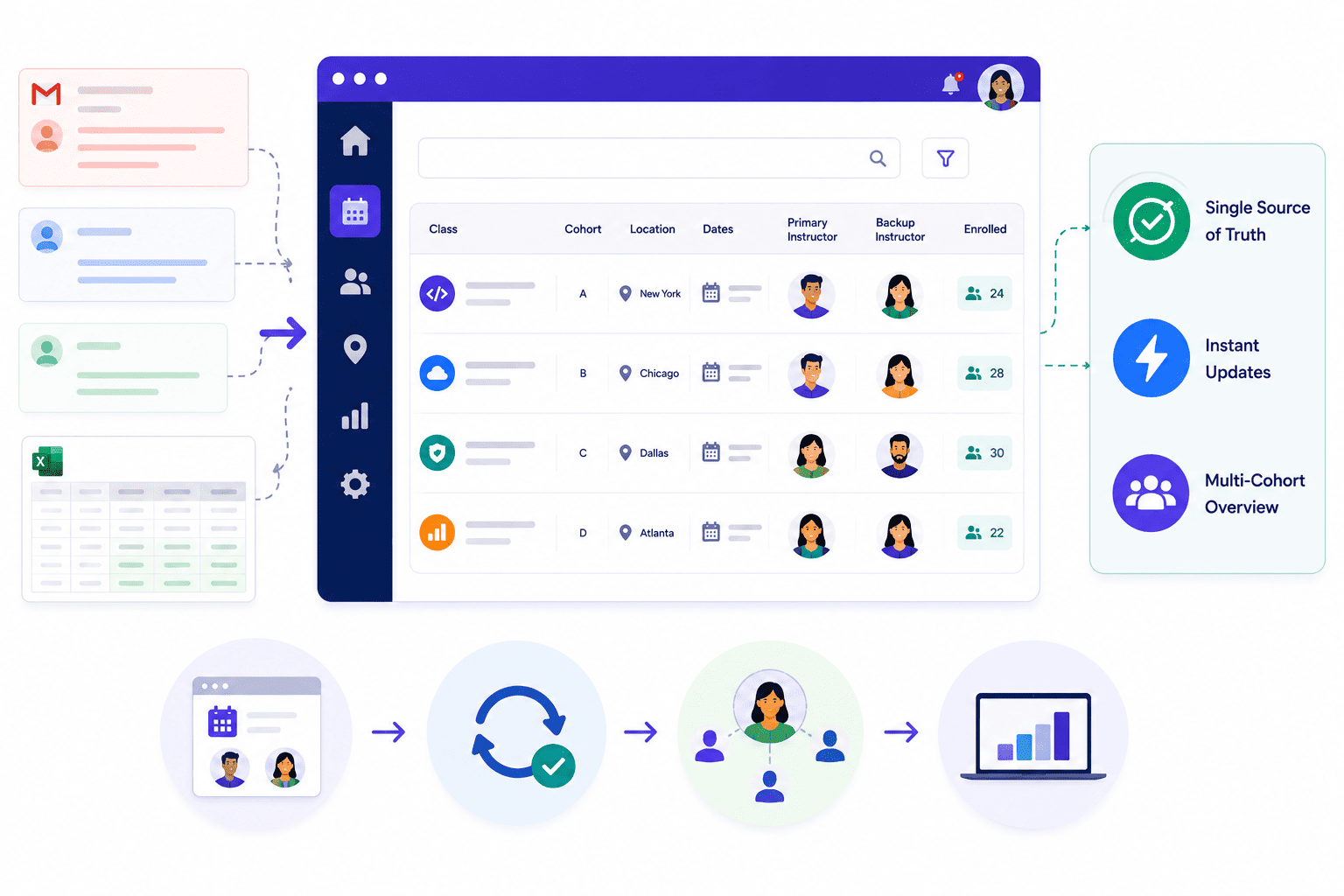
Training coordinators who manage instructor-led programs across multiple sessions, locations, and cohorts spend a significant portion of their week on trainer logistics rather than program design. SimpliTrain acts as the single source of truth for who is assigned to what, replacing the back-and-forth email thread and the shared spreadsheet that most teams currently rely on. This is especially valuable for teams managing skills trainers across multiple cohorts or locations.
Every class record in SimpliTrain shows the assigned instructors, session details, and enrollment count in one view. When a trainer changes, the update happens inside the platform and the record reflects immediately across all admin views without any manual reconciliation. The result is a managed resource view that replaces the disconnected tools most training teams patch together.
- Single trainer record view
- Instant assignment updates
- Multi-cohort trainer overview
Stop Coordinating Trainers by Email Use SimpliTrain Today!
Frequently Asked Questions
1. How do I assign a trainer to a class in SimpliTrain?
Trainer assignment happens during class creation in SimpliTrain. You select a primary instructor and an optional secondary instructor from the list of users who hold the instructor role in your system. Both can be updated by an admin at any point before or during the program.
2. What can an instructor do once assigned to a class in SimpliTrain?
Instructors can view their session roster, mark attendance for each learner, and add in-class notes that can be shared with enrolled students. They access only the sessions they are assigned to, with no visibility into admin-level settings or other classes.
3. Does SimpliTrain integrate with calendar tools for trainer scheduling?
SimpliTrain session scheduling captures date, time, timezone, and training delivery method for every session, including ILT, vILT, and blended formats. For calendar integration specifics, visit simplitrain.com/integrations or raise it during your demo so the team can confirm the right setup for your organisation.
4. How does the primary and secondary instructor setup work for a long program?
You assign both a primary and a secondary instructor at the class level, and both have identical session-level permissions. If the primary instructor is unavailable for a session, the secondary instructor can step in and record attendance or add notes without any admin intervention being required.
5. Is trainer and resource allocation included in all SimpliTrain plans?
SimpliTrain uses flat-rate pricing based on admin users with no per-trainer or per-class fee. Instructor assignment, role management, and session-level access controls are included in the platform. Visit simplitrain.com/pricing for full plan details.
6. Do learners see who their instructor is before the class starts?
Learners can see their enrolled class details from their SimpliTrain dashboard, including session dates, delivery format, and the assigned instructor name. This gives them the context they need before a session without any additional communication from the admin team.
7. Is instructor and trainer data secure within SimpliTrain?
All instructor assignments, session records, and class notes in SimpliTrain are stored with role-based access controls. Instructors access only their assigned sessions. Contact SimpliTrain for details on data security practices and any compliance certifications relevant to your industry or region.
